12 Best Clear iPhone Cases
12 Best Clear iPhone Cases


Finding a great affordable laptop in 2026 doesn’t mean you have to settle for something slow and flimsy. I’ve tested dozens of budget machines this year, and the performance you can get for under $800—and even under $500—is frankly staggering. Processors from Apple, AMD, and Qualcomm are pushing battery life and performance to new levels, completely changing the game for students and everyday users.
You don’t need to spend a grand to get a laptop that feels premium. The key is knowing where the compromises are made. Is it a dimmer screen? A plastic chassis instead of aluminum? Fewer ports? As long as you prioritize what matters most—be it battery life for classes or a decent processor for multitasking—you can find a fantastic deal.
I’ve spent weeks using these laptops for everything from writing articles and editing photos to casual gaming and streaming. These are the affordable laptops that stand out from the pack, offering the best balance of price, performance, and build quality on the market right now.

The Apple MacBook Neo starts at just $599, and it’s the laptop I’m recommending to every student heading to college. Apple finally delivered a true budget-friendly MacBook that doesn’t feel cheap. It’s wrapped in the same solid aluminum chassis we expect, but the real story is the chip inside.
The new A18 Pro chip is a workhorse. In my testing, it easily outperforms the old M1 chip and even keeps pace with the M2 in most productivity apps. I got over 13 hours of real-world use on a single charge, which is more than enough for a full day of classes and studying. The 13-inch display is bright and vivid, making it great for everything from spreadsheets to Netflix.
The Downside: To hit that price, Apple cut a few corners. There’s no backlit keyboard, which is a real bummer for late-night work sessions. It also lacks Thunderbolt support, sticking to standard USB-C ports.
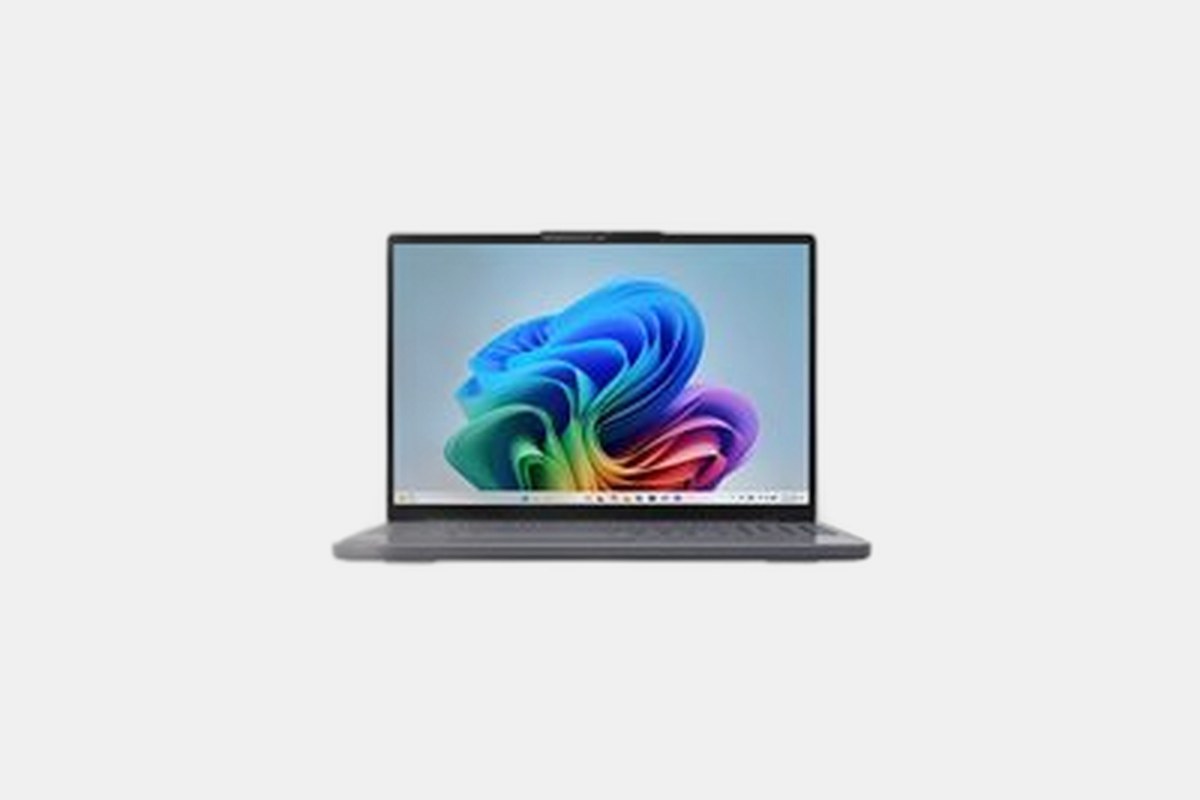
For Windows users who value battery life above all else, the Lenovo IdeaPad Slim 3x is the answer. This $749 machine is one of the first affordable laptops powered by Qualcomm’s Snapdragon X processor, and the efficiency is unreal. I consistently clocked over 16 hours of mixed use—it just refuses to die.
Paired with 16GB of RAM, the Snapdragon chip handles Windows 11 and all my daily apps without a stutter. The 15.3-inch touch display is roomy, and the keyboard is classic Lenovo: comfortable, responsive, and it includes a full number pad, which is a huge plus for anyone working with data.
The Downside: The display is the weak link here. It’s a fine IPS panel, but with a brightness under 300 nits, it can be tough to use in a bright room or near a window.
At around $500, the ASUS Vivobook 16 is an absolute workhorse for the price. This 2026 model still holds up incredibly well, offering a huge 16-inch 1080p screen and a powerful AMD Ryzen 7 processor that chews through multitasking and office work without breaking a sweat.
What I love about this machine is the focus on fundamentals. The build is surprisingly sturdy, the keyboard is comfortable for long typing sessions, and it even has a fingerprint sensor for quick logins. Plus, the RAM is user-upgradable, so you can easily pop it open and expand to 16GB if you buy a lower-spec model.
The Downside: Much like other laptops in this price range, the screen is just okay. It’s perfectly usable indoors but gets washed out in direct sunlight or brightly lit environments.
If your budget is locked under $300, the Acer Aspire Go 15 is your best bet. For just $299, you get a full-size 15.6-inch laptop that capably handles the basics: web browsing, email, writing documents, and streaming video. You have to keep your expectations in check, but it gets the job done.
The two things that impressed me most were the keyboard and the battery. The keyboard is comfortable and feels solid, not mushy like so many cheap laptops. And I easily got over 10 hours of battery life, which is fantastic for a machine this inexpensive. It also has a great port selection, including USB-A, USB-C, and a full-size HDMI port.
The Downside: Performance is its biggest weakness. The Intel Core i3-N processor and 8GB of RAM are fine for one or two tasks at a time, but it will bog down if you open too many browser tabs. The webcam is also pretty terrible.
The Lenovo Chromebook Plus 14 is for anyone who thinks Chromebooks are just cheap, plastic laptops. For $649, you’re getting a premium device with a stunning 14-inch OLED touchscreen. Colors are incredibly vibrant and blacks are perfect—it makes watching movies a joy.
Under the hood, the MediaTek Kompanio Ultra 910 chip and 16GB of RAM make ChromeOS absolutely fly. Multitasking with dozens of tabs and running Android apps is no problem at all. The battery life is also stellar, lasting over 13 hours in my tests. This is as good as ChromeOS gets.
The Downside: It’s a lot of money for a Chromebook. While the hardware is excellent, you can get a very capable Windows laptop or the MacBook Neo for a similar or lower price.
Ringing up around $400, the IdeaPad Slim 3i is the quintessential student Chromebook. It’s simple, reliable, and has a battery that just won’t quit. I squeezed over 13 hours out of it, which is top-tier for any laptop, let alone one this affordable.
The Intel Core i3 processor and 8GB of RAM are the perfect combo for ChromeOS, providing a smooth experience for web browsing, Google Docs, and video calls. Speaking of which, the 1080p webcam is surprisingly sharp and clear, making it a great option for remote learning.
The Downside: The touchpad is a letdown. It’s on the small side and occasionally felt unresponsive, leading to some frustrating mis-clicks during my testing.
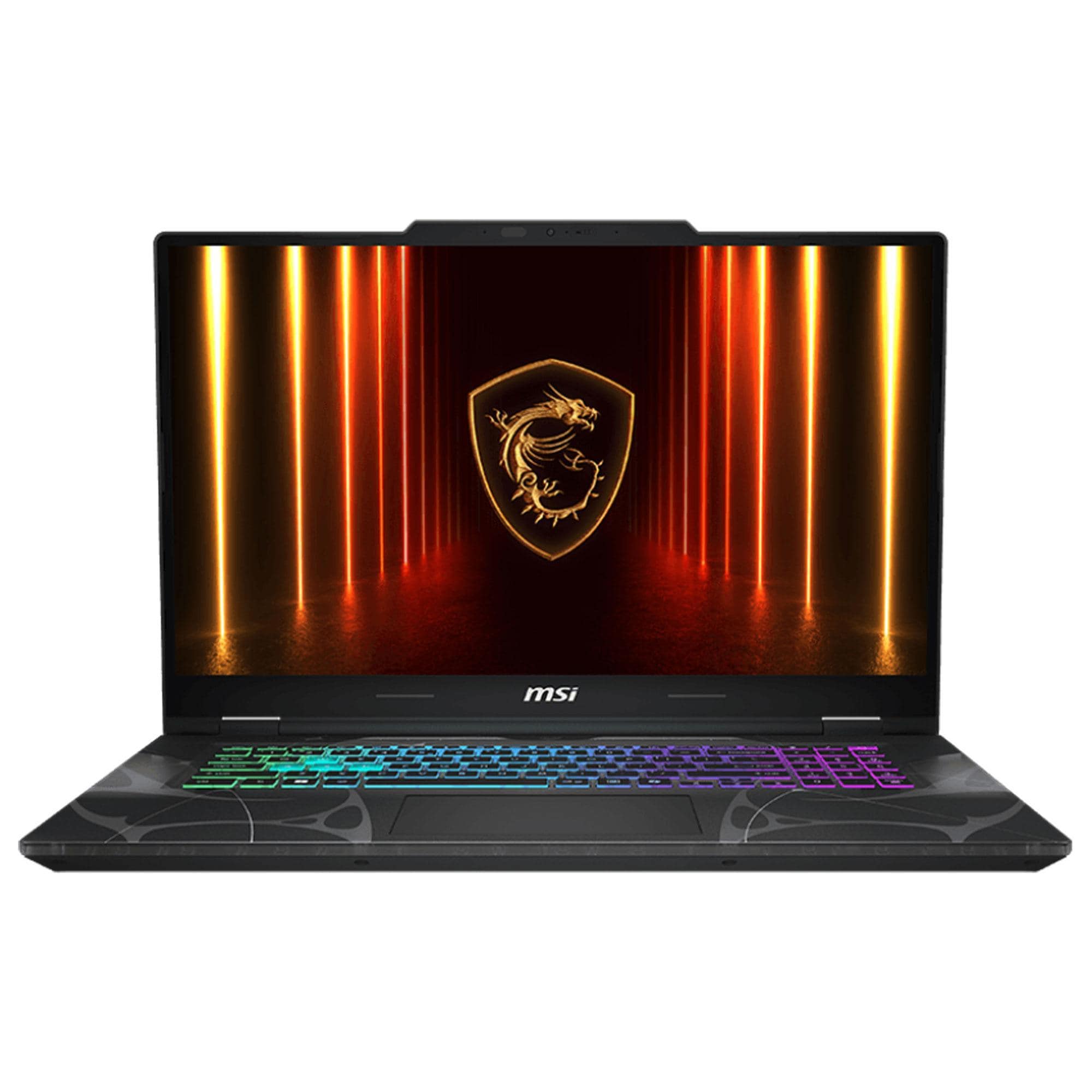
Finding a decent gaming laptop under a grand used to be impossible, but the MSI Cyborg 15 proves it can be done. For $999, you get an Intel Core i7 processor and an Nvidia RTX 4050 GPU. This combo is powerful enough to deliver a smooth 1080p gaming experience on its 144Hz display.
I was able to run demanding games like *Cyberpunk 2077* at medium settings and still get playable frame rates. For esports titles like *Valorant* or *Fortnite*, you can easily push past 100fps to take full advantage of that high-refresh-rate screen. The keyboard is also quite good, with satisfying travel for both gaming and typing.
The Downside: Don’t expect to game on the go. The battery life is short, lasting only an hour or two while gaming and maybe four hours for light use. It also runs hot under load, so a cooling pad is a good idea.
If you need to get into PC gaming for the lowest price possible, the Acer Nitro V 15 is your ticket. At just $750, it packs an Intel Core i5 processor and an Nvidia RTX 3050. It’s not the newest hardware, but it’s more than enough to play most popular titles at 1080p.
The 15.6-inch screen has a 144Hz refresh rate, which is a fantastic feature at this price point and makes gameplay feel incredibly fluid. The overall design is also surprisingly compact and understated for a gaming laptop, so it won’t scream “gamer” in a classroom or coffee shop.
The Downside: The fans get very loud when the machine is working hard, and the included 512GB SSD will fill up fast after installing just a few modern games.
When you’re shopping on a budget, you need to be smart about which specs matter. First, don’t go below 8GB of RAM. For 2026, 8GB is the bare minimum for smooth multitasking in Windows or ChromeOS. If you can find a machine with 16GB, like the IdeaPad Slim 3x, jump on it.
Second, pay attention to the screen. A dim, low-resolution screen can ruin the experience, no matter how fast the processor is. Look for a resolution of at least 1920×1080 (FHD) and a panel technology listed as IPS for better viewing angles. Brightness, measured in nits, is also key—aim for 300 nits or more if you plan to work near windows.
Finally, don’t get too hung up on the processor name. An Intel Core i3 can be great in a Chromebook but might feel slow in a Windows laptop. Instead, look at real-world reviews and focus on the overall package. A laptop with incredible battery life might be more valuable to you than one with a slightly faster chip but half the runtime.
12 Best Clear iPhone Cases
Top 8 Neckband Earbuds
7 Best Crossbody Phone Cases
Best Toddler Cameras
