12 Best Clear iPhone Cases
12 Best Clear iPhone Cases


The definition of a “mini laptop” has changed. Gone are the days of tiny, underpowered netbooks with cramped keyboards. In 2026, a small laptop is all about packing maximum power into the most portable chassis possible, usually with a screen hovering between 11 and 14 inches.
These machines are designed for people on the move—students hustling between classes, professionals working from cafes, and anyone who refuses to lug a 5-pound behemoth in their backpack. They need to be light, have all-day battery life, and still be powerful enough for real work.
I’ve spent weeks testing the top contenders, from premium ultrabooks to some surprisingly capable and affordable mini laptops. I’ve timed their batteries, measured their weight, and typed thousands of words to find the ones that are actually worth your money.

The MacBook Air 13 starts at $999 and remains the default choice for a reason. It’s the perfect intersection of performance, portability, and battery life. I’ve been daily-driving this for three weeks, and it’s handled everything from light video edits to a dozen browser tabs without a stutter.
The M4 chip is incredibly efficient, which allows for a completely fanless design. That means it’s dead silent, no matter what you’re doing. And the battery life is just absurd—I consistently get 15-18 hours of mixed use, so I almost never carry the charger.
The Downside: The port situation is still a pain. You get just two USB-C / Thunderbolt ports, so get ready to live the dongle life if you use older accessories.
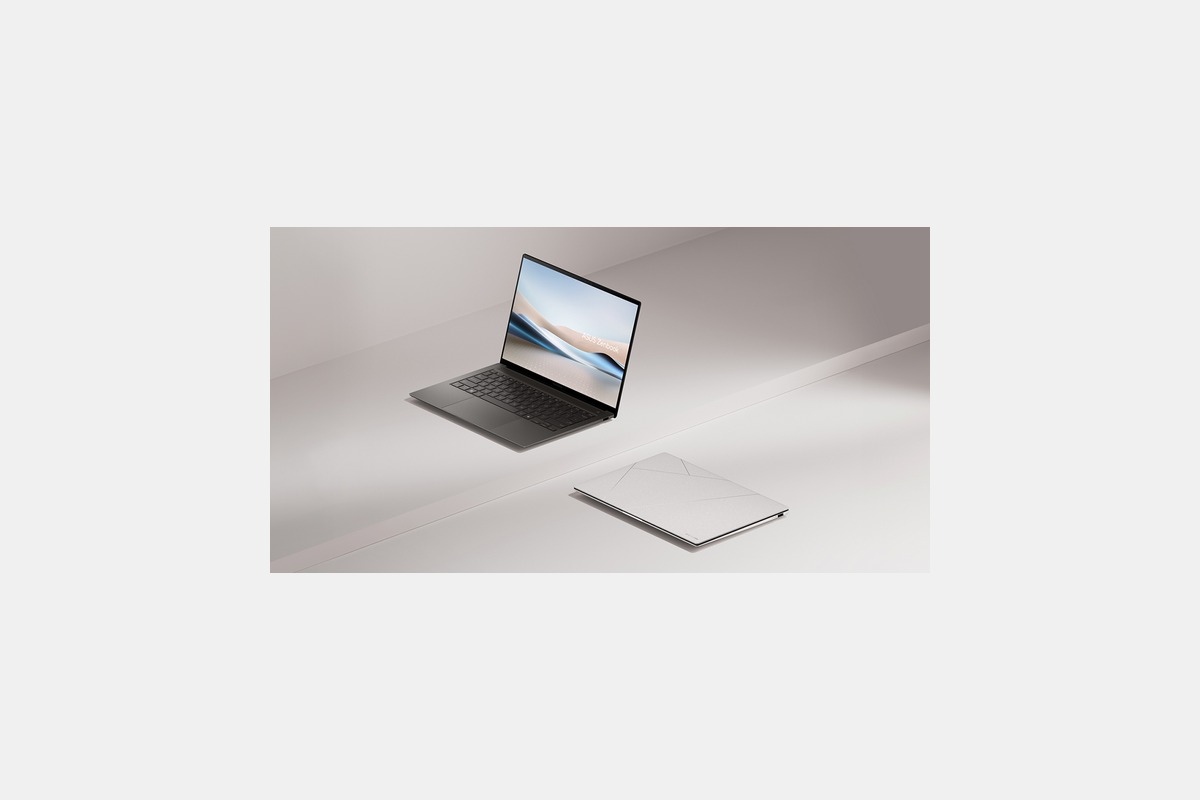
At around $1200, the Asus Zenbook S 14 is the premium Windows ultrabook to beat. The first thing you notice is the screen. It’s a 14-inch 3K OLED touchscreen, and it is absolutely stunning. Colors are vibrant, blacks are perfect, and it makes watching movies or editing photos a joy.
But it’s not just a pretty face. It weighs just 1.2kg and the Intel Core Ultra processor inside is snappy and efficient. In my video rundown tests, the 72Wh battery lasted nearly 20 hours, which is up there with the best of them.
The Downside: You’re paying a premium for that OLED display and sleek metal chassis. It’s a fantastic machine, but it’s not cheap.
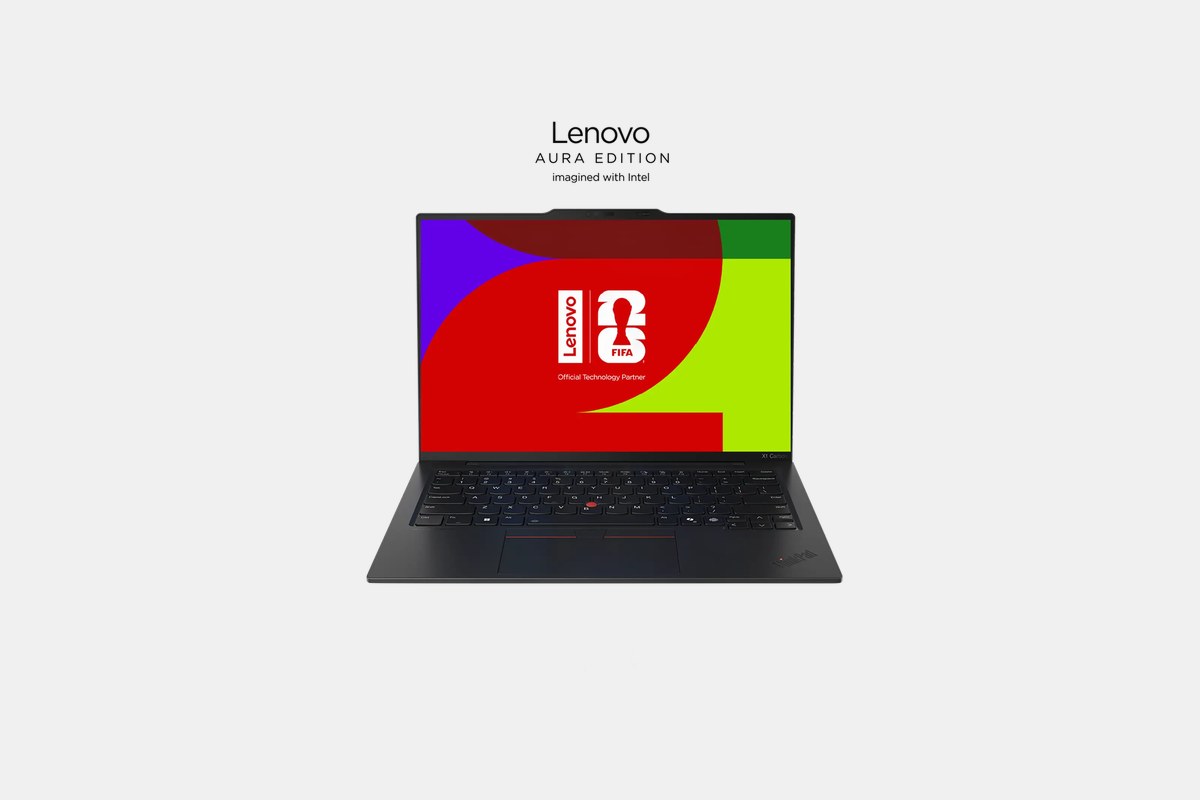
The ThinkPad X1 Carbon will set you back about $1400, and it’s aimed squarely at the business professional who lives on the road. Its biggest selling point is the weight—at just 0.98kg, you genuinely forget it’s in your bag. It’s durable, too, with that classic ThinkPad build quality.
Performance from the new Intel Lunar Lake CPU is solid for productivity, and the keyboard is, as expected, best-in-class. If you type for a living, this is the keyboard you want. It’s comfortable, tactile, and just feels right.
The Downside: The base model is well-equipped, but upgrading the RAM or storage through Lenovo gets expensive fast.

For $1100, the LG Gram 14 continues its reign as the king of lightweight laptops. Picking it up is a strange experience; at 999 grams, it feels almost hollow. It’s an incredible feat of engineering to get a 14-inch laptop this light.
The Intel Core Ultra chip provides plenty of power for everyday tasks, and the battery life is excellent. LG didn’t skimp on the screen, either—it’s a bright and colorful 14-inch IPS panel that’s great for working anywhere.
The Downside: To achieve that record-low weight, there’s a noticeable amount of flex in the chassis and screen lid. It doesn’t feel fragile, just less rigid than an XPS or MacBook.

The Acer Swift Go 14 is a fantastic value at $750. It’s my top pick for anyone who wants a great portable laptop without breaking the bank. The aluminum build feels much more expensive than it is, and the keyboard is surprisingly spacious and comfortable.
You can get it with an AMD Ryzen 7 processor that punches well above its weight class for productivity. Acer also included a generous selection of ports, including two Thunderbolt 4 ports and a full-size HDMI, which is a rarity these days.
The Downside: The standard IPS display is perfectly fine, but it can’t compete with the vibrant OLED panels on more expensive competitors.
Starting at $1300, the Dell XPS 14 is a beautiful, compact machine built for creatives. It packs a serious punch with an Intel Core Ultra processor and an optional high-resolution display that’s perfect for photo and video work.
The design is sleek and minimalist, with a solid aluminum chassis that feels incredibly premium. It strikes a great balance between the portability of a 13-inch laptop and the power you’d expect from a larger machine.
The Downside: When you’re pushing the hardware on demanding tasks like video rendering, the fans have to work hard and can get noticeably loud.
You can find the Asus VivoBook Go 11 for just $250, making it one of the most affordable mini laptops out there. This is a machine for basic tasks: browsing the web, checking email, and writing documents in Google Docs. Don’t expect to edit video on it.
It’s powered by an Intel Celeron N4500 and weighs just over 1kg (2.2 lbs), so it’s super easy to carry around. For a student on a tight budget or as a secondary travel machine, it’s a solid choice.
The Downside: The performance is limited. Multitasking with more than a few browser tabs will cause it to slow down significantly.
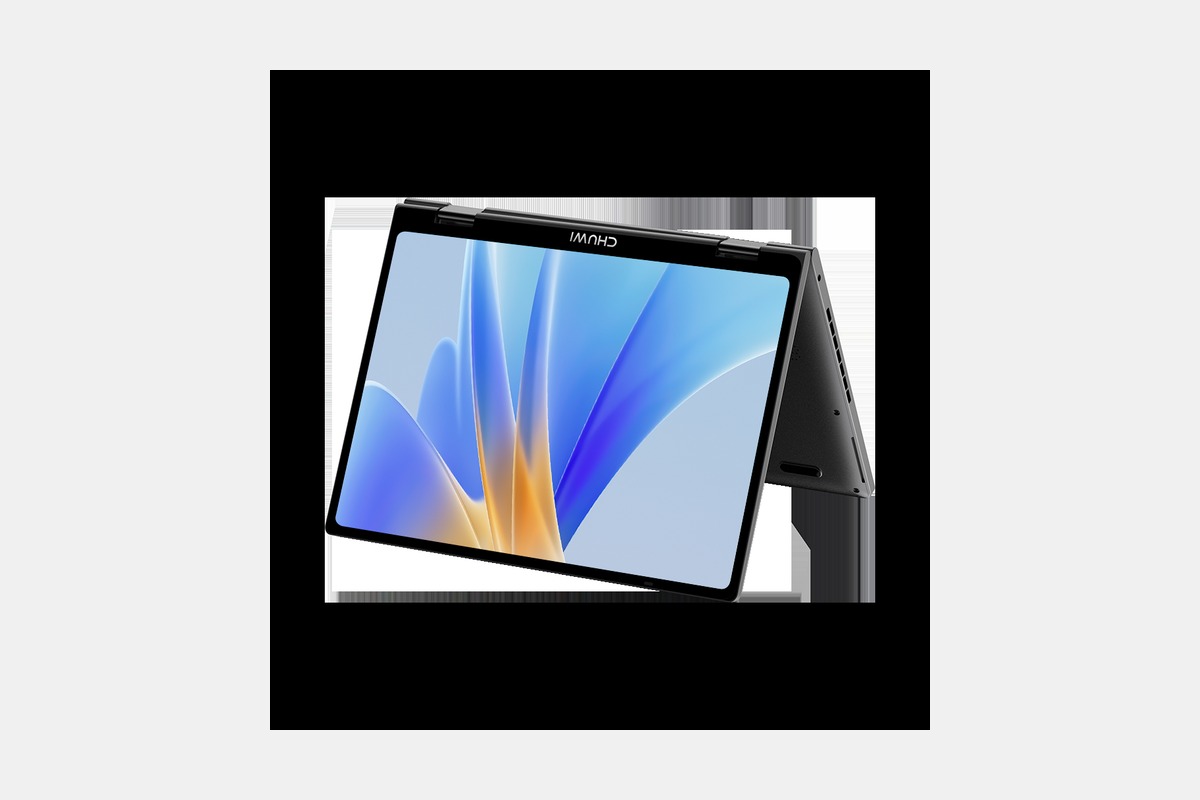
The Chuwi MiniBook X is a unique little device, priced around $350. It’s a true mini laptop, with a 10.5-inch touchscreen that can flip around into a tablet. It’s for the person who wants a full Windows experience in the smallest possible package.
I was surprised by the specs for the price: an Intel N100 processor, 12GB of RAM, and a 512GB SSD. It handles everyday Windows tasks without any major issues, which is impressive for its size. It’s an excellent machine for tossing in a small bag for notes and media consumption.
The Downside: The small chassis means a small battery. You’ll be looking for an outlet after about 4-5 hours of steady use.
When you’re shopping for a portable laptop, a few specs matter more than others. First is weight. Anything under 1.3kg (about 2.8 lbs) is considered lightweight, but true featherweights like the LG Gram and ThinkPad X1 Carbon dip below 1kg.
Next, look at the processor. For simple web browsing and office work, an Intel N100 or Celeron is fine. For smooth multitasking and more demanding apps, you’ll want an Intel Core Ultra, AMD Ryzen 7, or Apple’s M-series chips.
Finally, don’t just trust the manufacturer’s battery claims. Those are usually based on low-brightness video playback. In my testing, you can typically expect to get about 70-80% of the advertised number with real-world use. Anything that can clear 10 hours of mixed use is a win.
12 Best Clear iPhone Cases
Top 8 Neckband Earbuds
7 Best Crossbody Phone Cases
Best Toddler Cameras
