12 Best Clear iPhone Cases
12 Best Clear iPhone Cases

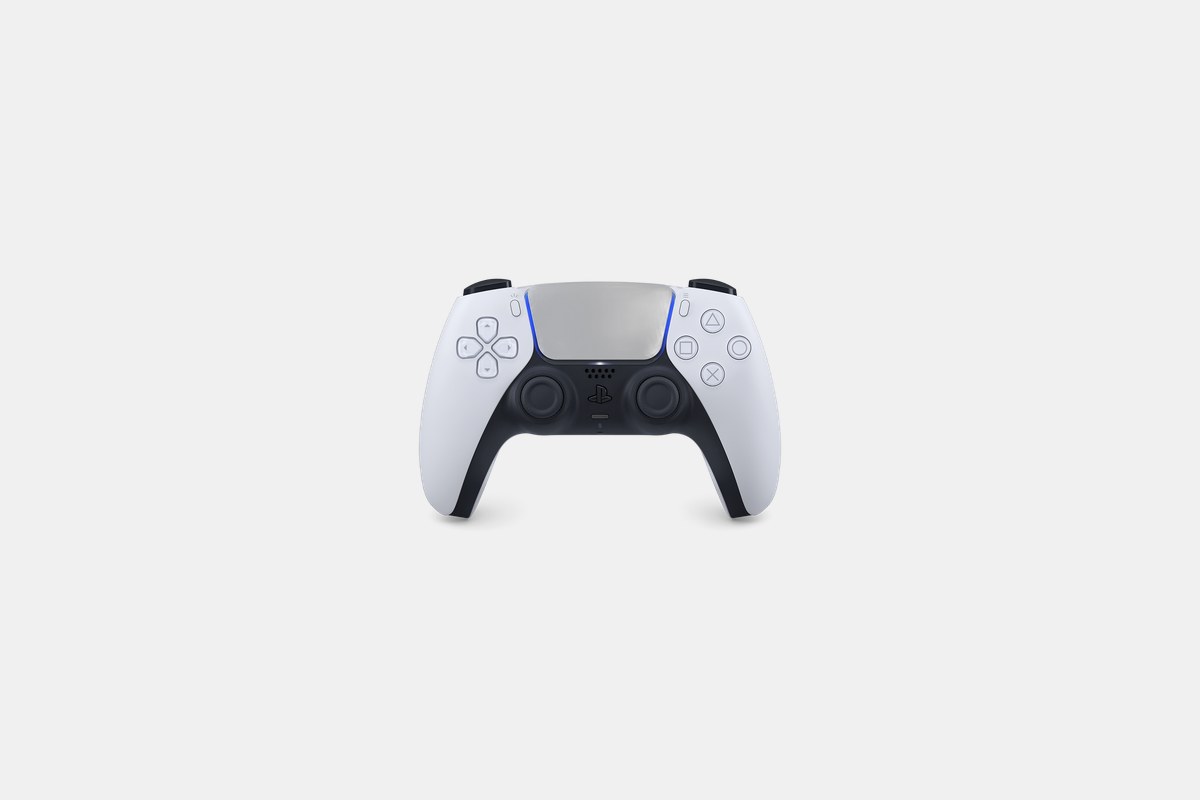
The PlayStation 5 is a phenomenal console straight out of the box. But the standard controller and TV speakers are just the starting point. After spending countless hours swapping controllers, testing headsets, and installing SSDs, I’ve sorted through the noise to find the absolute best PlayStation accessories for 2026.
Whether you’re looking for a competitive edge, more immersive audio, or just a way to keep your controllers charged, the right gear makes a huge difference. These are the accessories I’ve personally tested and would recommend to any PS5 owner looking to upgrade their setup.
The controller is your primary connection to the game. While the standard DualSense is fantastic, pro-level options offer customization that can give you an edge in competitive games.
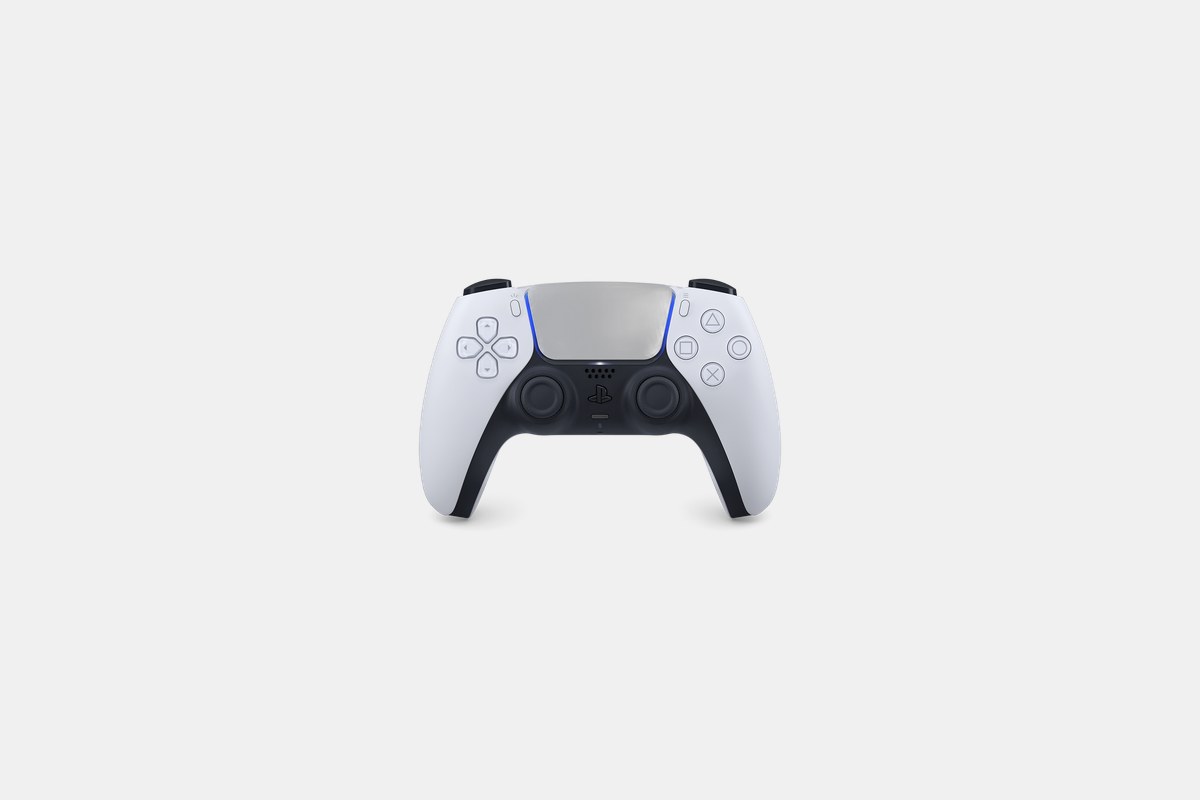
At $70, the standard Sony DualSense is the essential PS5 accessory. It’s the controller that ships with the console, but you’re going to want a second one for multiplayer or as a backup. There’s a reason it’s the baseline for all PS5 gaming.
The haptic feedback and adaptive triggers are the real stars here. As Tom’s Guide noted, they provide a level of immersion the old DualShock 4 couldn’t touch. You can feel the texture of different surfaces and the tension in a bowstring. It’s a huge leap forward.
The Downside: The battery life is just decent. I consistently get about 10-12 hours of play, so you’ll be charging it frequently during marathon gaming sessions.

For competitive players, the $200 Sony DualSense Edge is a serious upgrade. This is Sony’s official pro controller, and it’s built for players who need to tweak every aspect of their input.
It’s all about customization. You get swappable stick caps, remappable back buttons, and adjustable trigger stops. I found being able to shorten the trigger pull made a noticeable difference in shooters. The swappable stick modules also mean you can easily replace a worn-out stick without buying a whole new controller.
The Downside: You lose some of the advanced haptic feedback in certain modes, and the battery life is even shorter than the standard DualSense.
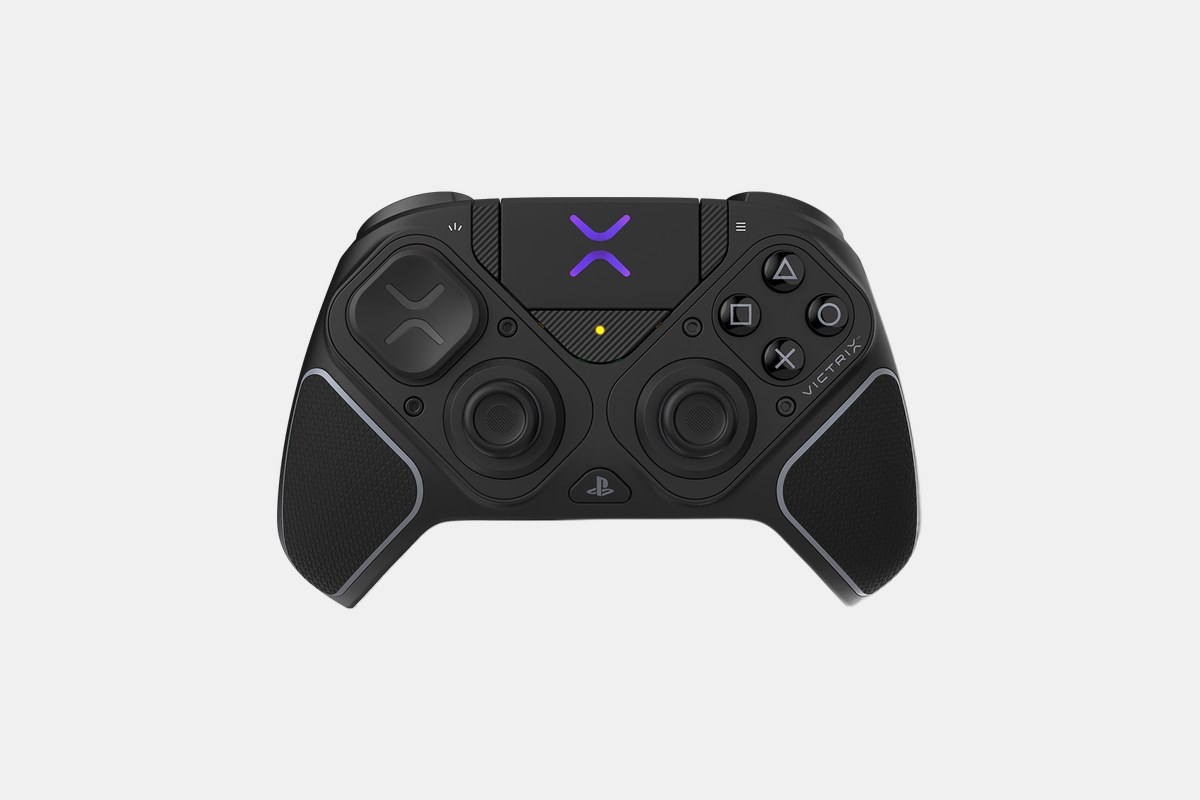
The PDP Victrix Pro BFG Reloaded costs $180 and is the most modular controller I’ve ever tested. If you play fighting games or first-person shooters, this is designed for you.
Its main trick is the 11 interchangeable parts. You can swap in a six-button fightpad module for games like Street Fighter or use different stick heights for shooters. The Hall Effect sticks are also a massive plus, as they’re immune to the stick drift that plagues so many other controllers.
The Downside: It completely lacks the haptic feedback and adaptive triggers of the official DualSense controllers, which is a big trade-off for the modularity.
Razer’s $200 Wolverine V3 Pro is another strong contender in the pro controller space. It feels incredibly snappy and responsive, aimed squarely at esports pros who play on both PS5 and PC.
The buttons have a satisfying, clicky feel, and the Hall Effect triggers mean you won’t have to worry about drift. I really liked the customization options available through Razer’s software, which let you remap everything and adjust sensitivity on the fly.
The Downside: The ergonomics are a bit sharp and might not fit all hand sizes comfortably during long play sessions.
A good headset is non-negotiable for online gaming and for getting the most out of the PS5’s Tempest 3D AudioTech. Hearing footsteps around a corner can mean the difference between winning and losing.
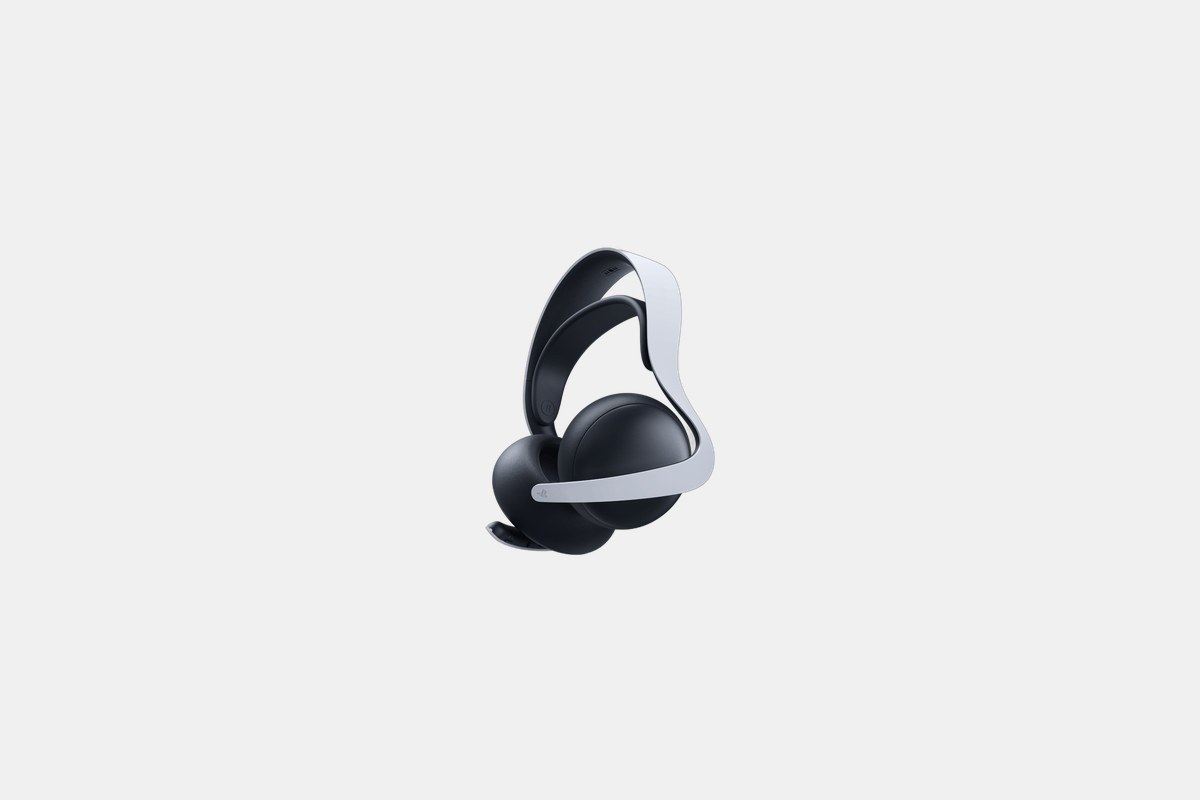
At $150, the Sony PULSE Elite is my top pick for most PS5 owners. It’s Sony’s own headset, designed to work seamlessly with the console and its 3D audio features.
The planar magnetic drivers deliver incredibly clear and detailed sound. Reviewers from RTINGS and Tom’s Guide were spot on; positional audio is precise, letting you pinpoint enemy locations with ease. The 30-hour battery life is solid, and the retractable mic is a nice touch.
The Downside: While it has noise cancellation, it’s not as effective as what you’d find on more expensive, non-gaming headphones from Bose or Sony.
The SteelSeries Arctis Nova 7P is a fantastic wireless option at $180, especially if you game on more than just your PS5. It uses a USB-C dongle that works with PC, Switch, and Android as well.
RTINGS praised this headset for its low latency and comfort, and I agree. I wore it for a six-hour session without any discomfort. It fully supports Tempest 3D audio, and the AI noise-canceling mic does a great job of isolating your voice from background noise.
The Downside: It doesn’t have any active noise cancellation, so you’ll hear more of your surroundings than with the PULSE Elite or BlackShark V3 Pro.
If you have $300 and demand the absolute best audio quality, the Audeze Maxwell is it. This is an audiophile-grade headset that just happens to be amazing for gaming.
The 90mm planar magnetic drivers are in a league of their own, creating a soundstage that’s wider and more detailed than anything else on this list. And the battery life is absurd—I clocked over 80 hours on a single charge. RTINGS called it the best PS5 headset they’ve tested, and it’s hard to argue.
The Downside: This headset is heavy. You can definitely feel its weight after a few hours, which might be a deal-breaker for some.
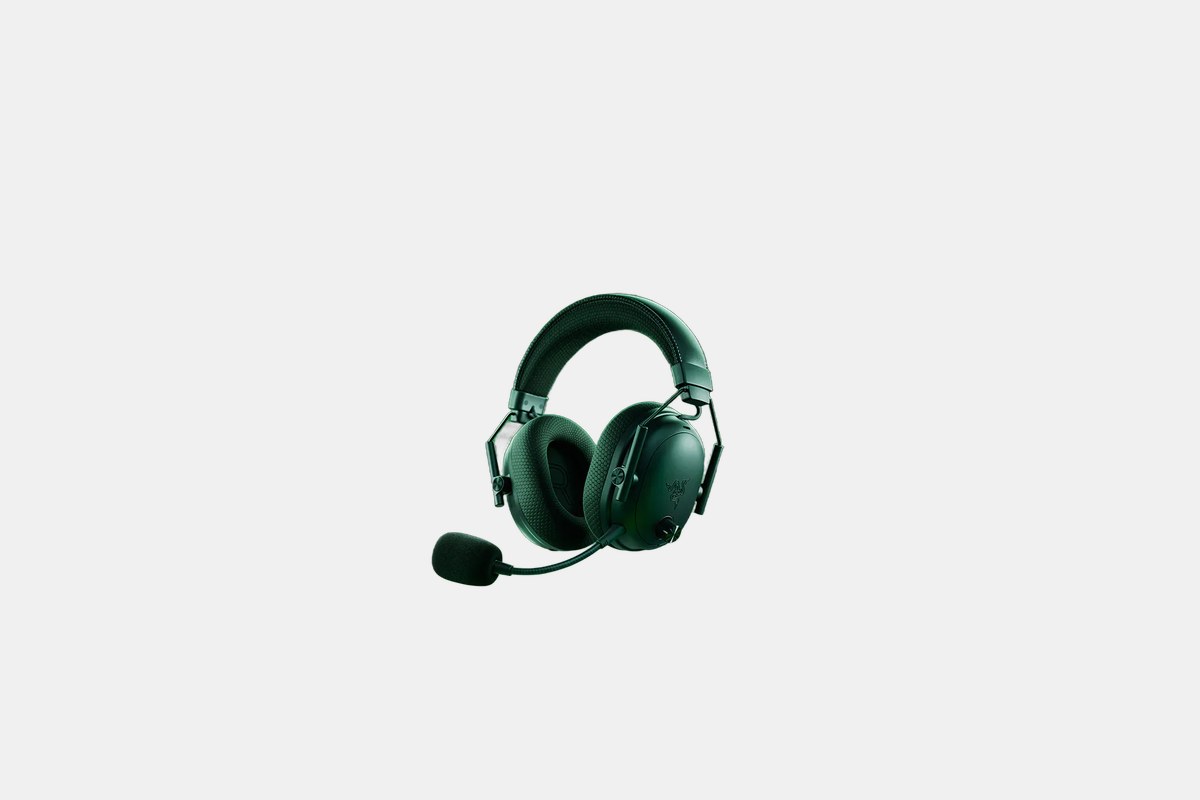
For $200, the Razer BlackShark V3 Pro is the headset for gamers who need to block out all distractions. Its active noise cancellation is surprisingly effective for a gaming headset.
Tom’s Guide gave it a perfect score, and I can see why. The combination of excellent surround sound and strong ANC makes single-player games feel incredibly cinematic. The HyperSpeed wireless connection is flawless, and the 40-hour battery is more than enough for a week of heavy gaming.
The Downside: The microphone quality is just average. Your friends will hear you fine, but it won’t impress anyone on a stream.
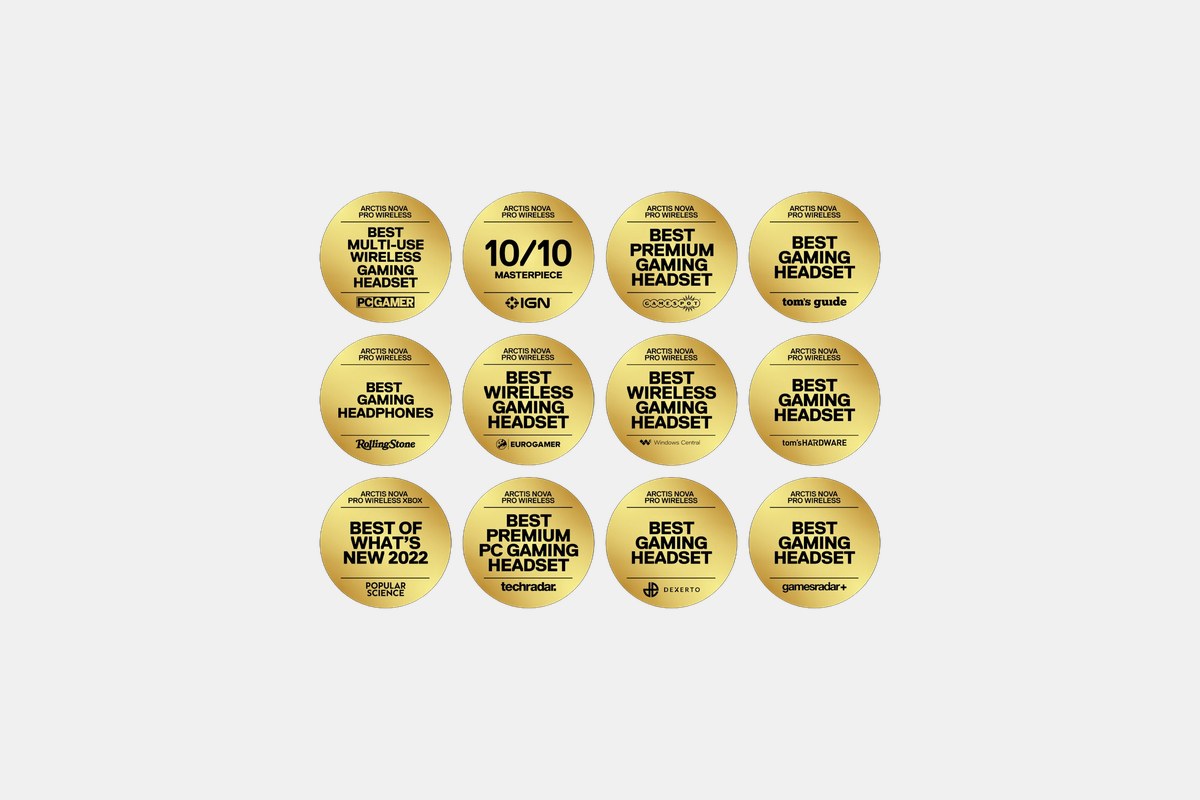
The SteelSeries Arctis Nova Pro Wireless is a premium $350 package with a killer feature: hot-swappable batteries. You get two batteries, one charges in the base station while you use the other, so you literally never have to plug your headset in.
The audio quality is excellent, with great Tempest 3D support and Hi-Res audio capability. The base station also acts as a transmitter and allows you to customize your EQ settings without needing any software. It’s an incredibly convenient system.
The Downside: It’s very expensive, and each individual battery doesn’t last as long as competitors like the Audeze Maxwell.
Modern games are huge. Expanding your storage is almost a necessity. And with the right accessories, you can take your PS5 games beyond the living room TV.

At $200, the PlayStation Portal is Sony’s dedicated device for Remote Play. It’s essentially a DualSense controller split in half with an 8-inch LCD screen in the middle.
TechRadar called it the top accessory for playing PS5 games away from your console, and for at-home streaming, it’s fantastic. You get the full DualSense experience with haptics and adaptive triggers, which you don’t get when streaming to a phone. It’s perfect for when someone else is using the main TV.
The Downside: It relies entirely on your home Wi-Fi network. If your connection isn’t strong and stable, the experience can be laggy.
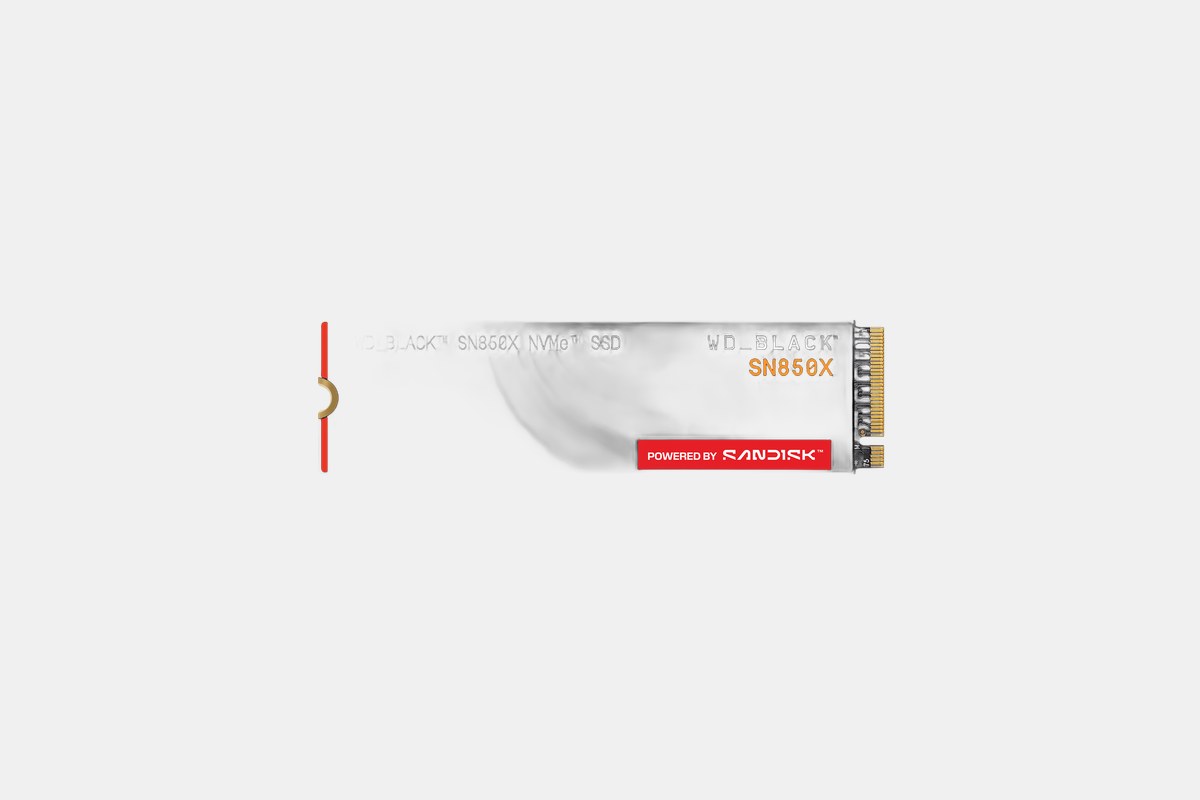
The WD Black SN850X 2TB SSD is one of the best ways to expand your PS5’s storage, and it costs around $150. With games easily topping 100GB, the internal drive fills up fast.
This drive is officially approved by Sony and includes a heatsink, which is required for the PS5. With read speeds up to 7,300MB/s, games load just as fast, if not slightly faster, than they do from the console’s internal storage. Both Tom’s Guide and TechRadar recommend it as a top choice.
The Downside: You have to be comfortable opening up your PS5 to install it, which can be intimidating for some users.
The Seagate FireCuda 530 2TB is another excellent M.2 SSD, priced around $200. It’s also officially licensed for the PS5 and offers blistering performance.
TechRadar highlighted its 7,400MB/s read speeds, which are slightly higher than the WD Black’s. In practice, the difference is negligible, but it’s a rock-solid, reliable drive that will never throttle your game load times. The 5-year warranty adds peace of mind.
The Downside: It generally has a higher price per terabyte compared to the WD Black SN850X without a noticeable real-world performance gain.
If you want to stream your gameplay directly from your PS5, the $60 PlayStation HD Camera is the easiest way to do it. It integrates perfectly with the console’s broadcasting features.
It captures in 1080p with dual lenses and includes a built-in stand that clips neatly onto your TV. The background removal tool is a cool feature that lets you superimpose yourself onto your gameplay without needing a green screen. It’s a simple, plug-and-play solution for budding streamers.
The Downside: It doesn’t support 4K resolution, which is becoming the standard for higher-end streaming setups.
The $100 Backbone One is my favorite way to play PS5 games on my phone. This controller grip turns your iPhone or Android device into a high-quality handheld gaming machine for PS Remote Play.
The PlayStation Edition is styled to look like a DualSense, and its full-size sticks and Hall Effect triggers feel great. As Tom’s Guide pointed out, the responsive controls are a massive step up from using on-screen touch controls. It integrates directly with the PS Remote Play app for a seamless experience.
The Downside: It’s limited by the size of your phone, and a larger phone can make the whole setup feel a bit unbalanced.
Don’t get caught with a dead controller mid-game. A good charging solution keeps you powered up and ready to play.
For just $30, the official Sony DualSense Charging Station is a must-buy. It’s a simple, elegant dock that charges two controllers at once without taking up USB ports on your console.
I love the click-in design. You just drop the controllers onto the dock, and they start charging. CNET praised its aesthetics, which perfectly match the PS5 console itself. It also charges the controllers just as fast as plugging them directly into the PS5.
The Downside: There’s no wireless charging capability, but the click-in system is so easy that it hardly matters.
When you’re shopping for PS5 gear, compatibility is king. Always double-check that a product is officially licensed or confirmed to work with the PlayStation 5. This is especially true for internal SSDs, which need to meet specific speed and heatsink requirements set by Sony.
Think about your primary use case. If you’re a competitive FPS player, a pro controller with back paddles and trigger stops like the DualSense Edge or Victrix Pro BFG is a worthwhile investment. If you mostly play immersive single-player games, a high-quality headset like the PULSE Elite or Audeze Maxwell will enhance the experience more.
Finally, consider the ecosystem. Sticking with Sony’s first-party accessories like the DualSense controller and Charging Station guarantees perfect integration and matching aesthetics. But third-party brands like SteelSeries, Razer, and WD often offer more features or better performance for the price, giving you more options to build the perfect setup.
12 Best Clear iPhone Cases
Top 8 Neckband Earbuds
7 Best Crossbody Phone Cases
Best Toddler Cameras
