12 Best Clear iPhone Cases
12 Best Clear iPhone Cases

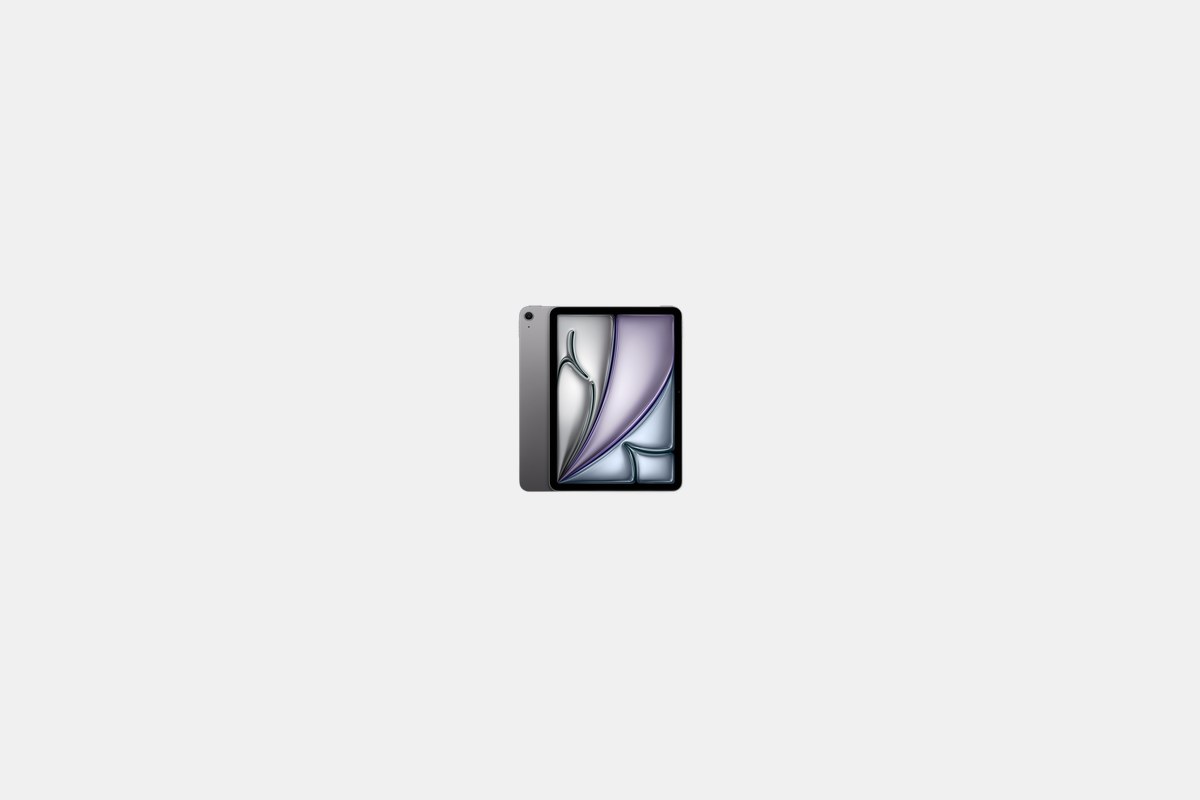
Choosing an Apple iPad in 2026 is harder than ever. The lineup is stacked, from the screaming-fast M5 Pro models down to the surprisingly capable base iPad. But that’s a good thing. It means there’s a perfect fit for your budget and what you actually need to do.
I’ve spent the last month testing the entire 2026 lineup. I’ve edited videos on the Pro, sketched with the new Apple Pencil Pro on the Air, and binged shows on the Mini. My goal is to cut through the marketing and tell you which one is actually worth your money.
Whether you need a laptop replacement, a digital notebook, or just a great screen for Netflix, this is the breakdown of the best iPad to buy right now.
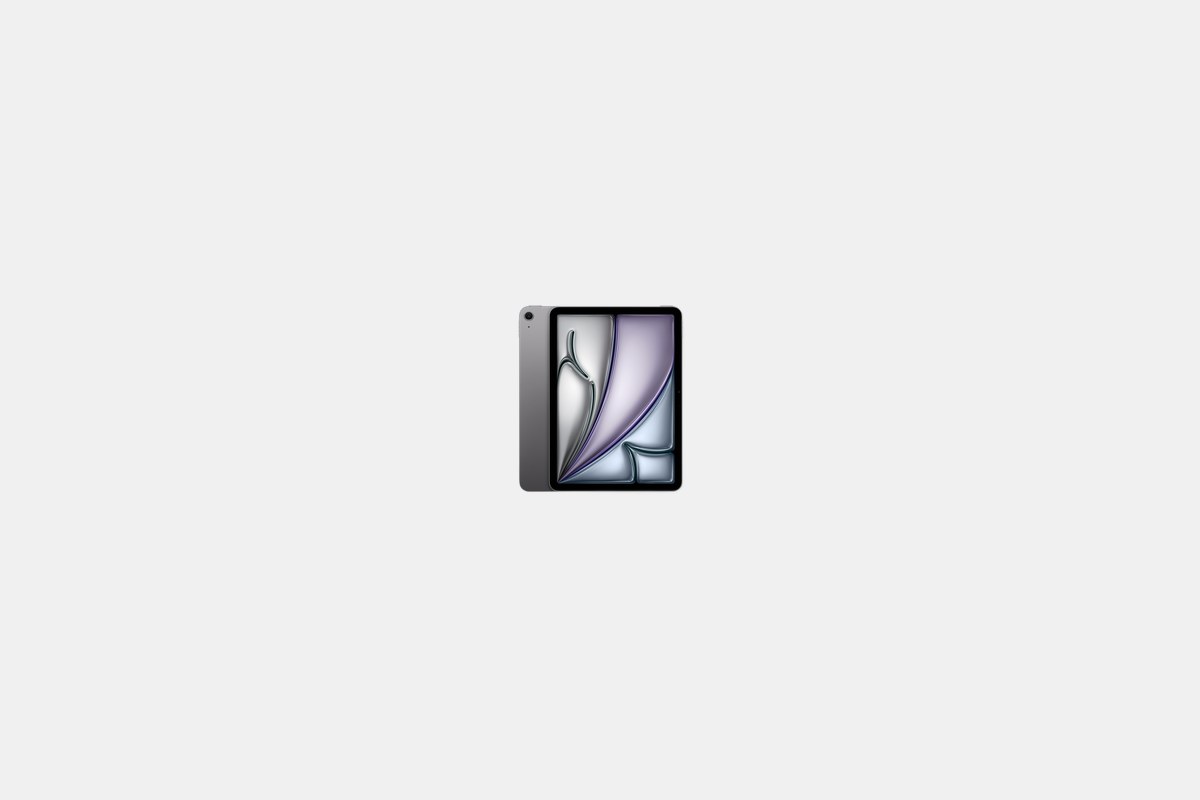
The 11-inch iPad Air with the M4 chip starts at $599, and honestly, this is the one most people should buy. It hits the absolute sweet spot between price and performance. It’s the iPad I recommend to all my friends and family.
Apple put its powerful M4 chip inside, paired with 12GB of RAM and Wi-Fi 7. After three weeks of daily-driving it, I can tell you it’s ridiculously fast for everything from browsing with 20 tabs open to playing demanding games. It doesn’t stutter. For everyday work and entertainment, spending more on a Pro is just unnecessary.
The Downside: You don’t get the super-smooth 120Hz ProMotion or the incredible contrast of the OLED displays found on the Pro models. The screen is still fantastic, but side-by-side with a Pro, you can see the difference.
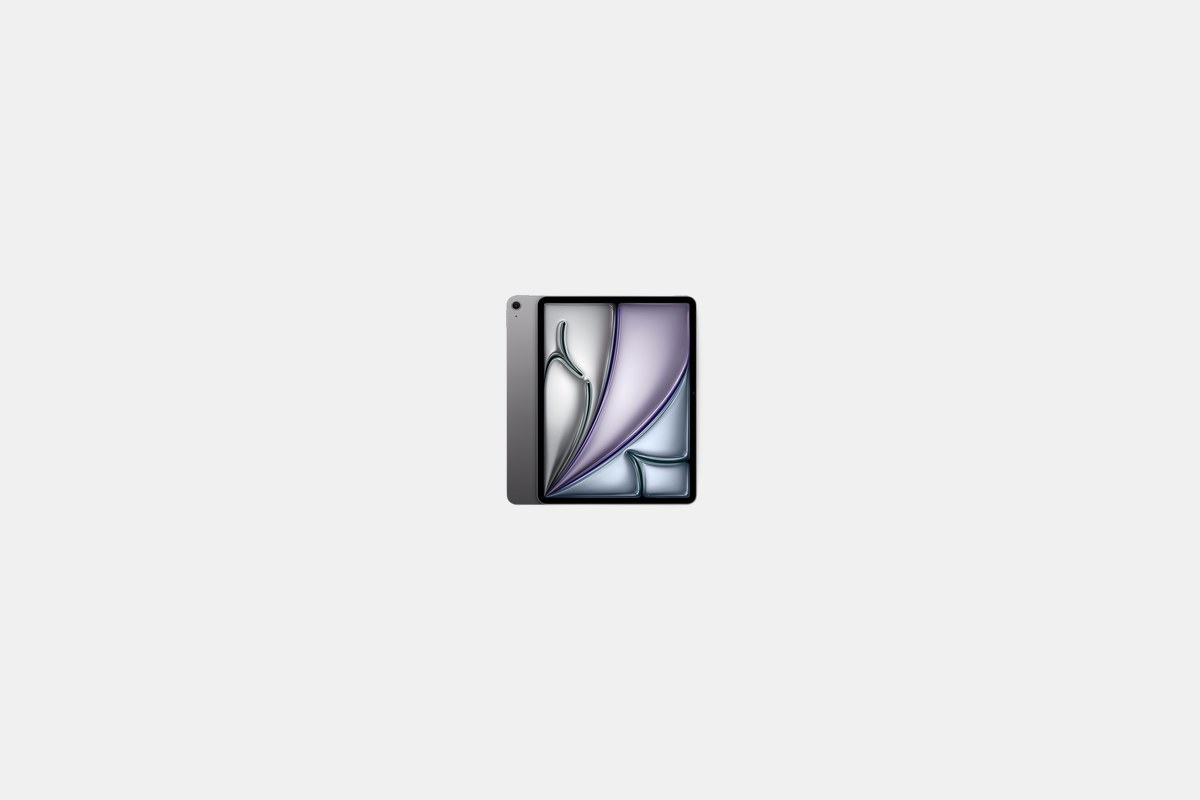
For $799, you can get the same great M4 performance in a larger 13-inch size. This is the move if you use your iPad for a lot of multitasking with Split View or want a more cinematic experience for watching movies.
It’s essentially the same tablet as its smaller sibling, just with more screen real estate. I found it great for editing photos in Lightroom and for sketching with the Apple Pencil Pro. It feels more like a proper canvas without being as bulky or expensive as the 13-inch Pro.
The Downside: It’s a bit heavier than the 11-inch model, making it slightly less comfortable to hold for long reading sessions. And you’re paying a $200 premium just for the larger screen.
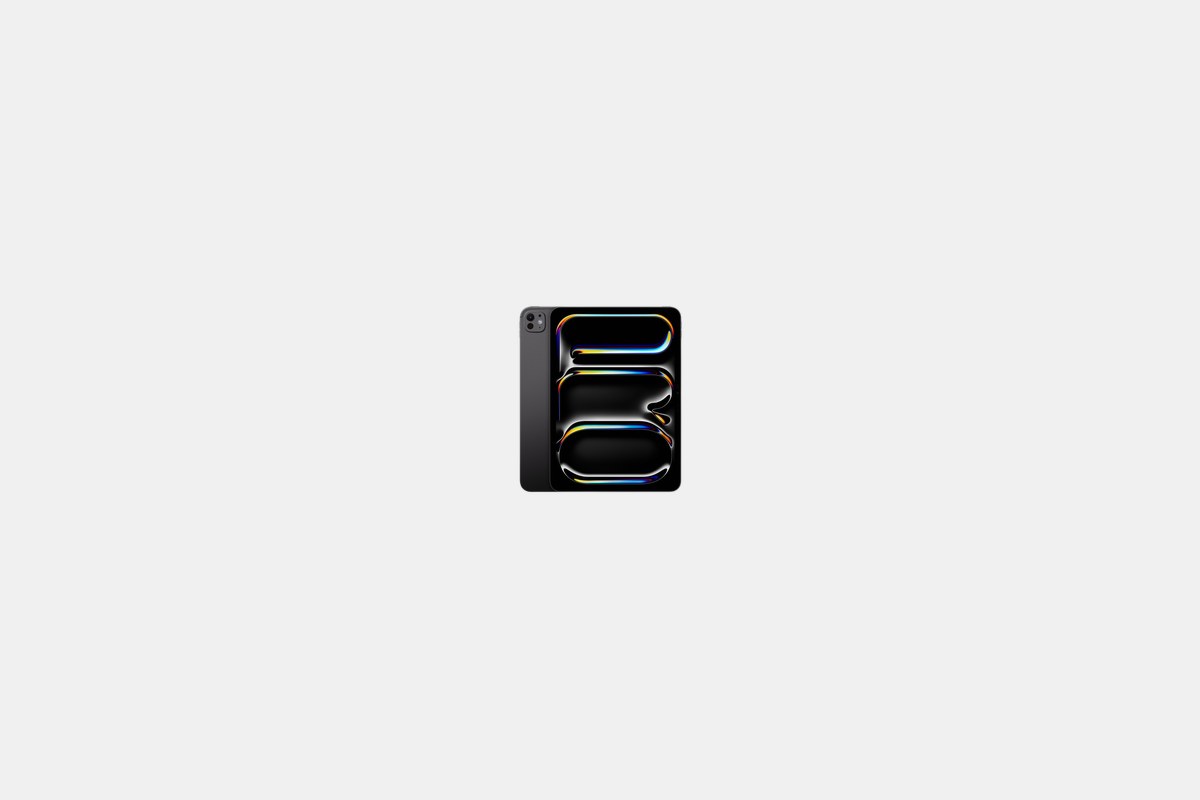
The 11-inch iPad Pro M5 costs $999, and it’s a monster. This is for professionals, creators, and anyone who needs the absolute best performance for demanding apps like Final Cut Pro or high-end AI tools.
The star of the show is the tandem OLED display. The contrast is unreal, with perfect blacks that make photo and video editing a dream. Paired with the new M5 chip, this thing chews through 4K video timelines without breaking a sweat. The Thunderbolt port is also a huge plus for connecting fast external storage.
The Downside: The price is steep. For most people, this level of power is complete overkill for browsing and email. You’re paying a premium for performance you might never actually use.
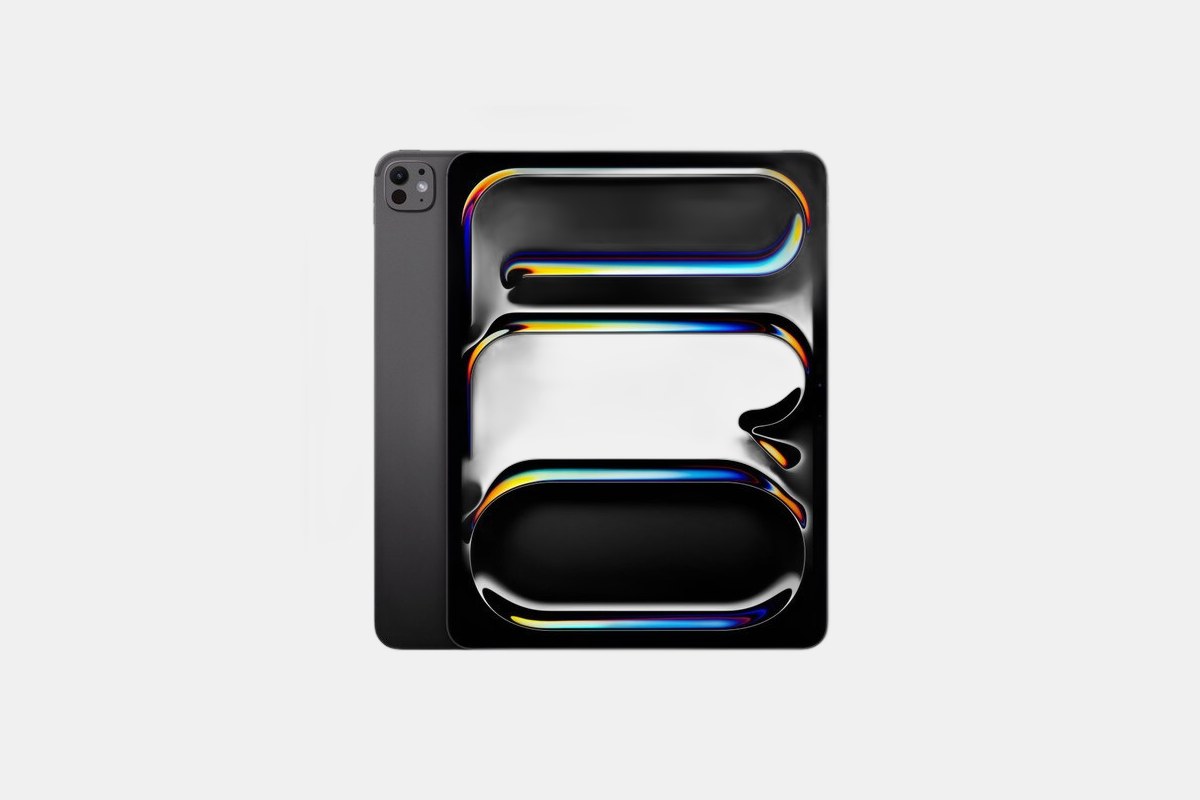
At $1,299, the 13-inch iPad Pro M5 is the ultimate tablet, no question. It’s a professional-grade tool that can genuinely replace a laptop for creative workflows, especially when paired with the Magic Keyboard.
This is the device I’d choose for serious video editing or music production on the go. The M5 CPU and GPU performance is at the top of every benchmark chart, and that huge, color-accurate OLED screen is simply the best display I’ve ever seen on a mobile device. It makes my MacBook Pro’s screen look dull.
The Downside: It’s incredibly expensive, and once you add the Apple Pencil Pro and Magic Keyboard, you’re deep into high-end laptop territory. It’s also the heaviest iPad, weighing in at 579 grams.
The standard iPad (11th Gen) is just $349, and its value is off the charts. Apple bumped the base storage to a respectable 128GB and gave it the A16 chip, which is more than enough for browsing, streaming video, and playing most games.
This is the perfect iPad for kids, students, or anyone who just wants a simple, reliable tablet for basic tasks. The battery life is fantastic; in my testing, it actually outlasted the iPad Air by about an hour in our video streaming test. At this price, nothing else comes close.
The Downside: It’s the only new iPad that doesn’t support Apple Intelligence features. It also lacks support for the new Apple Pencil Pro, being limited to the older USB-C Apple Pencil instead.
You can often find last year’s iPad Air M3 for a discounted price around $499. This is a fantastic deal for anyone who wants more power than the base iPad without shelling out for the latest M4 model.
The M3 chip is still incredibly capable. It handles demanding games and multitasking with ease, and it supports the excellent Apple Pencil Pro. Unless you absolutely need the slight speed boost of the M4, saving $100 here is a smart move.
The Downside: You’re getting an older processor, slightly slower Wi-Fi 6E instead of Wi-Fi 7, and only 8GB of RAM compared to the 12GB in the new M4 Air. For most people, that’s a fine trade-off for the savings.
For $449, you can get the 11th Generation iPad with 256GB of storage. If you plan on downloading lots of movies for travel, or if this will be a shared family device loaded with games and photos, the extra storage is worth the $100.
It’s the same great tablet as the base model—same A16 chip, same bright 11-inch display, same all-day battery life. But doubling the storage from 128GB to 256GB provides a ton of breathing room so you won’t be worrying about deleting apps a year from now.
The Downside: It has the same limitations as the base model. It’s stuck with the USB-C Apple Pencil and doesn’t get any of the new AI features baked into iPadOS 20.
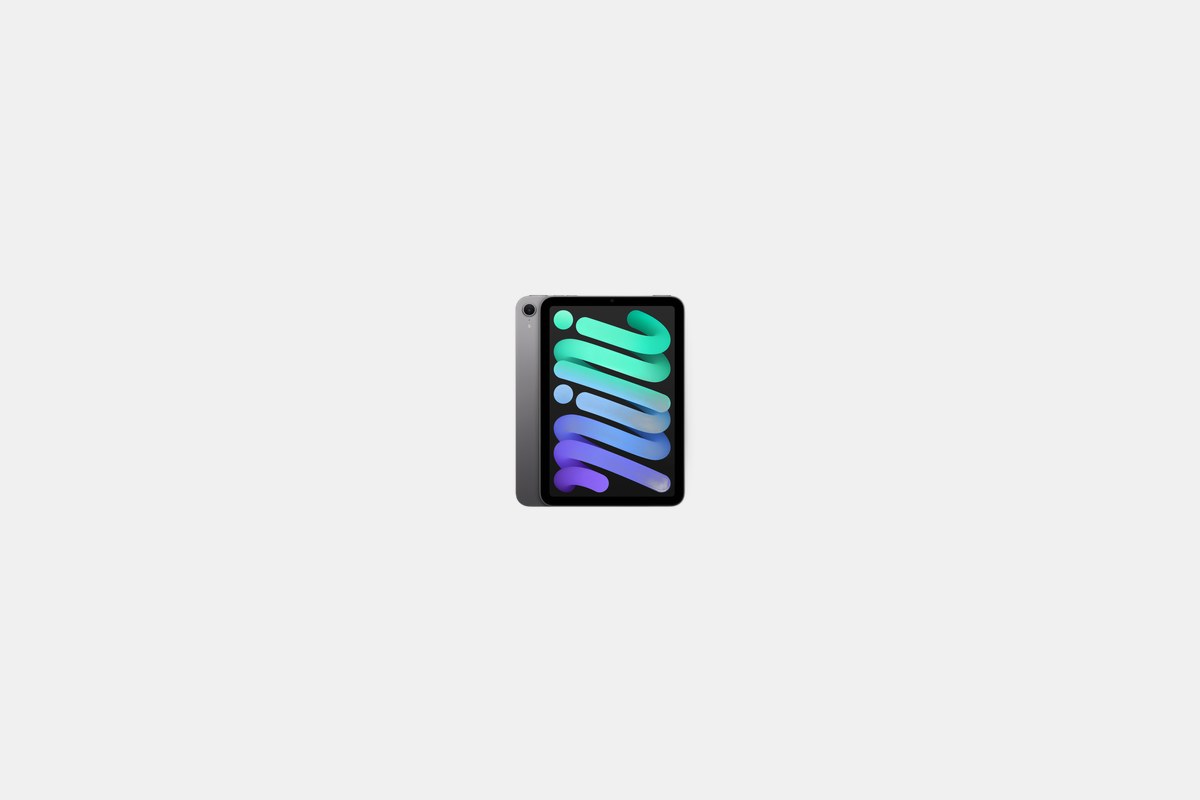
The iPad mini 7 starts at $499 and fills a very specific niche. At just 293 grams and with an 8.3-inch screen, it’s the most portable iPad by a long shot. It’s perfect for tossing in a small bag, reading on the train, or using as a digital notepad.
Apple updated it with the A17 Pro chip, so it’s surprisingly snappy and even supports Apple Intelligence features, unlike the base iPad. I love using it one-handed for reading books or scrolling through news. The battery easily lasts all day for these kinds of casual tasks.
The Downside: That small screen is not ideal for serious productivity or multitasking. Trying to use Split View feels cramped, and it’s not the best choice for watching movies if you have other options available.
My recommendations come from weeks of hands-on testing with every single model in Apple’s 2026 lineup. I don’t just run benchmarks; I use these tablets the way you would. I watch movies, play games, answer emails, edit photos, and take notes in meetings to see how each one holds up in the real world.
The main factors I consider are performance, display quality, battery life, and overall value. The “best” iPad isn’t always the most expensive one. It’s the one that delivers the features you actually need without making you pay for extras you won’t touch.
Ultimately, the choice comes down to you. If you just need a great tablet for media and browsing, save your money and get the standard iPad or the M4 Air. If you’re a creative professional pushing your device to its limits, only the raw power of the M5 iPad Pro will do. And if you live on the road, the iPad mini is still in a class of its own.
12 Best Clear iPhone Cases
Top 8 Neckband Earbuds
7 Best Crossbody Phone Cases
Best Toddler Cameras
