Best Gifts for 5 Year Old Girls
Best Gifts for 5 Year Old Girls

I’ve had a stack of the best tablets for 2026 on my desk for the past month, running battery tests, binge-watching shows, and even trying to get some real work done. The good news? It’s harder than ever to buy a bad tablet. The bad news? Picking the right one is more complicated than just choosing between Apple and Android.
Whether you need a laptop replacement with a beefy processor or just a cheap screen for Netflix and web browsing, there’s a slate for you. We’re seeing more powerful chips in mid-range models and screens that are brighter and faster than ever. From premium powerhouses to budget-friendly Amazon tablet deals, these are the ones I’d actually spend my own money on.
For most people, the sweet spot is a tablet that balances performance, screen quality, and price. These are the models that handle everyday tasks flawlessly without costing as much as a new laptop.
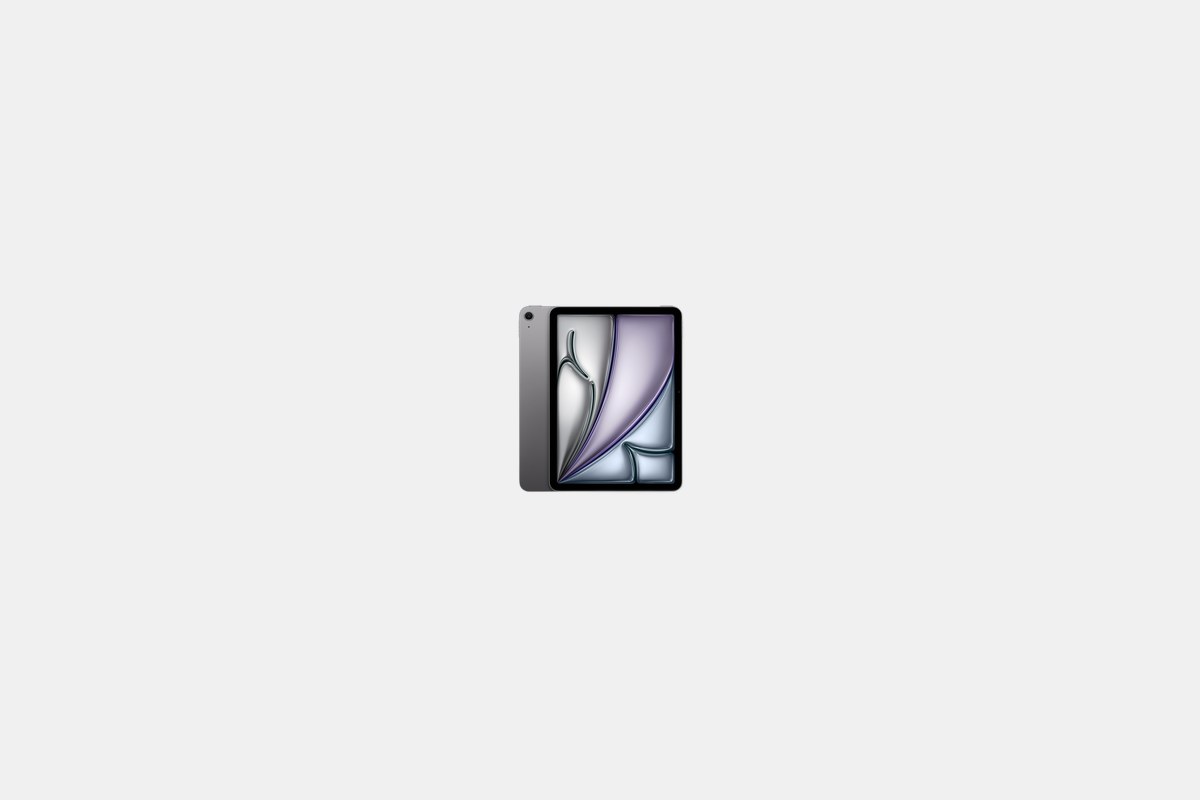
At $599, the iPad Air is the easiest recommendation for just about anyone. It packs Apple’s ridiculously powerful M4 chip into a thin and light chassis, making it feel just as fast as the much more expensive iPad Pro for most tasks. I’ve been using it for everything from editing photos in Lightroom to streaming movies, and it never stutters.
The 11-inch Liquid Retina display is bright and sharp, and iPadOS remains the king of tablet operating systems with a massive library of optimized apps. Battery life is solid, consistently hitting the 10-hour mark in my testing. It’s the perfect do-it-all device that hits the ideal balance of power and price.
The Downside: The screen is stuck at a 60Hz refresh rate. It’s not a dealbreaker, but once you’ve used a 120Hz ProMotion display, it’s hard to go back. Scrolling just isn’t as smooth.

For $699, the OnePlus Pad 3 is the best Android tablet I’ve tested this year, period. It’s built around the new Snapdragon 8 Elite processor, which absolutely screams through apps and multitasking. But the real star is the 13.2-inch display with its buttery-smooth 144Hz refresh rate and insane 3.4K resolution.
OnePlus also nailed the battery. The massive 12,140mAh cell lasted longer than any other premium tablet in my rundown tests, easily getting me through two full days of heavy use. If you’re deep in the Android ecosystem and want a top-tier media and productivity machine, this is it.
The Downside: While the base model is a good value, you have to pay a premium for the configurations with more RAM and storage, pushing it into iPad Pro territory.
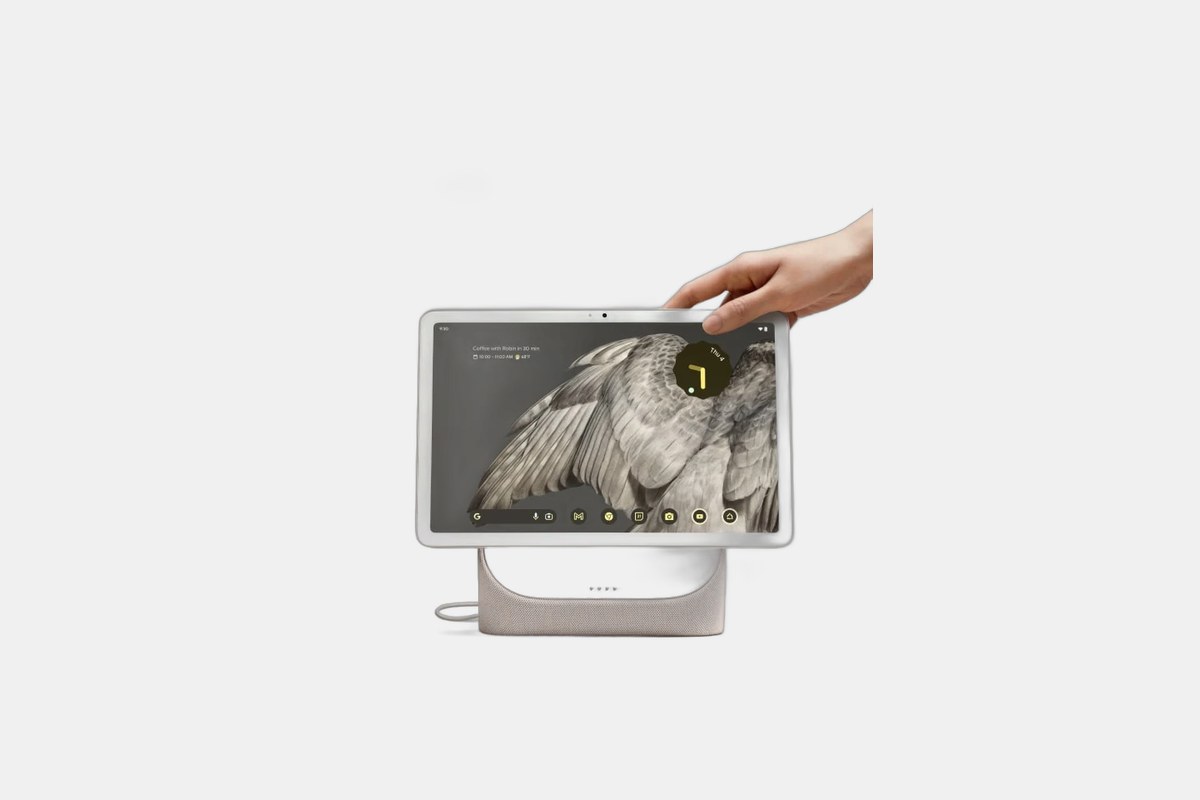
The Google Pixel Tablet costs $400 and carves out a unique niche. It’s a very capable Android tablet for watching videos and browsing the web, but its best trick is turning into a smart display when you snap it onto its magnetic charging dock. It’s like getting two devices in one.
The 11-inch screen is sharp and colorful, and performance from the Tensor G2 chip is perfectly fine for media consumption and light gaming. I love having it in the kitchen, where it acts as a Google Nest Hub for recipes and music until I grab it to use on the couch. Plus, you get all the Gemini AI smarts built-in.
The Downside: The hardware is from 2026. It’s still fast enough for today, but the Tensor G2 chip and bezels feel a step behind the newer competition.
If you’re looking to replace your laptop or just want the biggest, best screen possible for movies and creative work, these are the top-tier options. They come with premium price tags but back it up with desktop-class performance and features.
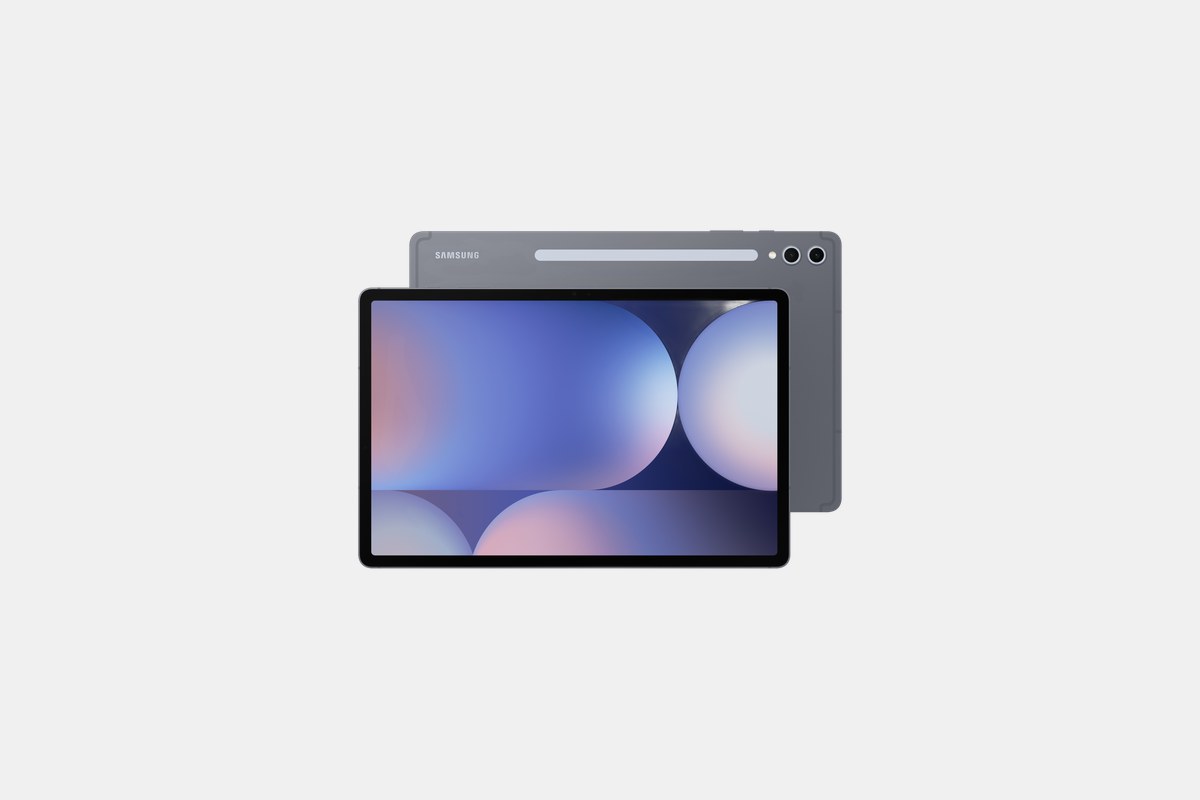
For $850, the Galaxy Tab S10 Ultra is an absolute beast. Its 14.6-inch Dynamic AMOLED screen is simply stunning for watching movies or getting work done side-by-side in multiple windows. It’s so big and beautiful that my laptop started collecting dust.
Powered by the MediaTek Dimensity 9300+, it’s one of the fastest Android devices on the planet. Samsung’s DeX mode does a decent job of mimicking a desktop experience, and the included S Pen is fantastic for drawing or taking notes. I clocked over 12 hours of battery life, which is impressive for a screen this massive.
The Downside: This tablet is huge. At 726 grams, it’s not something you can comfortably hold one-handed for long, and its sheer size makes it awkward to use on a cramped airplane tray table.
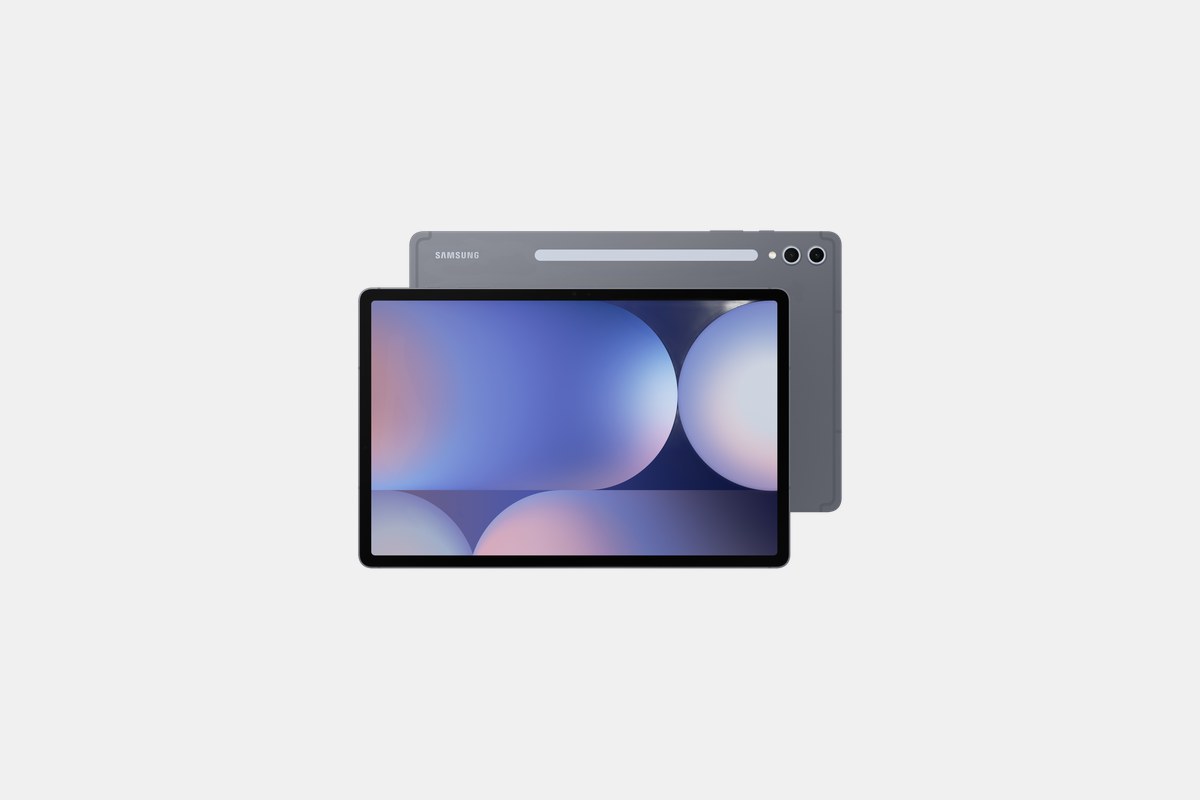
The Samsung Galaxy Tab S10 Plus hits the sweet spot for $900. You get the same powerful MediaTek Dimensity 9300+ processor and slick AI features as the Ultra, but in a more manageable 12.4-inch size. It feels like the Goldilocks of Samsung’s lineup.
The 12.4-inch AMOLED screen is still fantastic for multitasking and media, and it feels much more portable than its larger sibling. For anyone who wants a premium Android tablet that can double as a productivity machine without being comically large, this is the one to get.
The Downside: To achieve the smaller size, Samsung had to use a smaller battery than the one in the Ultra. It still lasts a full day, but the Ultra model has more endurance.
You don’t need to spend a fortune to get a great tablet experience. These models are perfect for students, kids, or anyone who just wants a simple device for streaming, reading, and light gaming. You can often find great Amazon tablet deals on these picks.
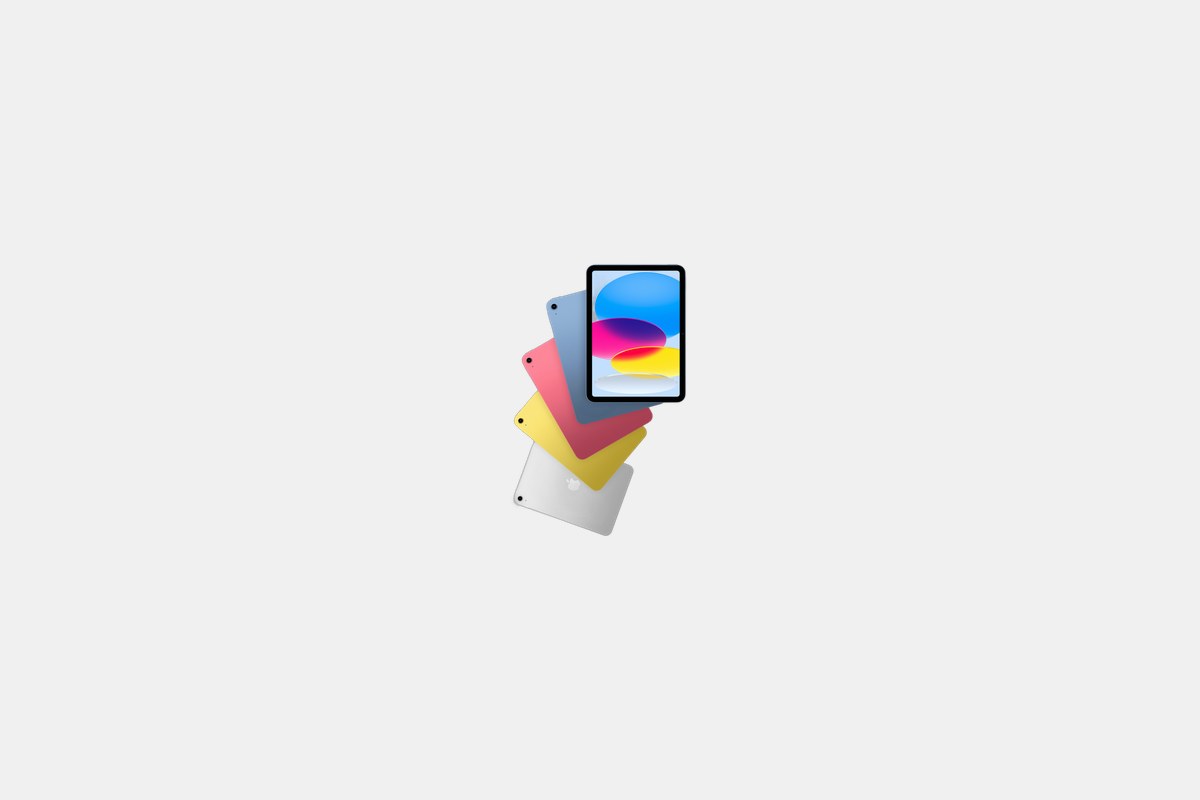
The standard iPad is the best budget tablet, and at $349, it’s a steal. It now features a larger 11-inch screen and the A16 Bionic chip, which is more than enough power for browsing, streaming, and playing almost any game from the App Store. It’s the default tablet for a reason.
It has the same great 10-hour battery life and access to the best tablet app ecosystem out there. For students or families who want a reliable, easy-to-use tablet that will last for years, this is the safest bet you can make.
The Downside: The A16 Bionic chip isn’t powerful enough for Apple Intelligence, so you’ll miss out on Apple’s latest AI features. The design also feels a bit dated compared to the sleeker iPad Air.
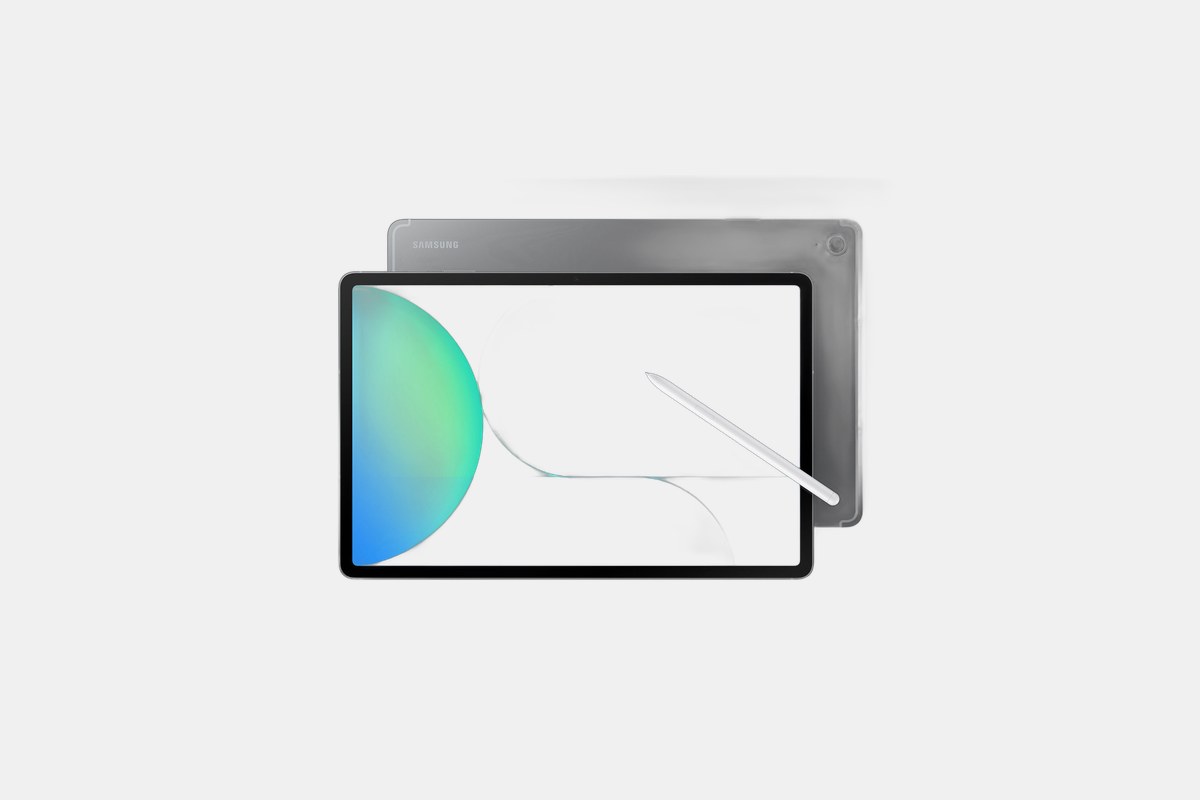
For Android fans on a budget, the $650 Samsung Galaxy Tab S10 FE Plus offers incredible value. The standout feature is its battery life; I consistently got around 16 hours of video playback, which is just wild. It also comes with an S Pen in the box, making it great for note-taking.
The large 13.1-inch LCD screen is great for family movie nights, and the IP68 water resistance means you don’t have to worry about spills. It’s a workhorse tablet that sacrifices some high-end features for practicality and endurance.
The Downside: It doesn’t have any of the new Galaxy AI features found on the more expensive S10 models. The LCD screen also isn’t as vibrant as the OLED panels on its pricier siblings.

If you just want a cheap screen for watching videos, the $140 Amazon Fire HD 10 is impossible to beat. The 10.1-inch Full HD display is surprisingly crisp for the price, and the 13-hour battery life is excellent. It’s the perfect couch companion for Prime Video, Netflix, and Hulu.
It’s also durable enough to hand over to the kids without much worry. The octa-core processor and 3GB of RAM are enough to keep things running smoothly for basic tasks. If you live in the Amazon ecosystem, it’s a no-brainer.
The Downside: You’re locked into the Amazon Appstore, which means no Google apps like YouTube, Gmail, or the Chrome browser. You have to use workarounds, which is a major pain.
Picking the right tablet in 2026 comes down to a few key things. First, choose your ecosystem. iPadOS has more polished, tablet-specific apps, while Android offers more customization, file management, and hardware variety from brands like Samsung and OnePlus.
Screen size is personal. A 10- or 11-inch tablet is the sweet spot for portability and usability. Larger 13- or 14-inch models are fantastic for media and multitasking but can be heavy and unwieldy. Also, pay attention to the display tech—OLED screens offer perfect blacks and more vibrant colors than LCDs, but they cost more.
Finally, think about your primary use. If you’re just streaming and browsing, you don’t need a high-end processor. But if you plan on video editing, drawing, or using it as a laptop replacement, spending more on a powerful chip like Apple’s M4 or a top-tier Snapdragon will be worth it in the long run.
Best Gifts for 5 Year Old Girls
Best Christmas Gifts for Everyone
37 Best Gifts for 3-Year-Old Boys That Will Keep Them Active and Busy
34 Best Tween Gift Ideas