12 Best Clear iPhone Cases
12 Best Clear iPhone Cases

Sling TV has been my go-to recommendation for cord-cutters for years, and in 2026, that hasn’t changed. It’s still the most flexible live TV streaming service out there, letting you build a package that fits your needs instead of forcing you into a bloated, $80-a-month bundle. You can start cheap and add on what you actually watch.
But that à la carte model can be confusing. Between Orange, Blue, Select, and a dozen “Extra” add-ons, figuring out the best Sling TV package takes some work. I’ve spent the last few weeks testing every combination, from the bare-bones plans to the fully loaded sports packages, to find out where the real value is.
Here’s a breakdown of every major Sling TV package and feature, who it’s for, and what channels you actually get for your money.
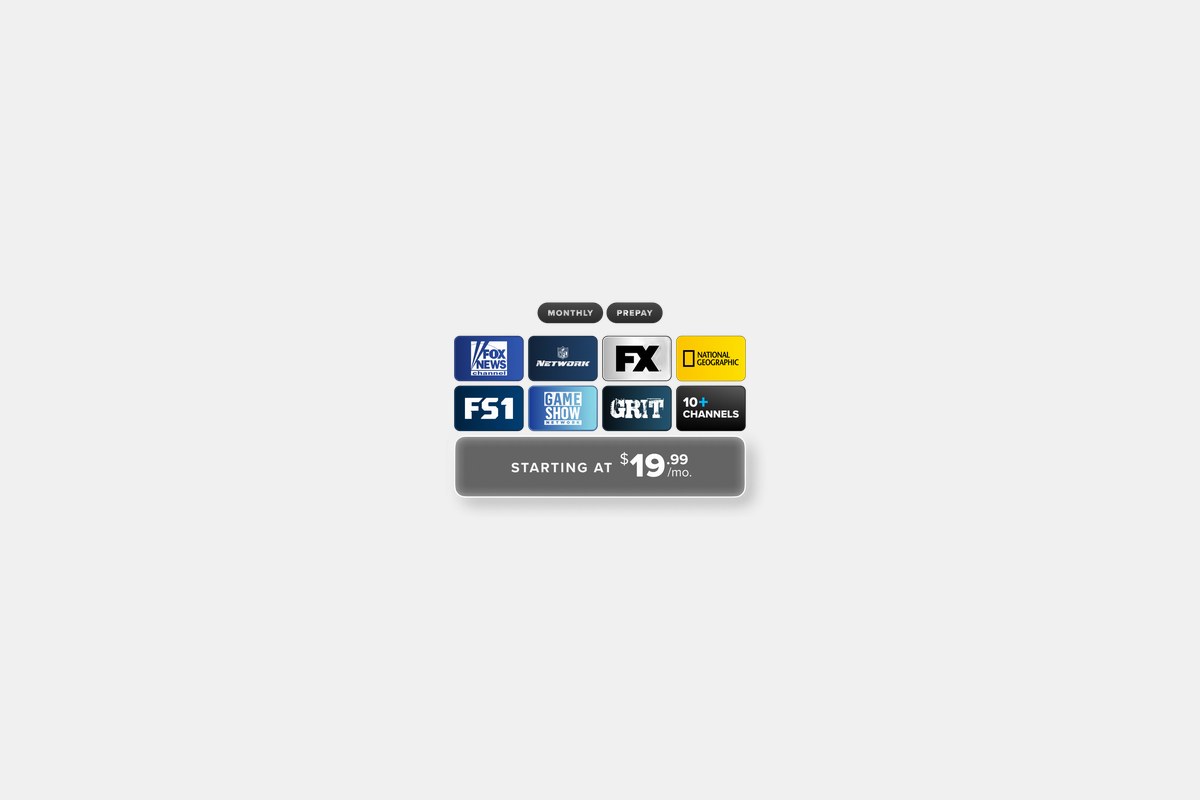
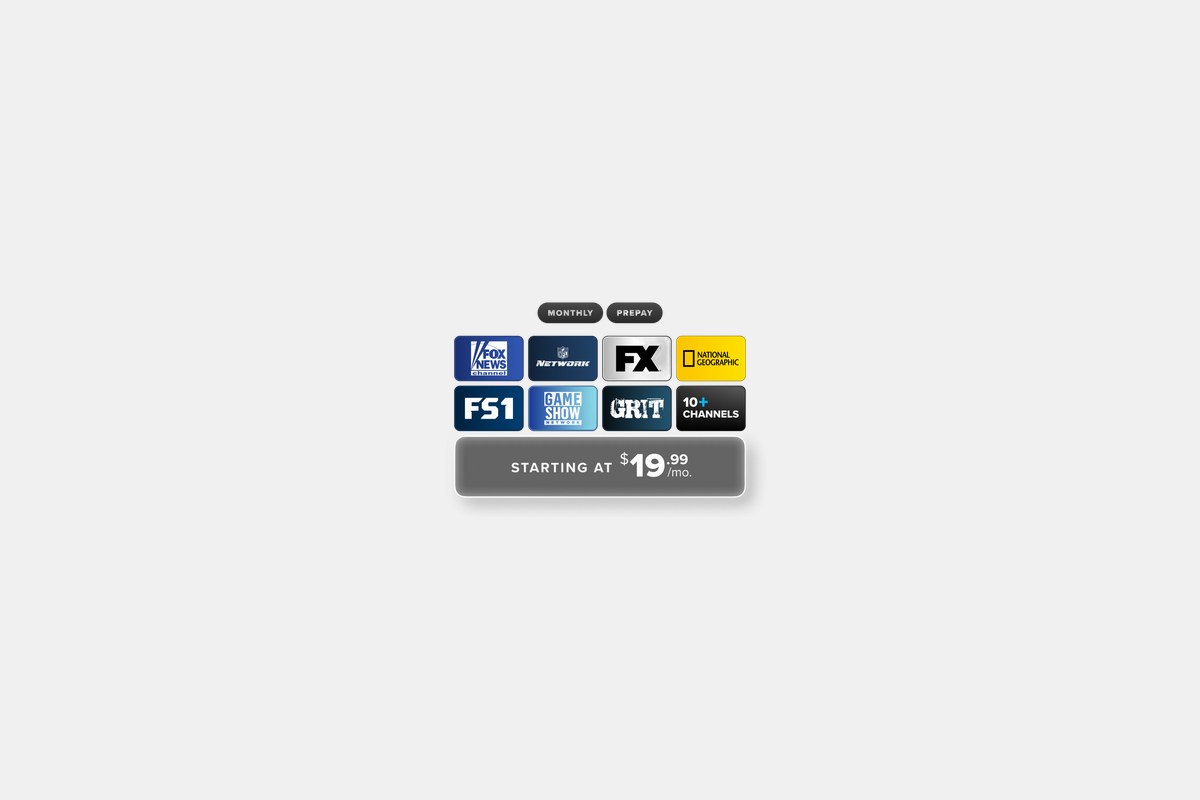
At just $19.99 per month, Sling Select is the new ultra-budget king. It’s for anyone who wants a handful of live channels without cracking the $25 mark. You get about 10-15 core entertainment and news channels, like Fox News, National Geographic, FX, and even NFL Network in some areas.
What surprised me is that Sling didn’t strip out all the features. You still get 50 hours of cloud DVR storage and support for three simultaneous streams, the same as you get on the pricier Blue plan. It’s a genuinely capable package for a price that no other live TV service is touching right now.
The Downside: To hit that low price, Sling had to make cuts. There’s no ESPN, and local channel coverage for ABC, NBC, and Fox is spotty at best. It’s a great supplement, but it’s not a full cable replacement.
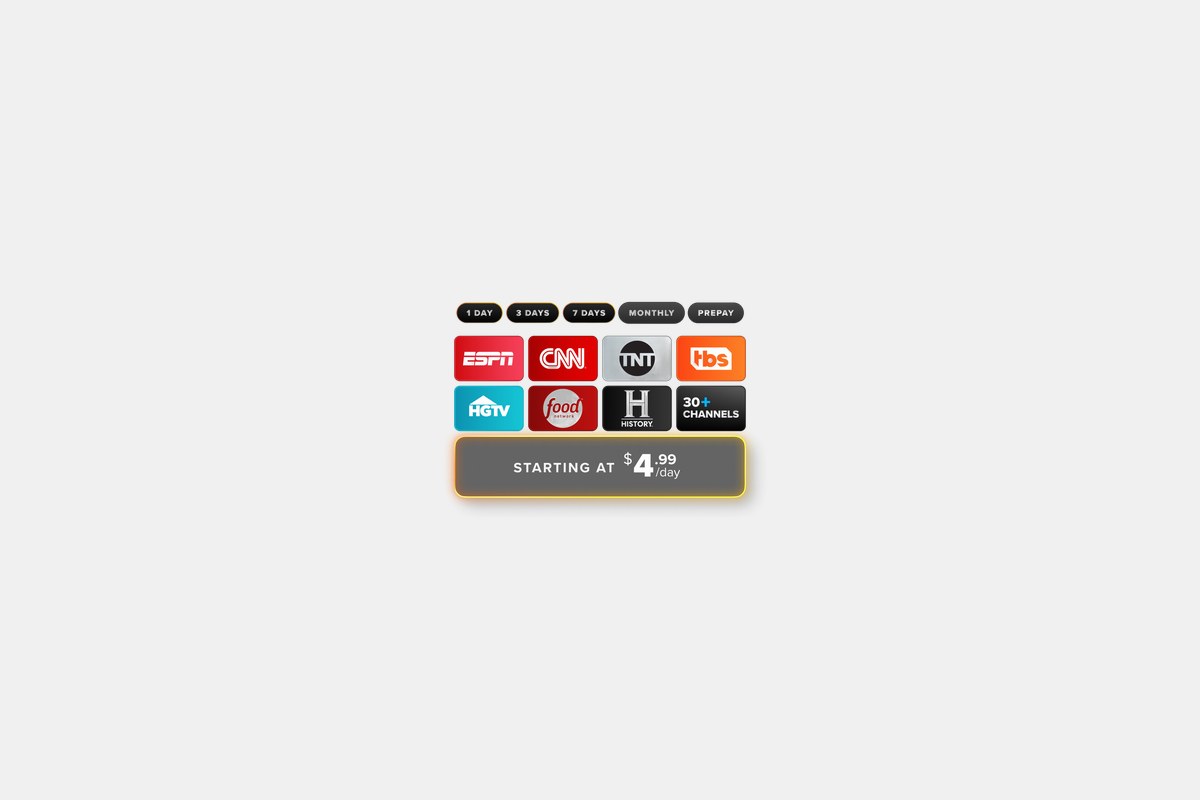
The Sling Orange package costs around $45.99 a month and is built for one thing: getting ESPN as cheaply as possible. If you’re a solo sports fan or a family that needs the Disney Channel, this is your entry point. It undercuts services like YouTube TV and Hulu + Live TV by a wide margin.
For that price, you get over 30 channels, including the big ones like ESPN, ESPN2, and ESPN3—with some events even streaming in 4K. You also get Disney Channel and Freeform, plus staples like AMC, HGTV, and Food Network. It comes with 50 hours of DVR, which is decent for the price.
The Downside: Orange only allows one stream at a time. That’s a dealbreaker for most families or even couples who want to watch different things simultaneously. It also lacks the news and local channels found in Sling Blue.
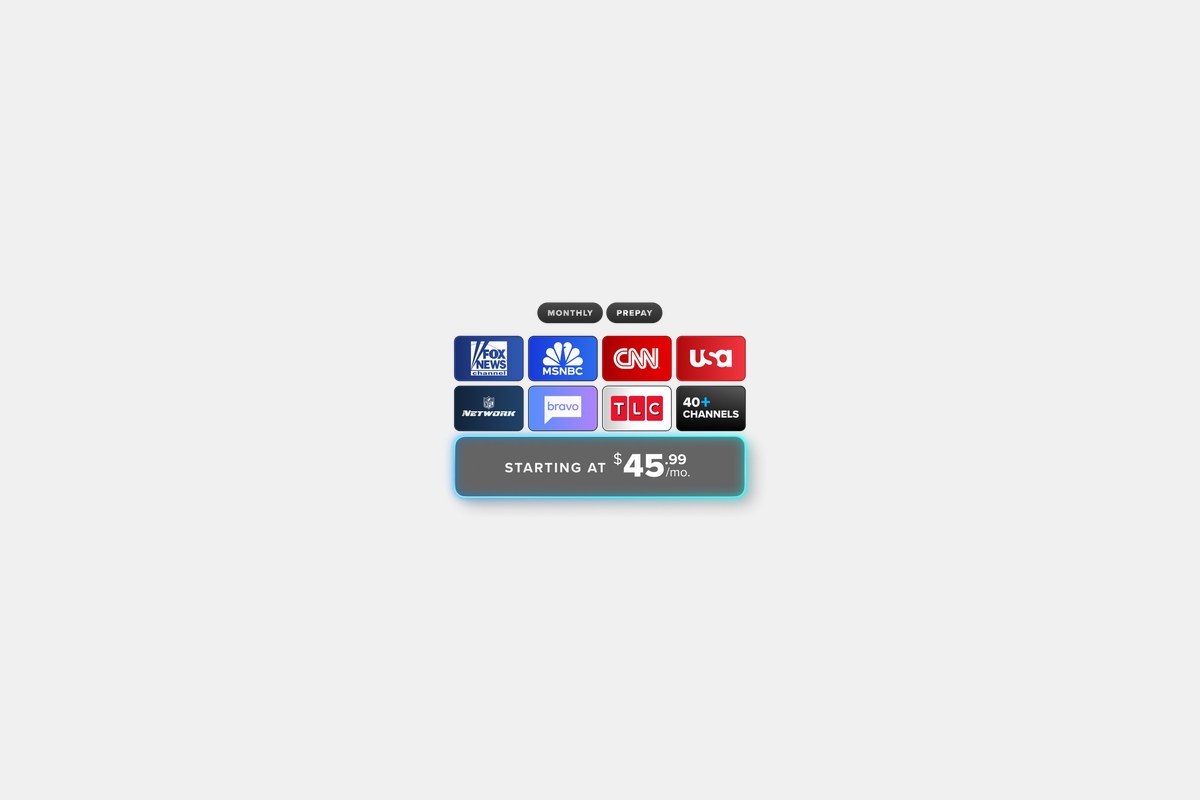
Sling Blue, at around $49.99 a month, is what I recommend for most people. It ditches the ESPN focus for a broader mix of news, entertainment, and local channels. It includes Bravo, FX, FS1, NFL Network, and USA, making it feel more like a traditional basic cable package.
The big advantage here is the three simultaneous streams, making it a much better fit for households. You also get local ABC, Fox, and NBC affiliates in many cities, which is a huge step up from Orange. With 40+ channels and 50 hours of DVR, it’s the best default Sling TV package for general viewing.
The Downside: No ESPN. If you need live Monday Night Football or college games on ESPN’s networks, Blue on its own won’t cut it. And while local channel support is better, it’s still not available everywhere, so you might need an antenna.
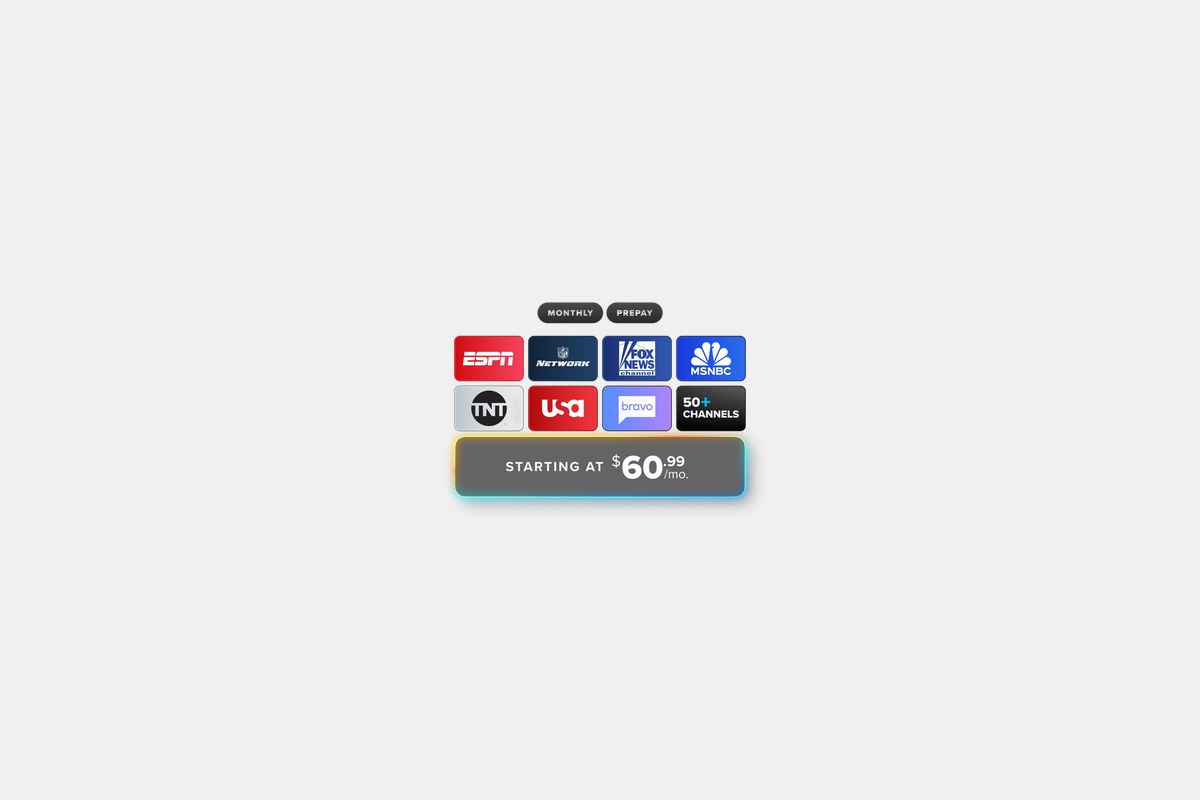
For about $60.99 a month, the Orange + Blue plan is Sling’s “have it all” option. It combines every channel from both base plans into one bundle with 50+ channels. You get ESPN and Disney from Orange plus the locals, news, and entertainment from Blue, like FX, FS1, and Bravo.
This is the best choice for families with mixed tastes. It solves the streaming limit problem by offering up to four simultaneous streams and keeps the 50-hour DVR. Even at this price, it’s still generally cheaper than Hulu + Live TV or YouTube TV while offering a comparable core lineup.
The Downside: Once you start adding Extras like the sports or news packs, the price can quickly climb into the $70-$80 range. At that point, you’re in the same territory as the bigger all-in-one services, which often have better DVRs and more extensive local coverage.

Sling TV Freestream costs $0 and is one of the best free streaming services you can get. It’s built right into the Sling app and offers over 600 free, ad-supported channels (FAST channels) plus a library of on-demand movies and shows. You don’t need a paid plan, just an account.
This is a fantastic feature that sets Sling apart from its live TV competitors. I especially like how it integrates with an over-the-air antenna if you have an AirTV device. It puts your free local broadcast channels right alongside the free streaming channels in one unified guide.
The Downside: It’s free for a reason. You won’t find premium cable channels like ESPN or your local ABC/NBC station here. The quality of the channels can be a mixed bag, with a lot of niche content you’ll probably never watch.

For an extra $11 per month, the Sports Extra add-on is a must-have for serious sports fans. It layers on essential league networks like NBA TV, MLB Network, and ESPNU. It’s a much cheaper way to get these channels than upgrading to a pricier live TV service that includes them by default.
If you have the Orange + Blue plan, the add-on costs about $15 but includes even more channels, bringing the total to around 20 extra sports networks. It’s the most powerful tool in Sling’s arsenal for building a custom sports package without breaking the bank.
The Downside: The cost is on top of your base plan, so your bill adds up. And even with this package, you still won’t get most regional sports networks (RSNs) for your local MLB, NBA, or NHL teams.
The DVR Plus Add-On costs just $5 a month and boosts your cloud DVR storage from 50 hours to 200 hours. If you’re someone who records entire seasons of shows or multiple football games every weekend, the standard 50 hours disappears fast. This upgrade is almost essential.
I found it easy to add to my account, and the extra space was immediately available. For a fiver, it makes Sling feel much closer to a traditional cable experience where you don’t have to constantly manage your recordings.
The Downside: Even with 200 hours, it’s not the unlimited DVR offered by competitors like YouTube TV. The recording interface also feels a bit dated and isn’t as smart about resolving conflicts or extending recordings for live events.

Sling’s Latino plans are a huge differentiator, starting at just $10 a month for standalone Spanish-language packages. You can subscribe to just a Latino plan or add it to an English base plan. They offer themed packs for different regions, like Mexico, Caribe, and Sudamérica.
This is a far better deal than the expensive international add-ons you find on cable or other streaming services. You get access to popular networks for news, sports, and telenovelas, all within the same Sling app and using the same DVR.
The Downside: To get a truly comprehensive bilingual lineup, you often have to combine an English base plan with one or two Latino packs, which can push the total monthly cost up significantly. The channel lists can also be a bit confusing to sort through.
Choosing the best Sling TV package comes down to two questions: do you need ESPN, and how many people will be watching at once? If the answer to the first is yes, you have to start with Sling Orange. If you need more than one stream, you have to go with Sling Blue.
For most households, I think Sling Blue is the sweet spot. It offers a good mix of channels, three streams, and some local coverage for a very competitive price. If your family has conflicting needs—one person needs ESPN while another wants Bravo—then the combined Orange + Blue plan is the only way to go, and it’s still a solid value compared to the competition.
Don’t forget the add-ons. The beauty of Sling is its modularity. Start with a base plan and live with it for a week. If you find you’re missing sports, add the Sports Extra. If you keep running out of DVR space, add DVR Plus for $5. This approach ensures you’re only paying for the channels you actually watch.
12 Best Clear iPhone Cases
Top 8 Neckband Earbuds
7 Best Crossbody Phone Cases
Best Toddler Cameras
