12 Best Clear iPhone Cases
12 Best Clear iPhone Cases

It’s 2026, and not a single laptop on my desk has a built-in optical drive. And yet, I’ve got a spindle of old photo CDs, a box of software that requires a physical disc, and a film collection I haven’t digitized. That’s where external CD drives come in.
They’re not just for legacy media. For photographers who still deliver work on discs or anyone wanting to rip their music collection to FLAC, an external drive is an inexpensive tool that just works. I’ve spent the last month burning, ripping, and installing from a pile of the most popular drives to find which ones are worth your money.
These are the best external CD drives that deliver on speed, reliability, and portability without breaking the bank.
The ASUS ZenDrive U9M costs just $35 and is the drive I’d recommend to almost anyone. It’s ultra-slim at just 13mm thick and has a stylish concentric-circle design that looks great next to a modern laptop. It just feels a bit more premium than its price suggests.
Compatibility is fantastic. I tested it on Windows 11, the latest macOS, and even a Linux machine without a single hiccup. It comes with both USB-A and USB-C cables, so you don’t need a dongle. It handles DVDs at up to 8x speed and CDs at 24x, and its M-DISC support is a huge plus for anyone looking to archive photos or documents for long-term storage.
The Downside: The drive uses a USB 2.0 interface, which is fast enough for reading and writing discs but won’t max out modern ports. For burning a full DVD, it’s perfectly fine, but it’s not the fastest for massive data transfers.

At around $30, the LG GP65NB60 is my top pick for anyone on a tight budget. It’s incredibly light and thin, making it easy to toss in a bag. If you just need something to occasionally install old software or watch a DVD on a trip, this is it.
It does exactly what it promises: reads and writes CDs and DVDs without any fuss. I plugged it in, Windows recognized it immediately, and I was burning a disc in under a minute. The 8x DVD write speed is standard for this class, and for the price, its reliability is impressive.
The Downside: While great for basic tasks, it feels a bit slow when burning large, data-heavy discs. The build is mostly plastic, so I wouldn’t expect it to survive a serious drop.
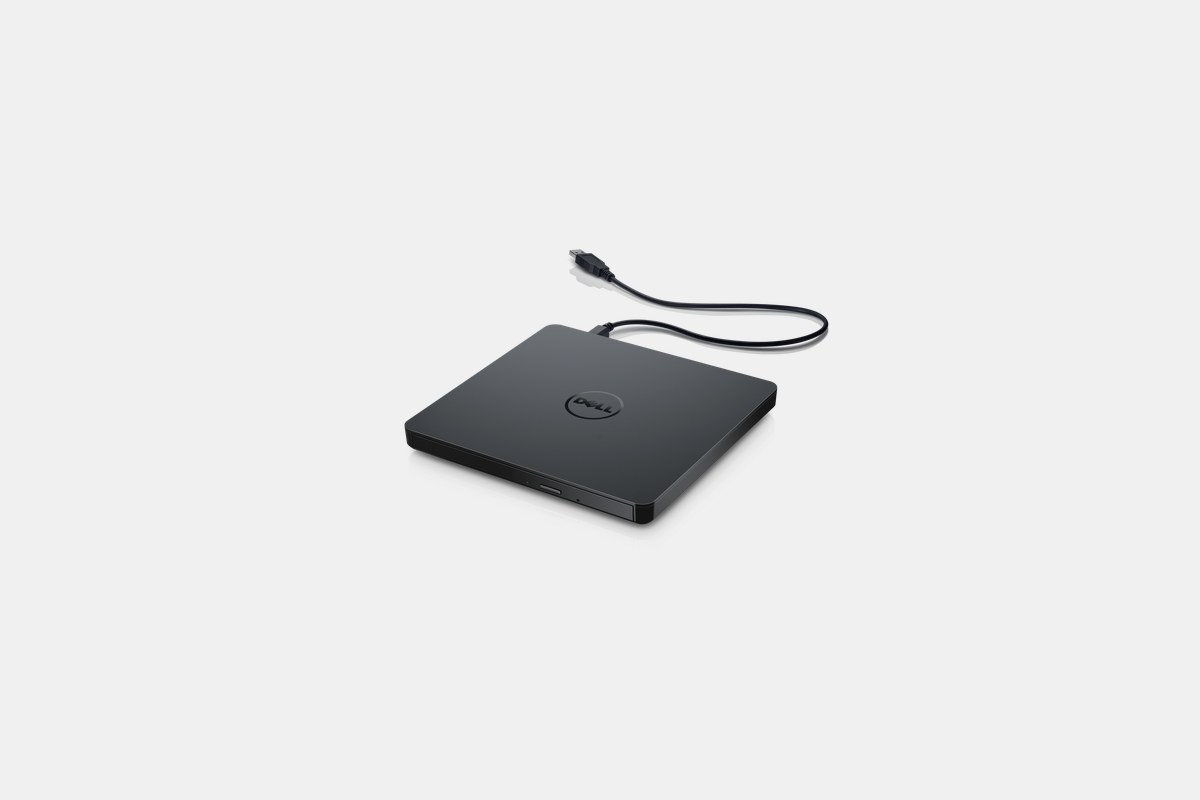
The Dell DW316 is the definition of plug-and-play, and it costs about $30. There’s no bundled software to worry about; you just connect the USB 2.0 cable and your operating system takes care of the rest. It’s pre-loaded with CyberLink Media Suite, but you don’t even need to install it.
It’s a workhorse. With 8x DVD and 24x CD speeds, it handles everyday tasks efficiently and reliably. The 14mm profile is slim enough for any laptop bag, and it draws all its power from a single USB port, so there are no extra cables to carry.
The Downside: This drive can get noisy. When it spins up to max speed, you’ll hear both the disc and some light vibration from the chassis. It’s not a dealbreaker, but it’s louder than the ASUS or LG models.
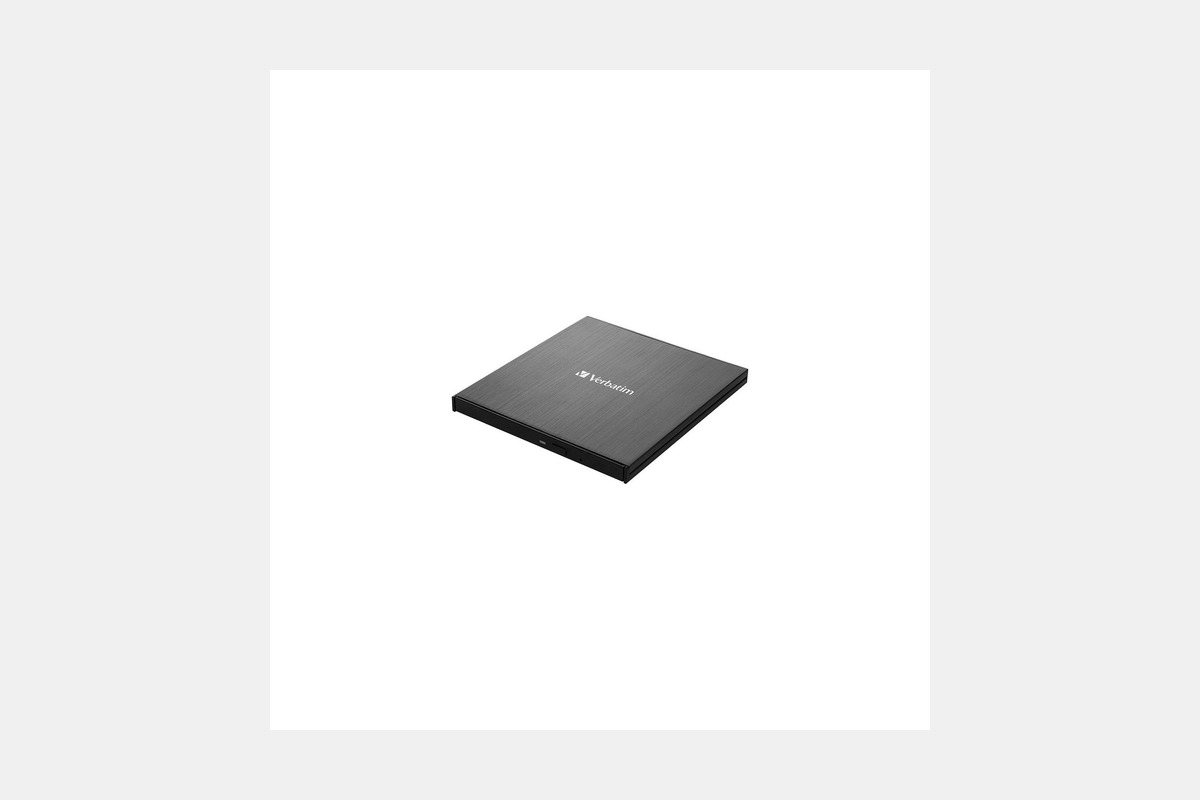
For serious media enthusiasts, the $100 Verbatim 43888 is the answer. This isn’t just a CD/DVD drive; it reads and writes UHD 4K Blu-ray discs. It also supports BDXL discs, which can hold up to 100GB of data, making it perfect for archiving huge video projects or system backups.
It connects via USB 3.2 Gen1, and I clocked file transfers around 27 MB/s, which is a noticeable step up from USB 2.0 drives. The metal housing gives it a sturdy, premium feel, and it handled every disc I threw at it—from old CDs to brand new 4K movies—without issue.
The Downside: The bundled software is Windows-only. If you want to watch Blu-ray movies on a Mac, you’ll need to buy third-party software like Leawo Blu-ray Player or Macgo, which adds to the overall cost.
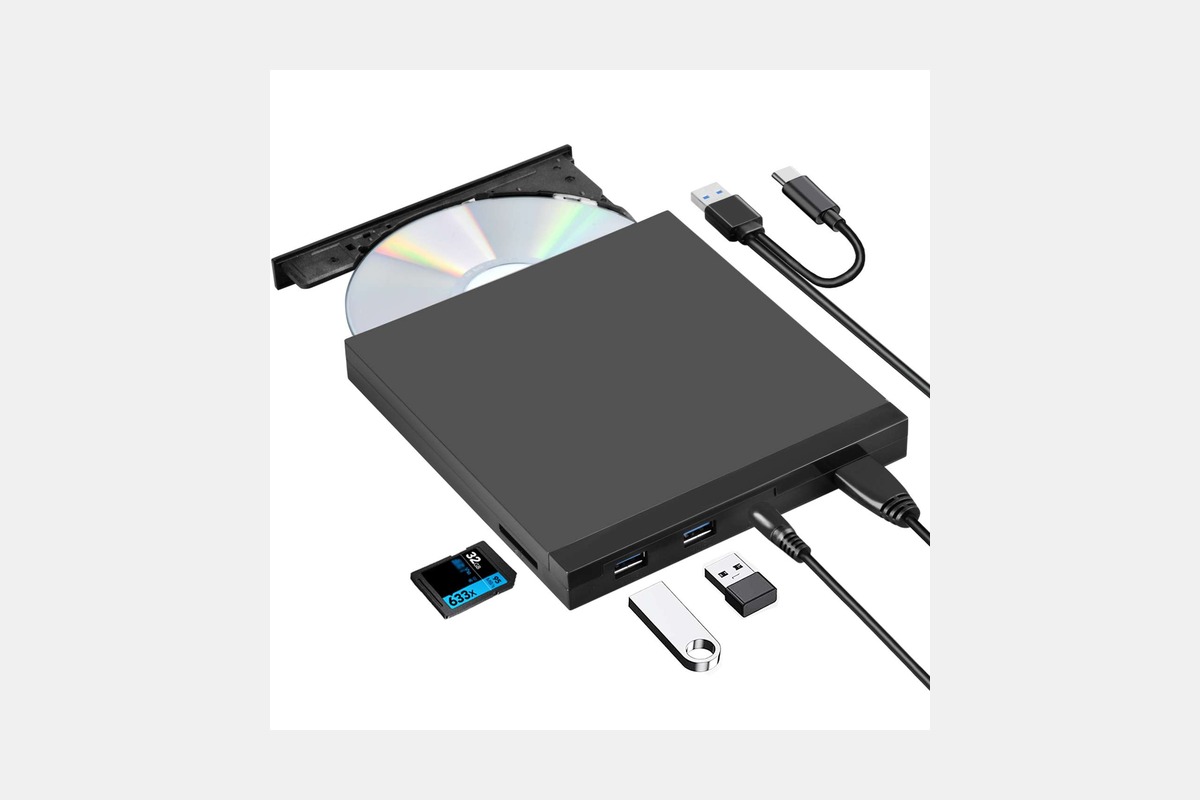
The ROOFULL drive, priced around $30, is built for modern laptops. It features a captive cable with both a USB 3.0 and a USB-C connector, so you’re covered whether you have a new MacBook or an older PC. With a 5Gbps transfer rate, it feels snappier than its USB 2.0 competitors.
It also includes built-in error correction technology, which came in handy when I was trying to rip music from a few scratched CDs from the late ’90s. The included hardshell carrying case is a nice touch that adds a lot of value for commuters or students.
The Downside: Like most drives in its price range, there’s no Blu-ray support. It’s strictly for CD and DVD media.
For die-hard Apple users, the $80 USB SuperDrive offers seamless integration. It’s designed to work perfectly with macOS for installing software, playing media, or burning discs through Finder. It has that classic Apple aluminum build quality and feels solid.
It’s as simple as it gets. You plug it in, and it just works. There are no buttons—the drive pulls in and ejects discs automatically based on commands from your Mac. For restoring an old MacBook or accessing old iPhoto libraries on DVD, it’s completely foolproof.
The Downside: It’s expensive for what it is, and it uses an attached USB-A cable, meaning you’ll need a dongle for any modern Mac. It also lacks Blu-ray support, which feels like a miss at this price point in 2026.
The Hitachi LG GP96Y is uniquely versatile for its $32 price. Beyond working with Windows and Mac, it’s also compatible with Android and Fire OS devices. Using the free Disc Link app, I was able to connect it to an Android tablet via USB-C and watch a DVD on the go.
It’s slim, lightweight, and comes with both USB-C and USB-A adapters, making it ready for almost any device you own. The elegant design doesn’t hurt, either. It’s a fantastic travel companion for anyone who uses multiple operating systems.
The Downside: The functionality is limited to standard CDs and DVDs. While Android compatibility is cool, it’s mostly for media playback, not complex data burning operations.

If every dollar counts, the LG GP60NS50 is often available for under $25. Despite its ultra-budget price, it delivers reliable 8x DVD-R write speeds and includes M-DISC support for long-lasting data preservation, a feature usually found on more expensive drives.
It also features TV connectivity, allowing you to plug it into a smart TV’s USB port to play media directly from a disc. It’s a no-frills device that gets the job done for basic burning and reading across both Windows and Mac.
The Downside: The speeds are basic, and the build quality is what you’d expect for the price—entirely plastic and very lightweight. It’s a great value, but it’s not built for heavy, daily use.
First, check the connection. Most new laptops only have USB-C ports, so a drive that includes a USB-C cable or adapter will save you from carrying a dongle. Drives with a USB 3.0 or faster interface will offer better data transfer speeds than older USB 2.0 models, though for simple disc burning, USB 2.0 is usually sufficient.
Next, consider what kind of discs you’ll be using. All the drives on this list handle standard CDs and DVDs. But if you have a 4K movie collection or need to back up massive amounts of data, you’ll need a more expensive model like the Verbatim that supports Blu-ray and high-capacity BDXL discs.
Finally, think about archival features. M-DISC support is designed to etch data permanently onto a special disc that can last for centuries, compared to just a few years for a standard DVD-R. If you’re backing up priceless family photos or critical documents, look for a drive that supports it.
12 Best Clear iPhone Cases
Top 8 Neckband Earbuds
7 Best Crossbody Phone Cases
Best Toddler Cameras
