12 Best Clear iPhone Cases
12 Best Clear iPhone Cases


The Google Pixel Tablet isn’t just another Android tablet. I’ve had it on my kitchen counter for the better part of a month, and its killer feature is the Charging Speaker Dock. It transforms from a standard tablet into a Nest Hub, ready to control my smart lights or play a YouTube Music playlist with surprisingly decent audio. It’s a clever two-for-one that nobody else has quite nailed.
But let’s be honest. As the only “Pixel” tablet, it wins the “best Google Pixel Tablet” award by default. The real question is how it stacks up against a very competitive field of Android tablets in 2026. Samsung is still the king of premium screens, and OnePlus is pushing battery life and performance to new limits.
So, I’ve rounded up the best Android tablets I’ve tested this year. Whether you’re all-in on the Google ecosystem, need a productivity machine, or just want a cheap screen for Netflix, this is how they compare.

The Google Pixel Tablet costs about $340, and it’s the best choice for anyone deeply invested in Google’s ecosystem. The included Charging Speaker Dock is the main attraction, turning the tablet into a smart home controller and media player the moment you magnetically attach it. It’s a brilliant idea that gives the device a permanent home and purpose.
Performance from the Tensor G2 processor and 8GB of RAM is solid for everyday use. It handles browsing, streaming, and multitasking just fine, feeling on par with a base-model iPad. The 11-inch 2560×1600 LCD is sharp, and you get all the clean, exclusive software features that make Pixel phones great, plus the promise of long-term updates direct from Google.
The Downside: The 60Hz display is a real letdown. In a world of high-refresh-rate screens, scrolling and animations feel noticeably sluggish compared to just about every other modern tablet on this list.
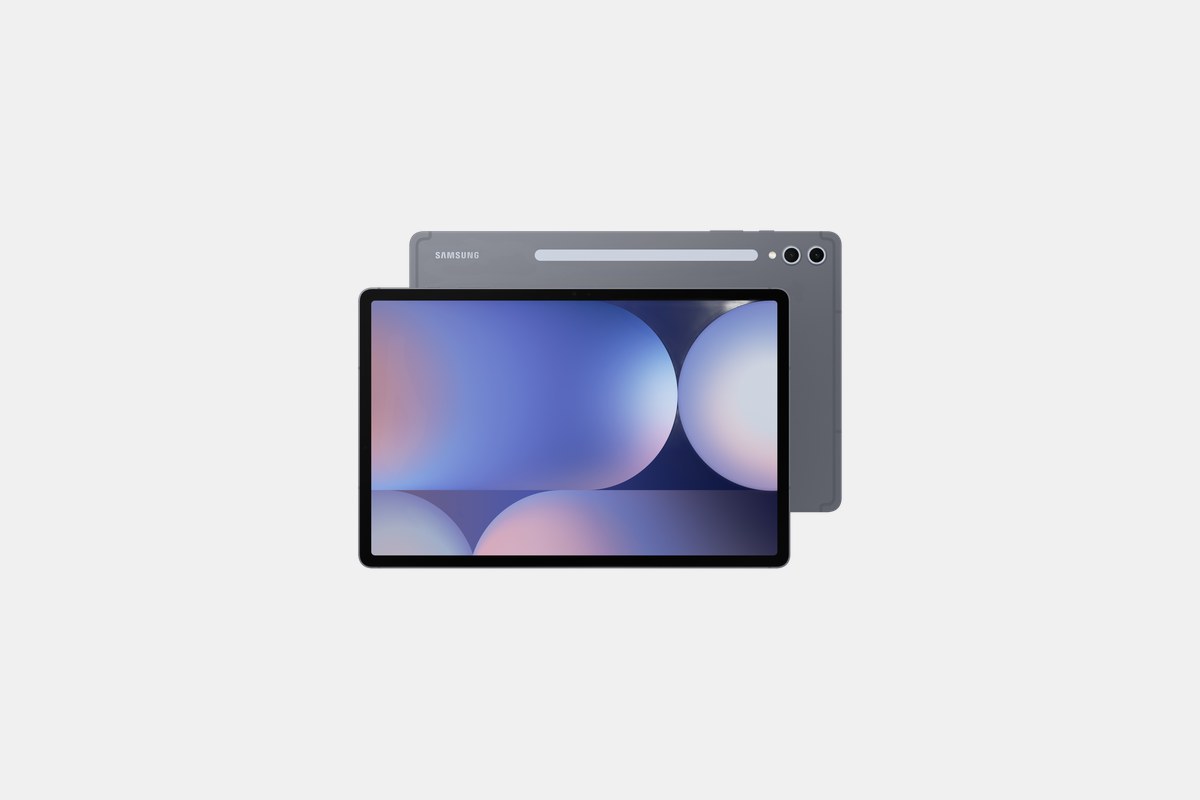
At around $1000, the Samsung Galaxy Tab S10 Ultra is an absolute monster. Its main event is the stunning 14.6-inch Dynamic AMOLED 2X display. It’s huge, vibrant, and perfect for watching movies or getting creative work done with the included S Pen.
Under the hood, the MediaTek Dimensity 9300+ processor paired with up to 16GB of RAM chews through any app or game you throw at it. The massive 11,200mAh battery keeps it running all day, and its IP68 rating means you don’t have to worry about spills. For high-end productivity and media, this is the top Android choice.
The Downside: Its size is both a pro and a con. The 14.6-inch screen makes it incredibly awkward to hold with one hand, relegating it to desk or lap use most of the time.

The OnePlus Pad 3 is the best all-around Android tablet right now, starting at $699. It strikes a fantastic balance of performance, battery life, and screen quality. The Snapdragon 8 Elite chipset is incredibly fast, and in my testing, the 12,140mAh battery consistently delivered over 16 hours of video playback.
Its 13.2-inch 144Hz LCD is incredibly smooth, bright, and sharp. The 80W fast charging is also a lifesaver, juicing up the huge battery in a little over an hour. If you want a high-performance tablet that outlasts everything else on the market, this is it.
The Downside: For a premium device, the lack of a fingerprint sensor or any secure facial recognition is a strange omission. You’re stuck with just a PIN or pattern.
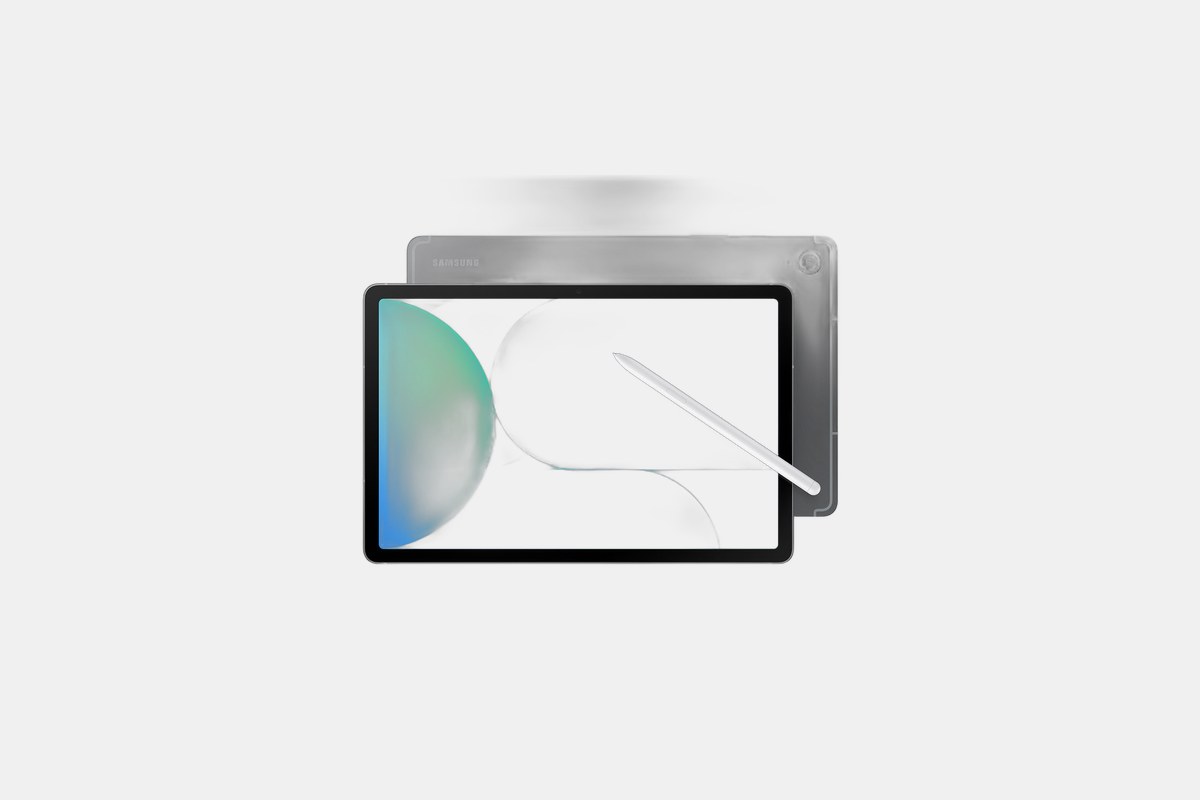
For $450, the Samsung Galaxy Tab S10 FE is my top pick for anyone who needs to get work done on a budget. The included S Pen is fantastic for note-taking, and the DeX mode gives you a desktop-like experience. It’s a fantastic value for students and professionals.
The 10.9-inch 90Hz display is a nice step up from the Pixel Tablet’s 60Hz screen, and the Exynos 1580 processor is perfectly capable for everyday tasks like email, browsing, and document editing. I also love that it has an IP68 water-resistance rating and a microSD card slot to expand storage up to 1TB.
The Downside: The processor isn’t built for high-end gaming. It’ll handle casual titles but will struggle with graphically intense games like Genshin Impact at high settings.
The Galaxy Tab A9+ costs just $240 and feels more expensive than it is. It’s the perfect affordable tablet for family sharing, browsing, and light media use. The biggest win here is the 11-inch 90Hz display, which makes scrolling social media and websites feel much smoother than you’d expect at this price.
With a respectable Snapdragon 695 chip and an 8GB RAM option, it handles basic tasks without frustrating lag. Unlike Amazon’s Fire tablets, you get the full Google Play Store, giving you access to all the Android apps you actually use. It’s a huge step up from a Fire HD 10 for not much more money.
The Downside: It doesn’t support Samsung’s S Pen or any other active stylus, which limits its use for note-taking or drawing.
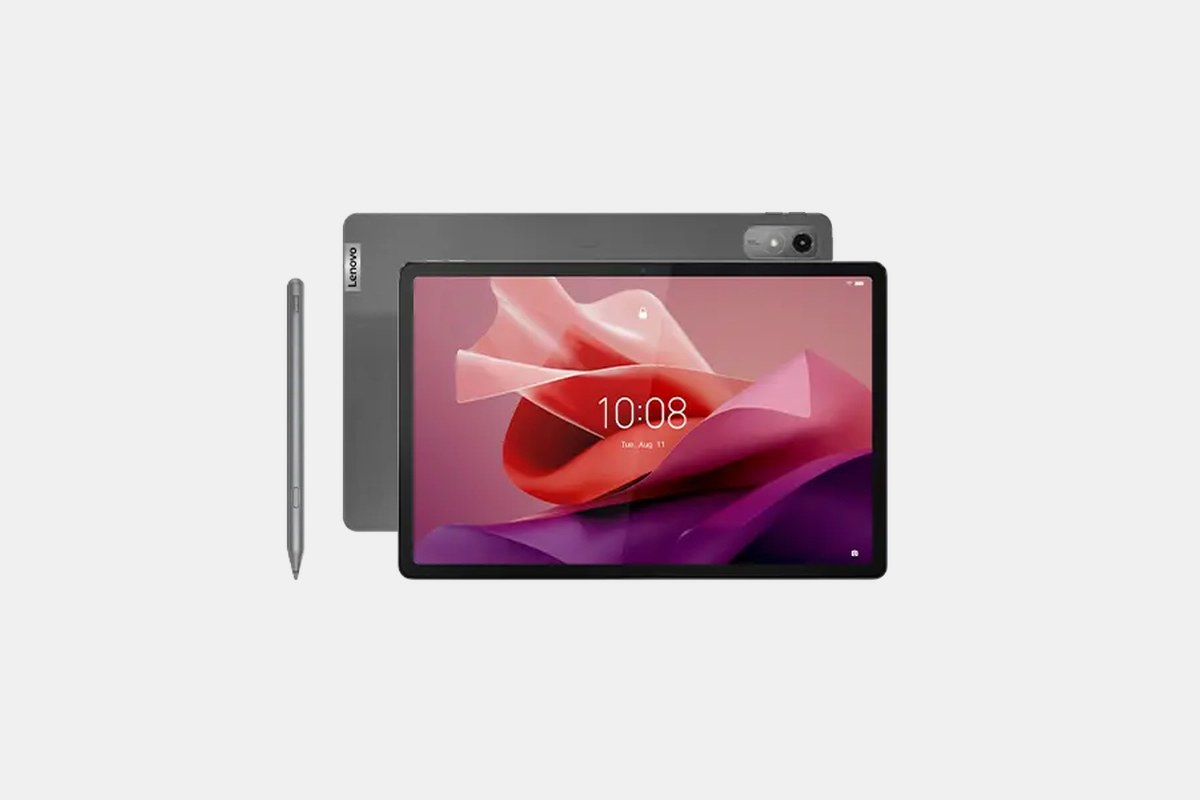
Lenovo’s Tab P12 is an excellent media machine for its $300 price tag. You get a huge 12.7-inch 3K display that’s great for watching movies, and the quad JBL speakers provide loud, clear audio. It even comes with a stylus in the box, making it a decent option for casual artists and note-takers.
The MediaTek Dimensity 7050 processor and 8GB of RAM are enough for streaming, browsing, and light productivity work. The battery life is also solid, easily lasting through a full day of mixed use. It’s a lot of screen for the money.
The Downside: The screen is held back by a 60Hz refresh rate and isn’t as bright as others, making it harder to use in well-lit rooms or outdoors.
At $140, the Amazon Fire HD 10 is undeniably cheap. If all you need is a simple screen for watching Prime Video, Netflix, or reading Kindle books, it’s a fantastic value. The 10.1-inch 1080p display is perfectly fine for video, and the battery life is great, lasting up to 13 hours.
It’s a basic device that does basic things well. For kids or as a secondary device dedicated purely to media consumption, the price is tough to beat.
The Downside: The Amazon Appstore is a wasteland compared to the Google Play Store. You won’t find Google apps like Gmail, Maps, or Chrome, and the selection of other apps is severely limited, which is a dealbreaker for most people.
The OnePlus Pad Go 2, at $350, is all about endurance. Like its more expensive sibling, its battery life is the star, clocking in at over 16 hours in my tests. This makes it an incredible travel companion or a device you can use for days without reaching for a charger.
The 11.6-inch 144Hz display is unusually smooth for this price point, and its unique 7:5 aspect ratio is surprisingly good for running two apps side-by-side. OnePlus’s Open Canvas software makes multitasking seamless between the tablet and a OnePlus phone.
The Downside: Its MediaTek Helio G99 processor is strictly mid-range. It’s fine for media and browsing but shows its limits when you push it with demanding apps or games.
When I’m testing these tablets, I focus on a few key areas. First is the screen. A higher refresh rate (90Hz or more) makes everything feel smoother, while screen type (OLED vs. LCD) determines contrast and color vibrancy. For a $300+ tablet in 2026, I expect at least 90Hz.
Next is performance. A tablet’s processor—whether it’s a Google Tensor, Qualcomm Snapdragon, or MediaTek Dimensity—dictates how well it handles multitasking and gaming. For basic use, most modern chips are fine, but for productivity or gaming, a higher-end Snapdragon or Dimensity chip makes a real difference.
Finally, consider the ecosystem. The Pixel Tablet’s biggest strength is its dock and smart home integration. Samsung’s tablets work best with Samsung phones thanks to features like DeX. And accessories like a good keyboard case or an included stylus can completely change how you use the device, so don’t overlook what’s in the box or available to buy.
12 Best Clear iPhone Cases
Top 8 Neckband Earbuds
7 Best Crossbody Phone Cases
Best Toddler Cameras
