12 Best Clear iPhone Cases
12 Best Clear iPhone Cases

Your TV is probably already “smart.” But I’ll bet the interface is slow, cluttered with ads, and misses key app updates. That’s why dedicated streaming media players are still one of the best upgrades you can make to your home theater. After weeks of testing, I’ve found the best streaming devices for any budget or setup in 2026.
These little boxes and sticks pack faster processors, cleaner software, and better Wi-Fi than what’s baked into most TVs. They turn any screen into a premium entertainment hub. Whether you need the absolute fastest performance for a high-end OLED or just a cheap stick to revive an old bedroom TV, this is the list for you.
For your main living room TV, you want speed, stability, and the best possible picture quality. These streaming boxes deliver top-tier performance with features like Ethernet ports, faster processors, and universal HDR support. They cost more, but they’re worth it.
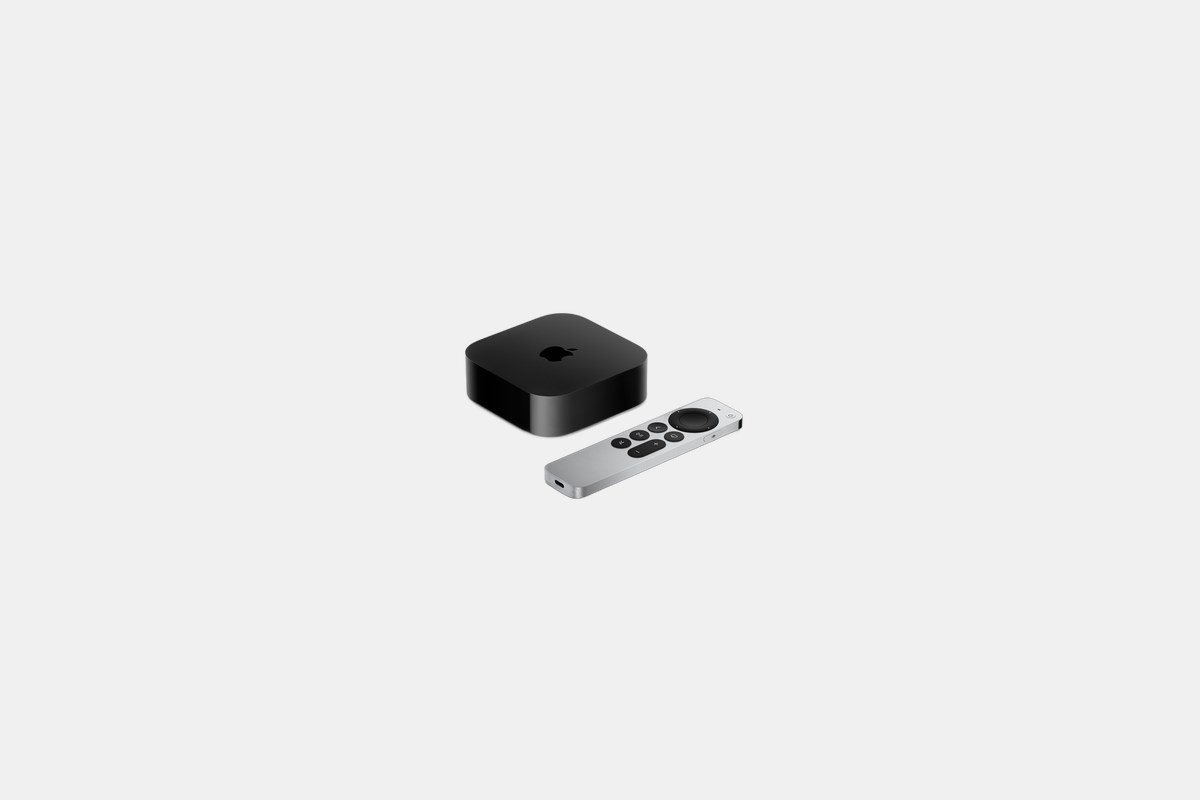
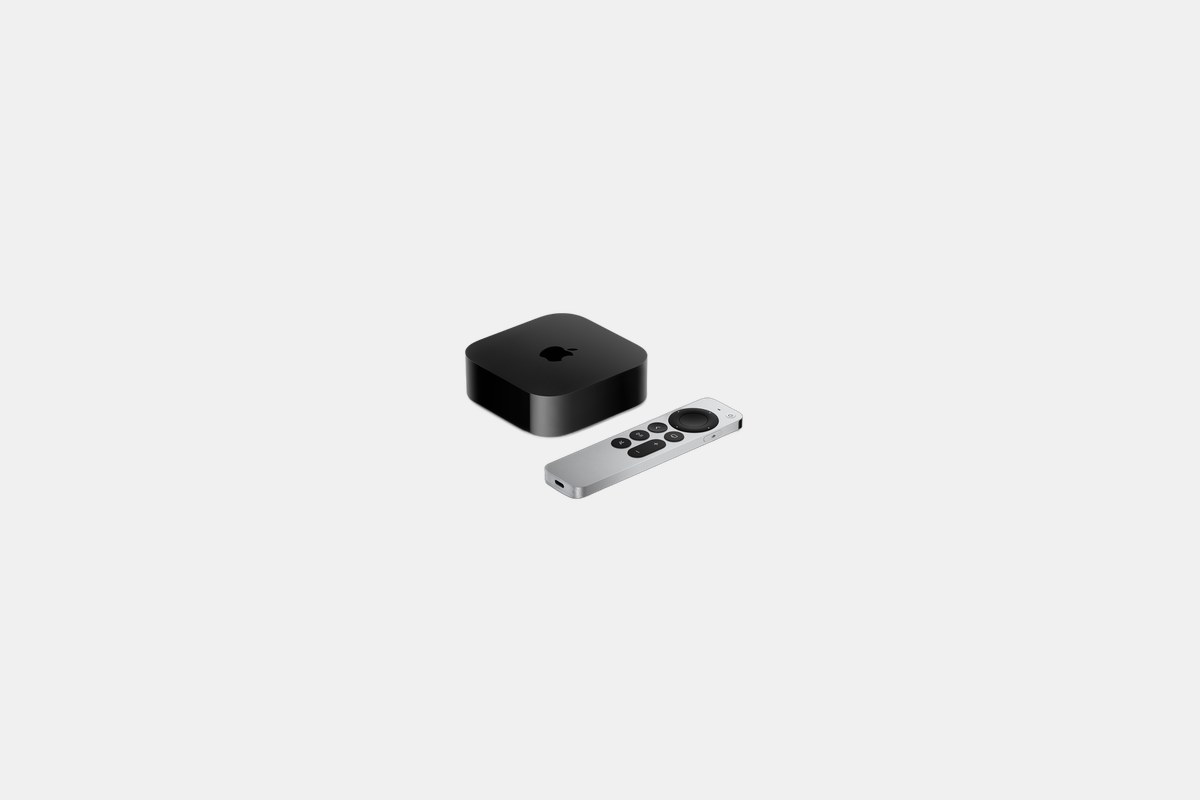
The Apple TV 4K starts at $129 and remains the undisputed king of premium streaming. The A15 Bionic chip inside—the same family of processors from the iPhone 13—is ridiculously overpowered for a streaming box. The result is an interface that is buttery smooth, with apps that load instantly.
I’ve been using one for months and the experience is just clean. There are no ads on the home screen, just your apps. It supports Dolby Vision, HDR10+, and Dolby Atmos, so you’re getting stellar picture and sound. If you’re in the Apple ecosystem, it integrates seamlessly with your iPhone for setup, keyboard input, and color calibration.
The Downside: It’s the most expensive device on this list, and you’re paying a premium for the Apple ecosystem integration and ad-free experience.
At $99, the Roku Ultra is the practical person’s high-end streamer. It handles every major format you can throw at it—4K, HDR10+, Dolby Vision, and Dolby Atmos. The Roku interface is famously simple and app-agnostic, meaning it doesn’t push one service over another.
What I really love is the hardware. You get an Ethernet port for stable wired streaming, a USB port for local media files, and Wi-Fi 6. The rechargeable Voice Remote Pro is fantastic, with a backlit keypad, a headphone jack for private listening, and a lost remote finder that makes it chirp on command.
The Downside: While fast, the interface isn’t quite as snappy as the Apple TV 4K. The home screen also has a static ad banner.

The new Google TV Streamer 4K costs $99 and is the brain for a modern smart home. It’s built around Google’s AI, with a home screen that pulls in content recommendations from all your services. And with support for Matter and Thread, it can act as a hub for your smart lights, locks, and sensors.
Picture quality is top-notch, with support for 4K Dolby Vision and Dolby Atmos. It also packs 32GB of storage, which is plenty for apps, and an Ethernet port for reliability. If you live in the Google ecosystem and use Google Assistant, this is the most integrated and intelligent streamer you can buy.
The Downside: The AI-driven interface is great, but it has slightly less universal app support than Roku’s platform.

The NVIDIA Shield TV Pro is an outlier at $199, but for power users, nothing else comes close. The Tegra X1+ processor is a beast, but its real magic trick is the AI-powered 4K upscaling. It takes 720p and 1080p content and makes it look noticeably sharper and more detailed on a 4K display than any other device I’ve tested.
This is also the best streaming device for gamers. It provides a direct pipeline to NVIDIA’s GeForce Now cloud gaming service, letting you stream PC games to your TV. It’s also a favorite for home media enthusiasts running Plex servers and for retro game emulation. It’s overkill for most, but a godsend for some.
The Downside: It’s expensive, and the core hardware is several years old, even if the software is kept up to date.
You don’t need to spend $100+ to get a fantastic 4K streaming experience. These streaming sticks plug directly into your TV’s HDMI port and deliver excellent performance for a fraction of the price. For a bedroom, office, or budget living room setup, these are the ones to get.
For just $60, the Amazon Fire TV Stick 4K Max is my top pick for a budget streaming stick. It’s incredibly fast for the price, supporting not just Dolby Vision and Atmos but also Wi-Fi 6E. That’s a feature you won’t find on many devices twice the price, and it ensures smooth streaming even in crowded Wi-Fi environments.
The processor is zippy enough to handle the Fire TV interface without lag, and it can even handle some cloud gaming through Amazon’s Luna service or by sideloading the Xbox app. The picture quality is excellent, delivering sharp details and vibrant colors that rival more expensive boxes.
The Downside: The Fire TV interface is heavily biased toward Amazon’s own content and is filled with ads and sponsored content.
The Roku Streaming Stick 4K is the definition of a workhorse, all for $50. It gives you that clean, simple Roku interface and access to virtually every streaming app under the sun. It also supports both Dolby Vision and HDR10+, so you get the best possible HDR picture no matter what kind of TV you own.
What sets this stick apart is its long-range Wi-Fi receiver, which is built into the power cable. In my testing, it held a stronger, more stable signal in a room far from my router compared to other sticks. For a simple, no-fuss 4K HDR experience that just works, this is it.
The Downside: It lacks an Ethernet port for a wired connection, and the processor is a step down from the Fire TV Stick 4K Max.
At an almost unbelievable price of $25, the Walmart-branded Onn 4K Pro is the best value in streaming, period. I was skeptical, but this little box is shockingly capable. It runs the excellent Google TV operating system and delivers 4K HDR with both Dolby Vision and Dolby Atmos.
It even has features you wouldn’t expect at this price, like an Ethernet port, Wi-Fi 6, and a remote with a finder function. The performance is snappy enough for everyday streaming, and I didn’t experience any major lag or buffering. It feels like a device that should cost twice as much.
The Downside: The build quality is basic, and it’s not powerful enough for demanding tasks like high-end gaming or running a heavy Plex client.
My testing process isn’t just about specs on a sheet. I plug these devices into my LG C3 OLED and an older TCL 4-Series to see how they perform on different displays. I watch the same scenes from Blade Runner 2049 and Dune to check for 4K detail, HDR brightness, and motion handling.
I also live with them. I navigate the menus, launch Netflix, Disney+, and YouTube, and see how quickly they respond. The difference between a good and a great streaming device is often the daily user experience—does the UI lag? Is the remote comfortable? Can it hold a stable Wi-Fi signal two rooms away from the router?
Ultimately, the best streaming device for you depends on your priorities. If you want the absolute fastest, cleanest experience and live in the Apple world, the Apple TV 4K is unbeatable. If you want a simple, reliable streamer with a great remote, go for the Roku Ultra or Streaming Stick 4K. And if you’re on a tight budget, the Onn 4K Pro delivers performance that defies its price tag.
12 Best Clear iPhone Cases
Top 8 Neckband Earbuds
7 Best Crossbody Phone Cases
Best Toddler Cameras
