12 Best Clear iPhone Cases
12 Best Clear iPhone Cases


Shopping for the best gaming monitor in 2026 is a wild ride. The tech has moved so fast that a few years ago, a 144Hz 1440p monitor was top-tier. Now we’re talking about 240Hz 4K OLEDs as the standard for high-end builds and 300Hz+ refresh rates for competitive players.
I’ve had dozens of these displays on my desk, running everything from spreadsheet work to hours-long sessions in Cyberpunk 2077 and Valorant. It’s not just about the numbers on a spec sheet. It’s about how the panel feels in a fast-paced shooter, how colors pop in a story-driven RPG, and whether it pulls double duty for work without compromise.
This list is the result of all that hands-on testing. Whether you’re a competitive esports pro, a console gamer looking for a PS5-ready screen, or someone who just wants the most immersive experience money can buy, I’ve found a monitor for you.

The LG UltraGear 45GR75DC costs $799, and it delivers an absolutely massive gaming canvas. This 45-inch, 32:9 super-ultrawide feels like having two monitors stitched together without the bezel. It completely fills your peripheral vision.
I was blown away by the immersion. The 5120×1440 resolution is sharp enough for a screen this size, and the 200Hz refresh rate on its VA panel is buttery smooth for both PC and console gaming. It’s also a powerhouse for productivity, giving you endless screen real estate for timelines or multiple windows.
The Downside: You need a truly massive desk to house this thing. Get your tape measure out before you click buy, because its footprint is no joke.
At just $249, the Alienware AW2525HM is all about one thing: speed. If you play competitive shooters like CS:GO or Valorant, this monitor gives you a serious edge without destroying your budget.
The specs are tailored for esports. You get a blazing-fast 320Hz refresh rate and a 0.5ms response time on a 25-inch IPS panel. Motion is incredibly clear, with zero ghosting or blur, letting you track targets perfectly. For the price, nothing else offers this level of raw performance.
The Downside: The trade-off for that speed is resolution. It’s a 1080p panel, which can look a little soft for anything other than pure competitive gaming.

For $900, the MSI MPG 321URXW is my pick for the ultimate do-it-all display. It’s a 32-inch 4K QD-OLED panel that looks absolutely breathtaking, whether you’re gaming or editing photos.
The combination of a 240Hz refresh rate and a 0.03ms response time means gameplay is fluid and responsive, while the QD-OLED tech provides perfect blacks and incredibly vibrant colors. I’ve used it for weeks, and it’s just as good for marathon work sessions as it is for gaming, thanks to its excellent text clarity and sturdy stand.
The Downside: It carries a premium price. You’re paying for a top-tier panel that excels at everything, and the cost reflects that.
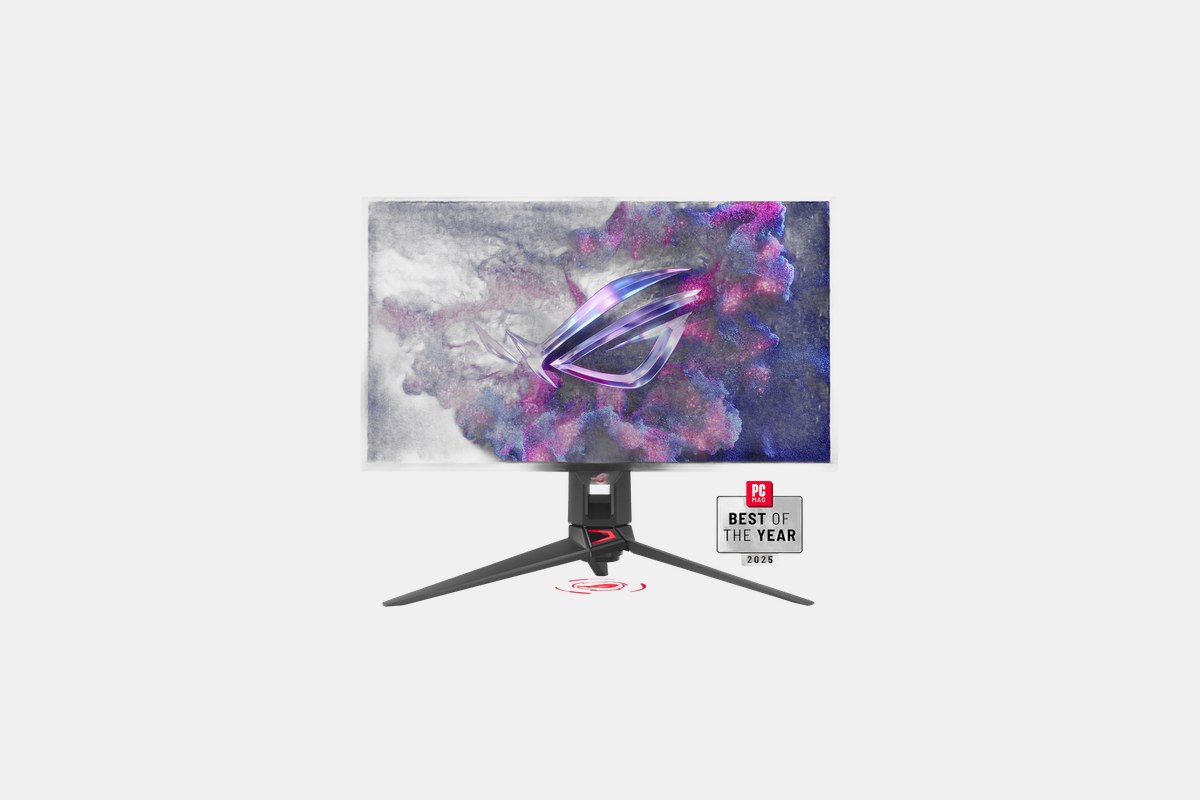
The ASUS ROG Swift OLED PG27UCDM is a $1,100 investment in visual perfection for your PC and consoles. This 27-inch 4K QD-OLED display is one of the best I’ve ever tested. Motion clarity is flawless due to the near-instantaneous 0.03ms response time.
It’s built for modern hardware. With DisplayPort 2.1 and HDMI 2.1 ports, it can handle the full 240Hz at 4K from a high-end graphics card and also supports 120Hz gaming on the PS5 and Xbox Series X. The colors are punchy, the contrast is infinite, and it’s a dream for HDR content.
The Downside: Like many glossy OLEDs, blacks can look slightly purple if you have a bright light source reflecting off the screen. It’s only noticeable in a very bright room.
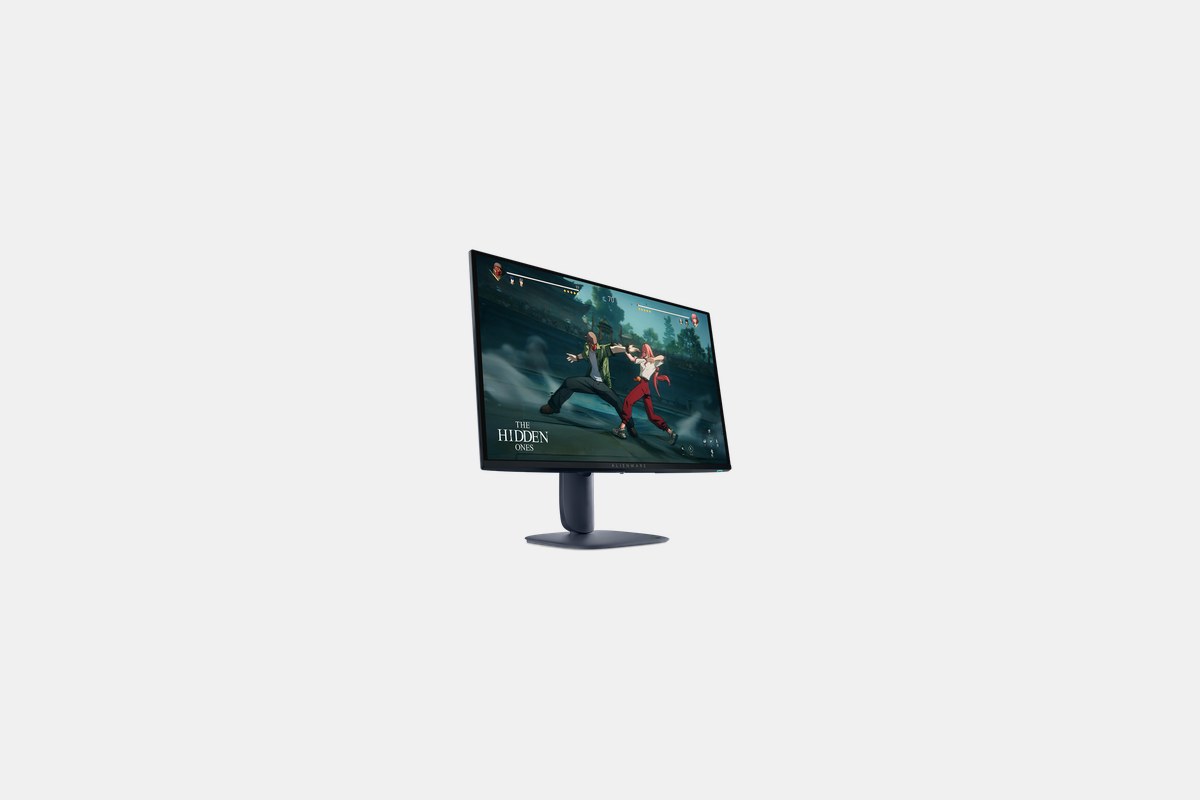
For $500, the Alienware AW2725D hits the PC gaming sweet spot. It pairs a 27-inch QD-OLED panel with a 1440p (QHD) resolution and a screaming-fast 280Hz refresh rate. This is the perfect spec combo for most gaming PCs.
After daily-driving this for a week, I can say the performance is phenomenal. Games are incredibly smooth and blur-free, and the QD-OLED panel provides the same amazing color and contrast as its more expensive 4K cousins. It’s a fantastic monitor for both gaming and creative work.
The Downside: This panel doesn’t get as bright as some of the IPS competition. It’s best suited for rooms where you can control the ambient lighting.
If you have $1,500 to spend and want the most immersive experience possible, the LG UltraGear 45GX950A-B is it. This 45-inch curved ultrawide uses an OLED panel that wraps around your head and pulls you directly into the game.
The 330Hz refresh rate is almost absurdly fast, and the 0.03ms response time means motion is perfect. A standout feature is its dual-mode display, which lets you switch between the full ultrawide view and a more traditional 16:9 layout for competitive games. It’s the best of both worlds.
The Downside: The price is steep. This is a flagship monitor with a flagship cost, putting it out of reach for most people.
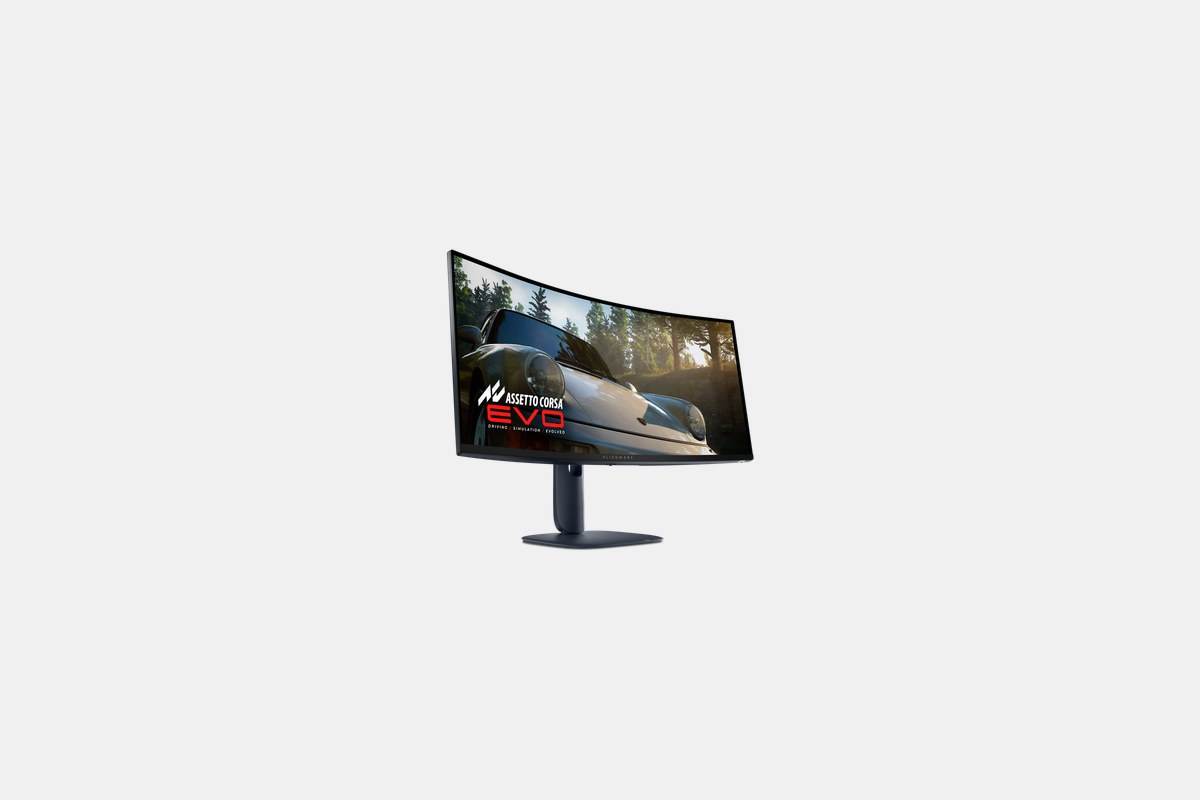
Priced at $800, the Alienware AW3425DW makes a stunning ultrawide QD-OLED experience more accessible. It builds on the success of its predecessors with a gorgeous 34-inch, 3440×1440 panel and a speedy 240Hz refresh rate.
I’ve always loved Alienware’s design, and this model looks fantastic on a desk. The 1800R curve is subtle but effective for immersion, and the performance in games is just what you’d expect: fast, vibrant, and incredibly smooth. For the money, this is one of the best ultrawide deals going.
The Downside: Alienware’s signature V-shaped stand is stylish but takes up a considerable amount of desk space. You might want to consider a VESA mount.

The Sony Inzone M9 II is a fantastic $950 monitor designed with the PlayStation 5 in mind, but it’s also an excellent choice for PC gamers. Its 27-inch 4K screen is incredibly sharp, and its full-array local dimming provides excellent HDR performance that few LCDs can match.
When connected to a PS5, it enables exclusive features like Auto HDR Tone Mapping and Auto Genre Picture Mode, which really do make a difference. But even on PC, the 160Hz refresh rate provides smooth gameplay and the visuals are striking. It’s the perfect monitor for a dual PC-and-console setup.
The Downside: Compared to other monitors in this price bracket, the 160Hz refresh rate feels a bit slow. Many competitors are pushing 240Hz or higher at 4K.
Choosing the right monitor comes down to a few key decisions. The first is the trade-off between resolution and refresh rate. For competitive esports, a 1080p panel with a 300Hz+ refresh rate is ideal. For a mix of everything, 1440p at 165Hz or higher is the sweet spot, while 4K is best for high-end PCs focused on visual fidelity.
Panel technology is the next big choice. OLED and QD-OLED panels offer perfect black levels, infinite contrast, and near-instantaneous response times, making them the best for image quality and motion clarity. IPS panels are a great all-around choice with good colors and viewing angles, while VA panels typically offer the best contrast ratio outside of OLED.
Finally, consider size and aspect ratio. A 25-inch or 27-inch 16:9 monitor is standard for most desks. But 34-inch and larger ultrawide (21:9) or super-ultrawide (32:9) monitors provide a more immersive experience, though they require a powerful GPU and a lot of desk space.
12 Best Clear iPhone Cases
Top 8 Neckband Earbuds
7 Best Crossbody Phone Cases
Best Toddler Cameras
