12 Best Clear iPhone Cases
12 Best Clear iPhone Cases

A dead laptop battery is the modern-day productivity killer. I’ve been there—stuck at an airport gate, deadline looming, with my MacBook Pro gasping at 3% battery. That’s why a portable laptop charger isn’t just an accessory; it’s a core part of my everyday carry.
But not all laptop power banks are created equal. You need to match the power bank’s output (in watts) to what your laptop needs. A 65W charger can handle an ultrabook like a Dell XPS 13, but a 16-inch MacBook Pro needs 100W or more to charge effectively while you’re working.
I’ve spent the last few months testing the best laptop power banks of 2026, plugging them into everything from M3 MacBooks to gaming laptops. I measured charging speeds, weighed them, and stuffed them into backpacks to see what’s actually practical. These are the ones that made the cut.
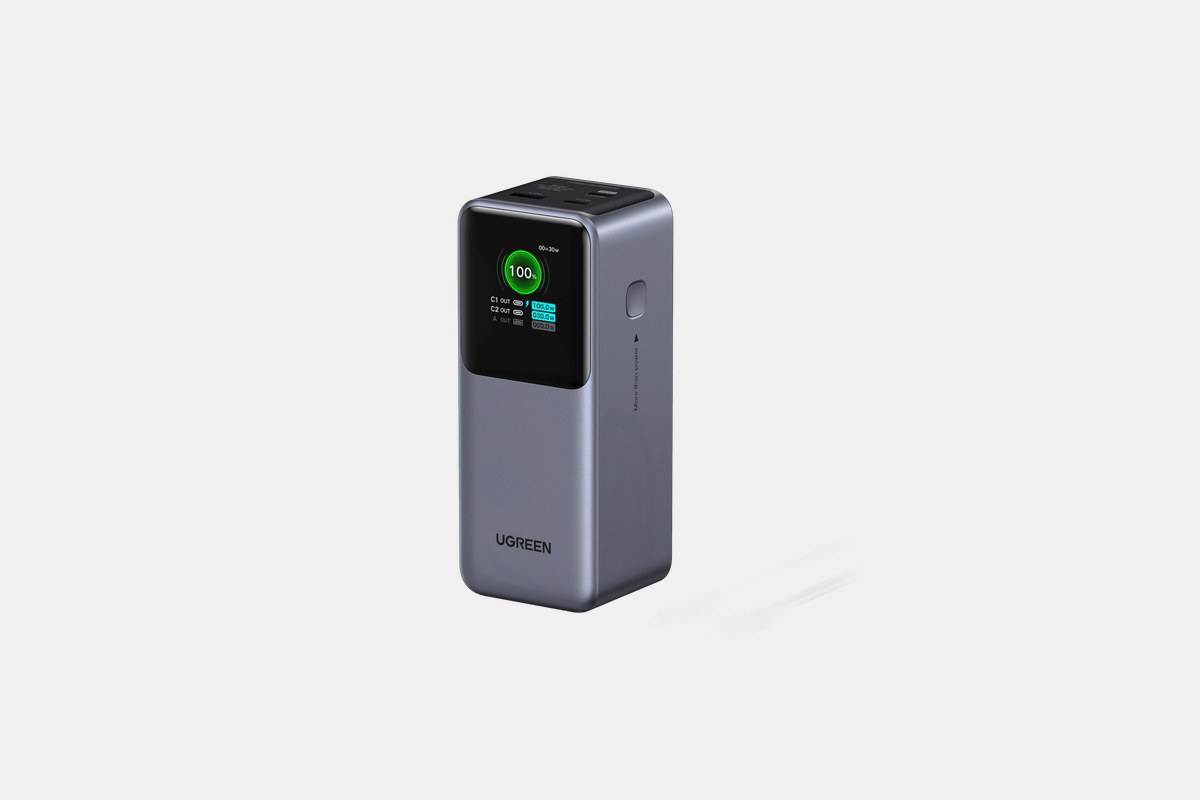
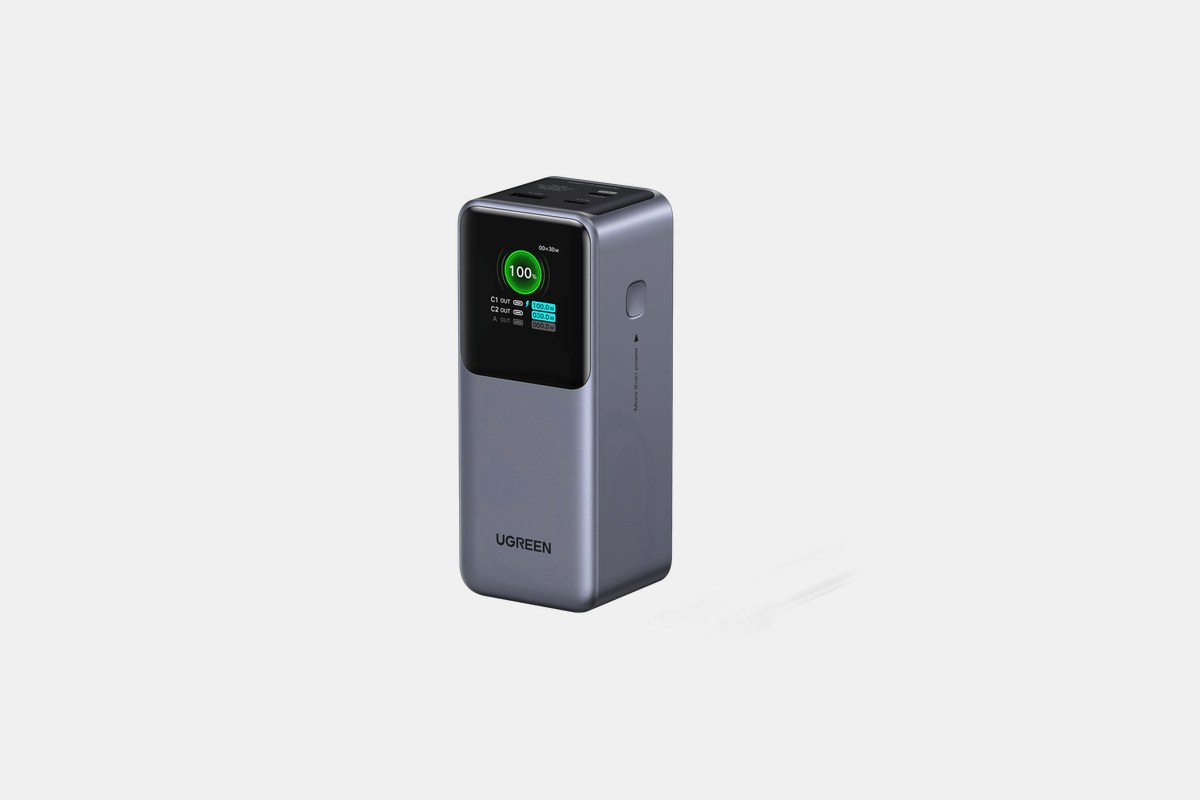
For around $80, the Ugreen Nexode delivers an incredible price-to-performance ratio. Its 100W USB-C output is plenty for most modern laptops, including my M2 MacBook Air, which it charged from 20% to full with juice to spare. You get a solid 20,000mAh of capacity, which is enough for about one full laptop charge.
The standout feature at this price is the small TFT display. It clearly shows which ports are being used and the exact wattage they’re pulling, taking the guesswork out of charging. With two USB-C ports and one USB-A, it’s versatile enough to charge your laptop, phone, and headphones all at once, and it’s airline-approved.
The Downside: It’s a bit of a brick. While it fits fine in a backpack, it’s too thick and heavy to slide into a small tech pouch or sling.
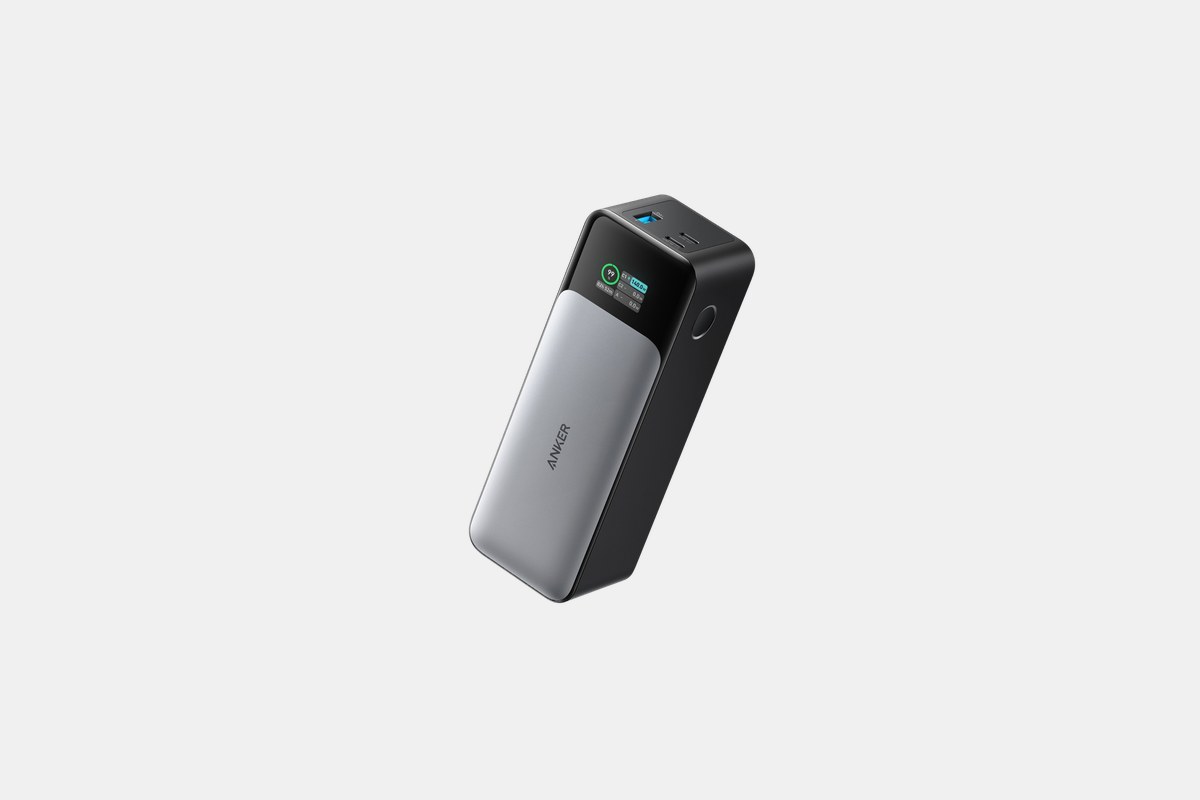
The Anker 737 costs about $110 and is my go-to for power-hungry machines. I’ve used this to keep a 16-inch MacBook Pro alive during a video render, and it didn’t flinch. The 140W USB-C output is the real deal, delivering maximum charging speed to compatible laptops.
Its 24,000mAh capacity provides more than a full charge for most laptops, or multiple top-ups for smaller devices. The smart display is genuinely useful, showing remaining battery percentage, input/output wattage, and even time until full or empty. It’s the benchmark for a high-performance portable laptop charger.
The Downside: This power bank is big and heavy. At over 600 grams, you’ll definitely feel it in your bag, and it’s absolutely not pocketable.
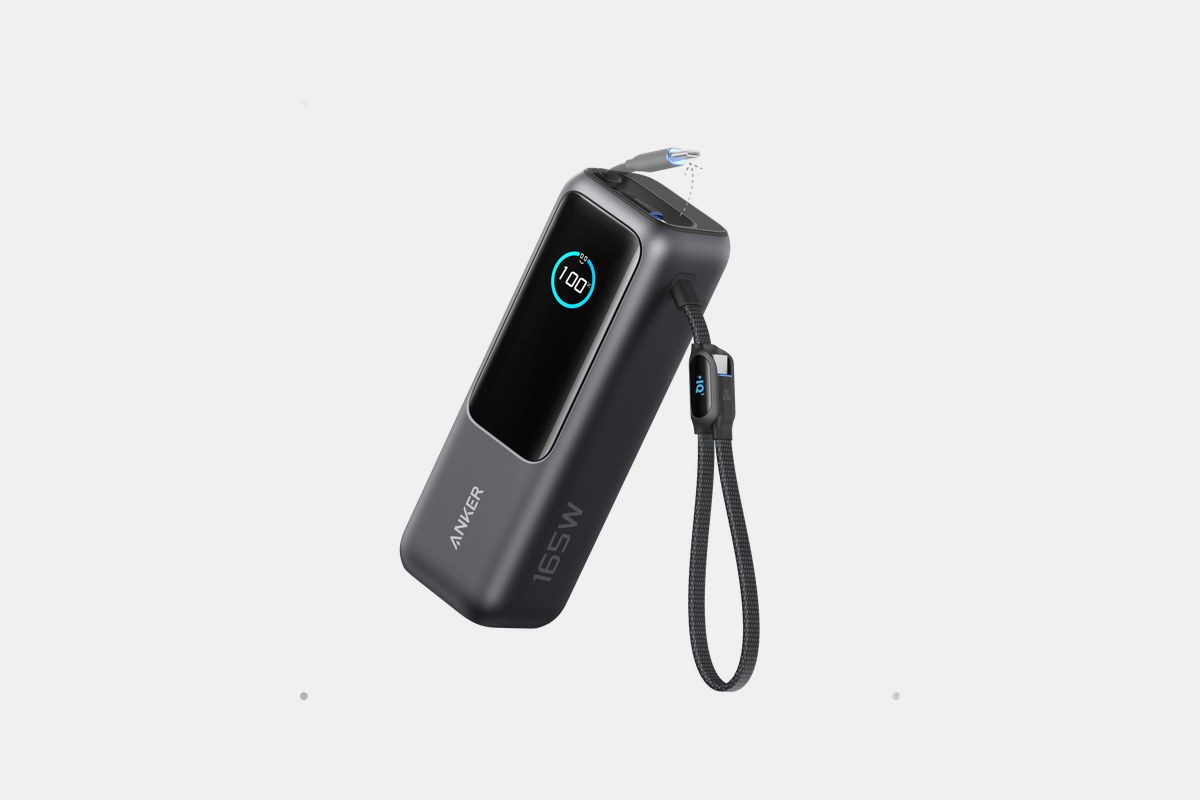
Priced around $110, this Anker model is built for the traveler who hates carrying extra cables. It has two built-in, retractable USB-C cables, which is fantastic for keeping your bag organized. Just pull one out, plug it into your laptop, and you’re charging.
With a 25,000mAh capacity and 165W of total output, it can easily handle a laptop and a couple of accessories simultaneously. Anker claims it can charge a MacBook Pro to 50% in just 33 minutes, and my testing confirmed it’s that fast. It’s also TSA-approved, so it’s ready for your next flight.
The Downside: The convenience of built-in cables adds weight. This is one of the heavier options on the list, making it less ideal for someone trying to keep their daily carry light.
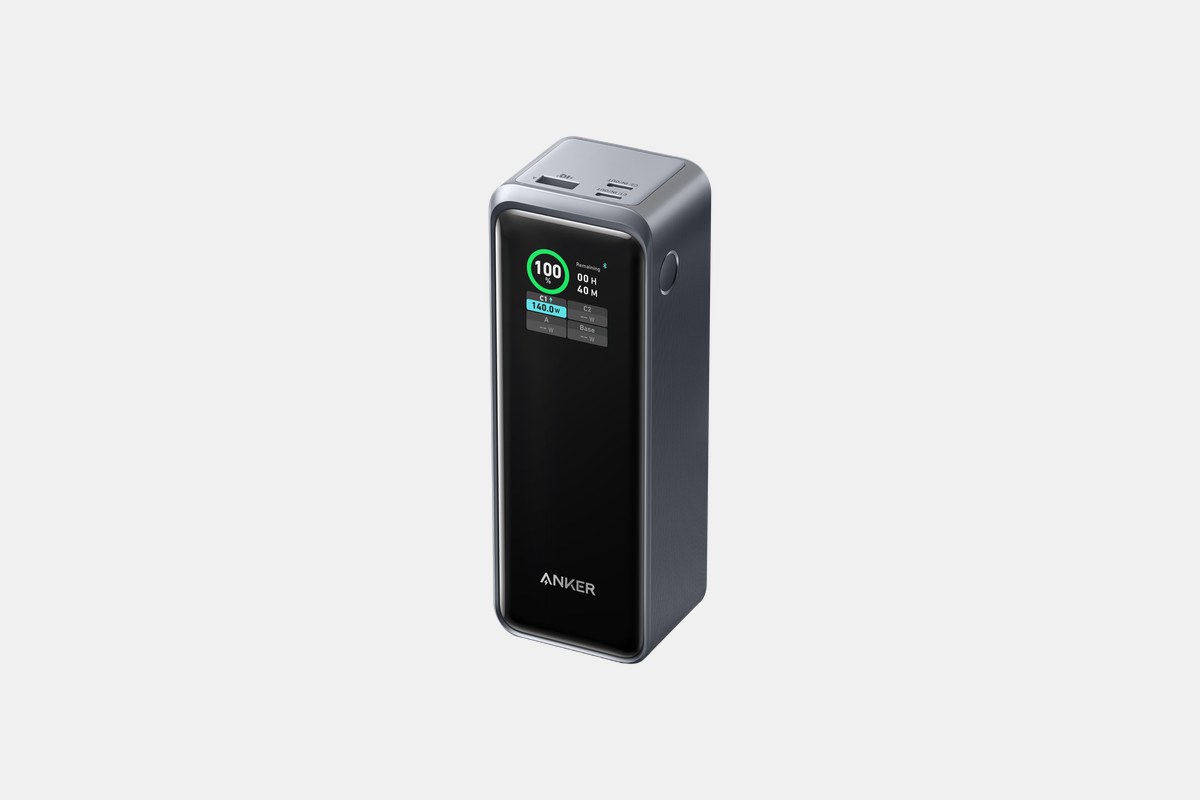
At $150, the Anker Prime is for true power users who need to charge everything, all at once. The spec sheet is absurd: 27,650mAh capacity and a massive 250W total output. More importantly, it can deliver up to 140W from a single USB-C port, or power two laptops at over 100W each simultaneously.
I tested this with a colleague; we charged both his Dell XPS 15 and my MacBook Pro 14-inch at the same time, and it worked flawlessly. The detailed smart display and Bluetooth app control are great for monitoring charging stats, but the real star is the sheer, unadulterated power.
The Downside: It’s expensive, big, and heavy. This is overkill for most people and is best suited for professionals with multiple high-wattage devices.
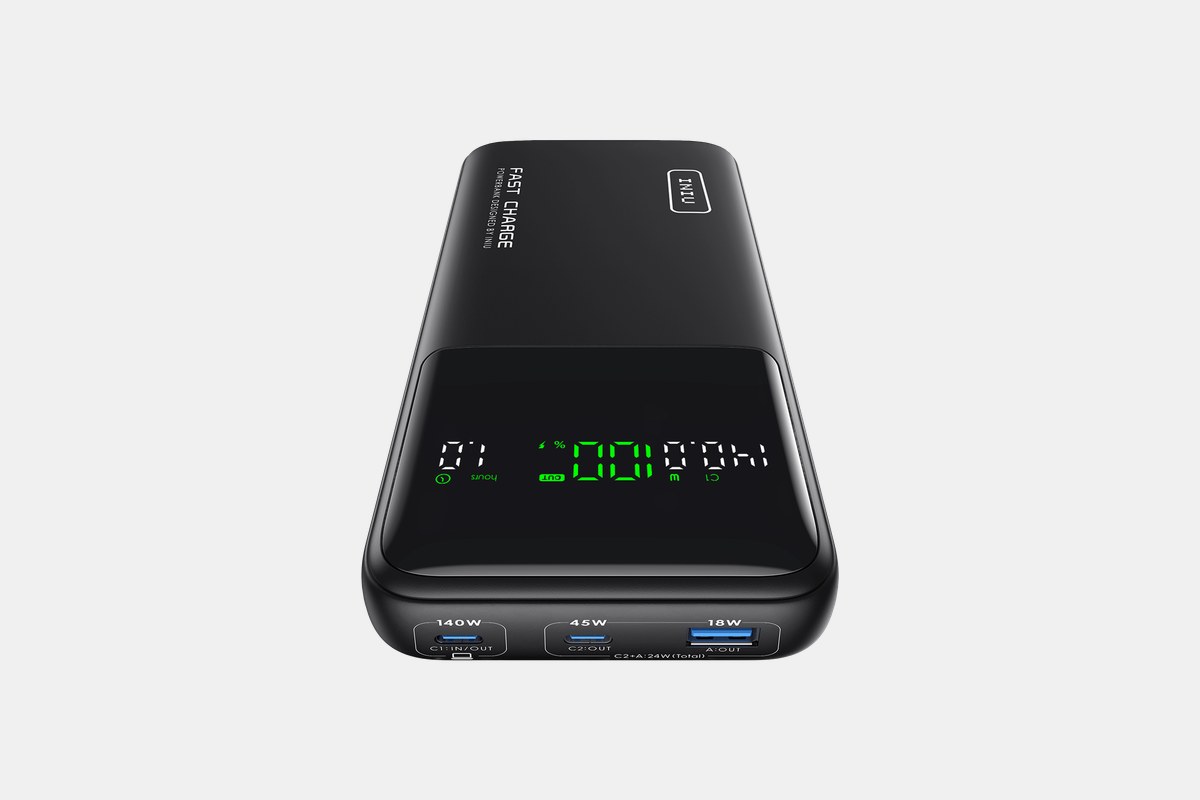
For just $70, the INIU B64 is the best value on this list. You get a massive 27,000mAh capacity and a 140W max output from one of its USB-C ports. That’s enough power and capacity to compete with the Anker 737, but for significantly less money.
It reliably charged every laptop I threw at it, from ultrabooks to power-hungry creative machines. It has two USB-C ports and a USB-A port for wide compatibility. If you just want a ton of power and don’t care about fancy screens or apps, this is the one to buy.
The Downside: It’s very basic. The display is a simple numerical percentage, lacking the detailed input/output information of its Anker and Ugreen rivals.
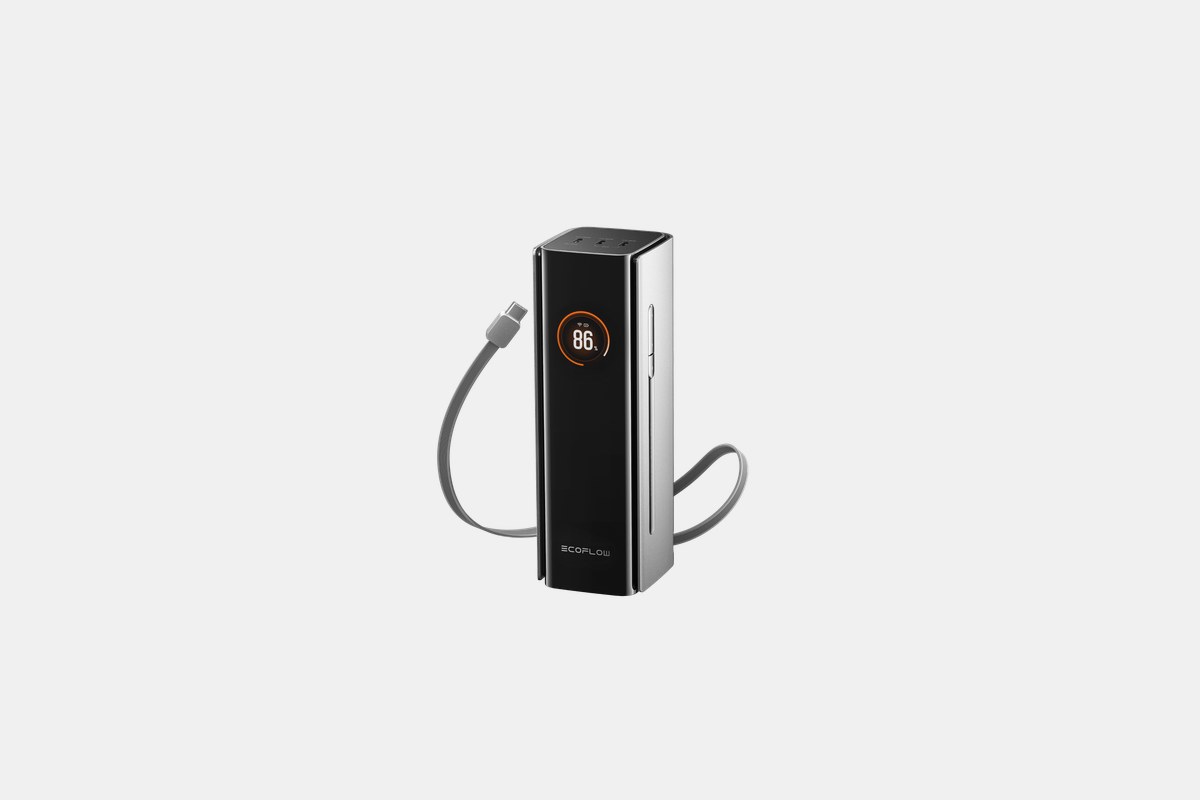
The EcoFlow RAPID Pro is a premium option at $190, but it packs some serious tech. The integrated, retractable USB-C cable can push a full 140W, making it perfect for quickly juicing up a nearly dead laptop without hunting for a separate cable. With a total output of 300W, it’s also a multi-device monster.
Its 27,650mAh (99.54Wh) capacity sits right at the legal limit for air travel, giving you the most possible power for a flight. And it recharges incredibly fast, hitting 80% in under an hour with a powerful wall adapter. This is for professionals who can’t afford any downtime.
The Downside: That performance comes at a high price. It’s the most expensive power bank on this list.
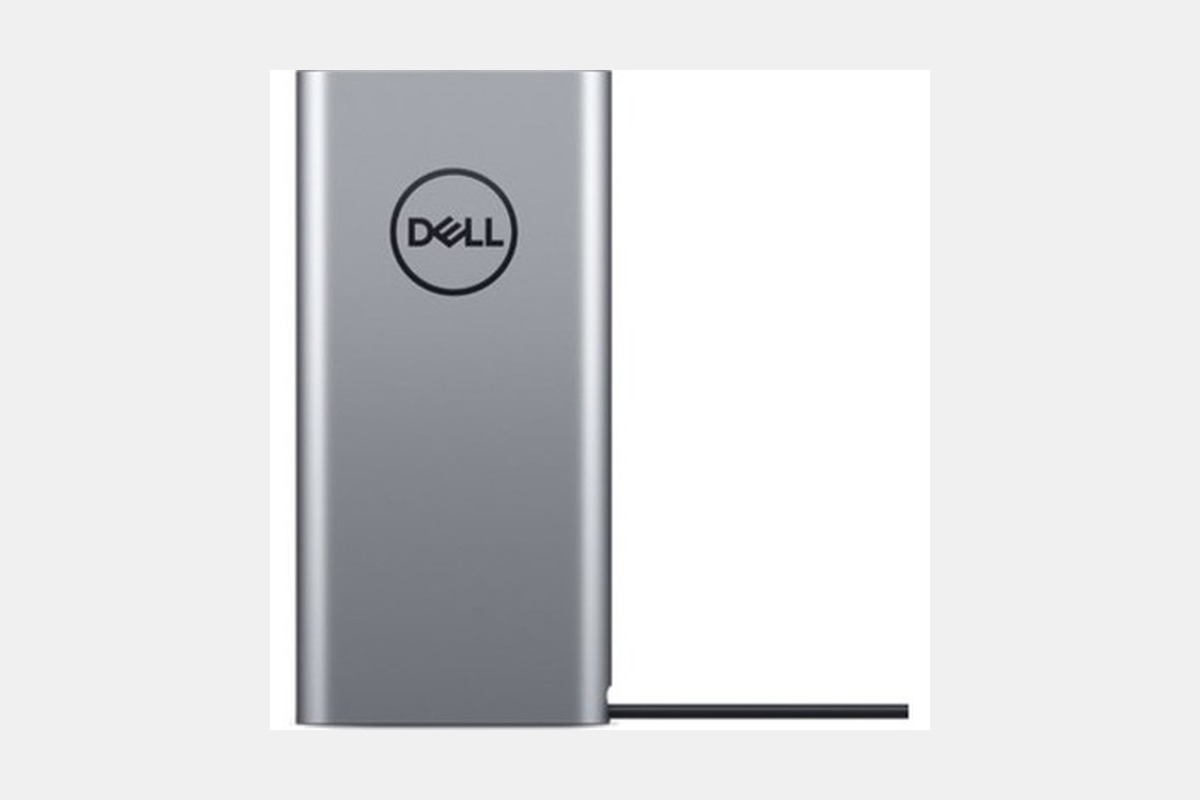
If you’re using a Dell laptop, this $120 power bank is designed specifically for you. It outputs 65W via USB-C, perfectly matching the power adapter that comes with laptops like the XPS 13 and Latitude series. At just 1.06 lbs (480g), it’s one of the more portable options here.
Its best feature is pass-through charging. You can plug your Dell wall adapter into the power bank and the power bank into your laptop. This charges your notebook first, then recharges the power bank, so you can pack up with both devices fully charged. It also has a 10W USB-A port for your phone.
The Downside: The 65W output is on the low side for 2026. It will struggle to charge more powerful 15-inch laptops or gaming notebooks, especially while they’re in use.
The most important spec is the wattage (W) output of the USB-C port. Check the power adapter that came with your laptop—if it says 65W, 96W, or 140W, you need a power bank that can match or exceed that number to get the best charging speeds. Using an underpowered one will result in slow charging or, in some cases, the battery draining even while plugged in.
Next is capacity, measured in milliamp-hours (mAh) or watt-hours (Wh). For air travel, the TSA limit is 100Wh without airline approval. Most of these high-capacity power banks, like the 27,650mAh models, are designed to be exactly 99.54Wh to comply with that rule. A 20,000mAh pack is good for about one laptop charge, while a ~27,000mAh pack can get you closer to one and a half charges.
Finally, consider the size, weight, and features. Do you need multiple ports to charge your phone and headphones too? Is a smart display with detailed power info important to you? Or is a compact size the top priority for your daily commute? Answering those questions will point you to the right choice for your setup.
12 Best Clear iPhone Cases
Top 8 Neckband Earbuds
7 Best Crossbody Phone Cases
Best Toddler Cameras
